

Create a Freshdesk ticket from each new Qualtrics mention or case
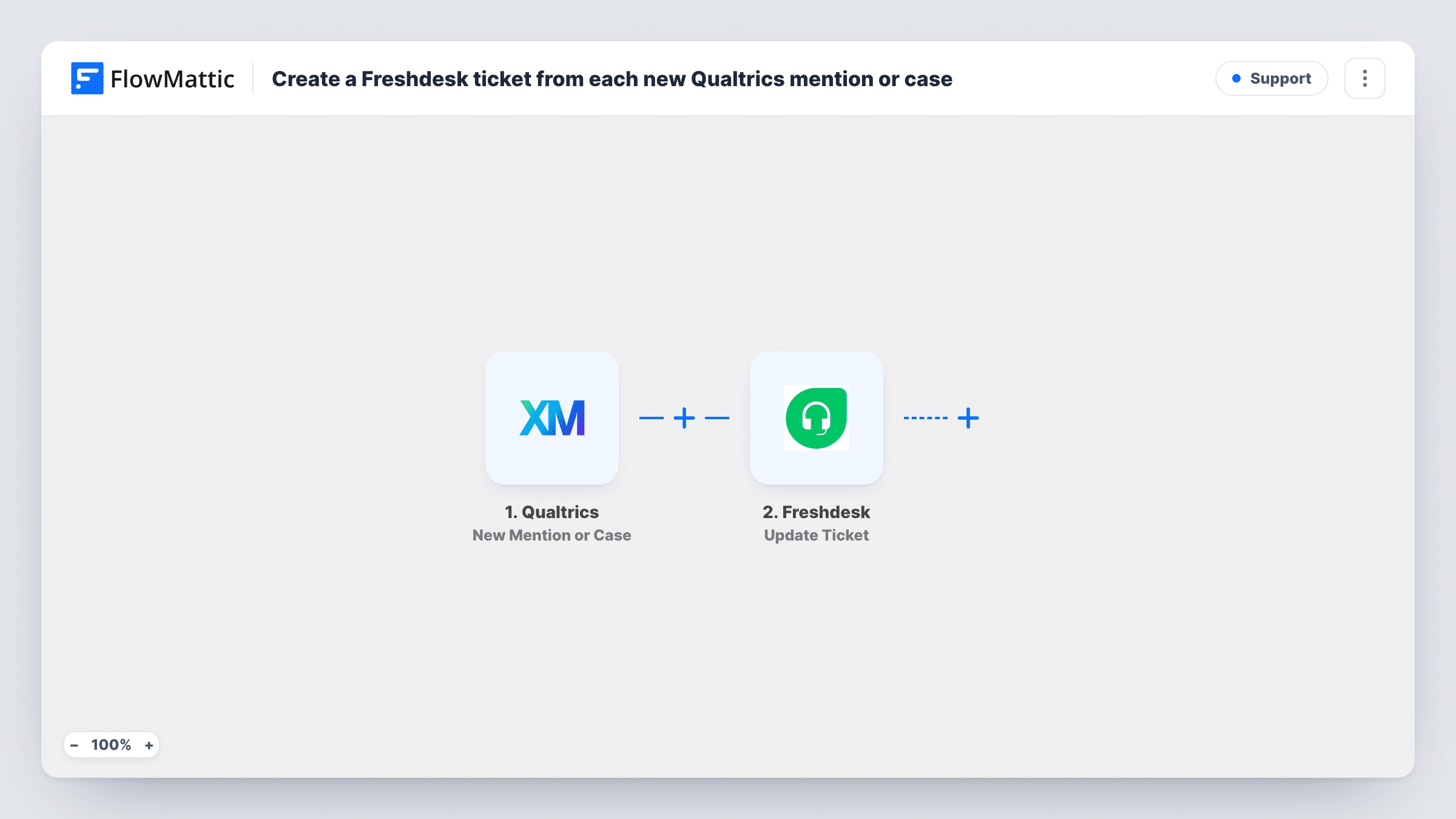
Each new mention or case that comes in from Qualtrics is sent to Freshdesk through an API by FlowMattic POST request that you set up, so customer feedback that needs an answer opens a Freshdesk ticket.
 Qualtrics
 API by FlowMattic
2 steps Setup ~5 min Used on 2.2k sites Free to import
What this workflow does
Qualtrics collects feedback and flags the mentions and cases that need someone to respond, while your support team lives in Freshdesk. Copying each case across by hand means delays and missed follow-ups. This workflow sends every new Qualtrics mention or case to Freshdesk as a ticket request.
A run begins each time Qualtrics receives a new mention or case. Its details, such as the customer's contact information and the text of the case, are passed on; run a test to see which fields your Qualtrics setup sends.
FlowMattic's Freshdesk integration has triggers but no ticket action, so the second step is a POST request made with API by FlowMattic. This step ships unmapped: after import you set up the request to Freshdesk's ticket-creation API yourself, using your Freshdesk account details and the request format in Freshdesk's API documentation, then map the Qualtrics fields into it.
Every new mention or case sends one request, so each becomes its own ticket once the request is set up. Test with a single case and check Task History to see the response Freshdesk returned, including any error it reports about missing or invalid fields.
Detractor follow-up in the help desk
A software company routes the cases Qualtrics opens for unhappy survey responses into Freshdesk, so support agents call the customer back from their usual queue.
Social mentions that need a reply
A retailer whose Qualtrics account picks up brand mentions turns each new one into a Freshdesk ticket, so the social team answers it like any other request.
One queue for feedback and support
A service business keeps all customer issues in Freshdesk, whether they come by email or through a Qualtrics case, so reporting covers both.
How this workflow runs
What happens at each step once the workflow is on, and what you need before you import it.
 Qualtrics New Mention or Case
Fires when a new mention or case comes in from Qualtrics. The case details become available to map into the Freshdesk request; check one test case to learn the field names.
- API by FlowMattic POST
Sends a POST request with API by FlowMattic. Nothing is configured in the template: after import, set up the request to Freshdesk's ticket API with your account details, and map the Qualtrics fields into the body.
What you need
- FlowMatticCore
- Qualtrics AccountAccount
After importing, map your own data. To keep the template universal, not every step is pre-filled. Open each step in the builder and connect your accounts and fields (channels, lists, sheets, recipients) before you switch the workflow on.
Make it yours
Changes worth making after you import it.
- Follow Freshdesk's API documentation for creating tickets when you build the request, and test it with one Qualtrics case before turning the workflow on.
- Map the customer's email from Qualtrics into the request, so Freshdesk can link the ticket to the right requester.
- If only cases matter and not mentions, check a test run for a field that tells them apart, then put a Filter on it between the Qualtrics trigger and the POST step.
Questions about this workflow
Why does this workflow use API by FlowMattic instead of a Freshdesk action?
FlowMattic's Freshdesk integration offers triggers, such as New Ticket, but no action that creates a ticket. The API step lets you call Freshdesk's own API to do it.
What do I need to set up in the POST request?
The Freshdesk ticket endpoint for your account, your authentication details and a request body with the ticket fields, all following Freshdesk's API documentation. The template leaves every part of the request for you to fill in.
Which Qualtrics details end up in the Freshdesk ticket?
Only what you map into the request body. Run a test after import to see the fields the New Mention or Case trigger sends, then map the ones your agents need.
How can I confirm Freshdesk accepted the ticket request?
Open the run in Task History and read Freshdesk's response to the POST step. A successful call returns the new ticket's details, and a failed one returns Freshdesk's error message.
More Support workflows
Other ready-to-import templates from the same category.




Import this workflow into your WordPress site
Download the JSON, import it from the Workflows screen and connect your accounts. Every run stays on your server, with no per-task fees.
30-day money-back guarantee Unlimited workflows and runs Self-hosted