

Create a Freshdesk ticket from each new Comm100 offline message
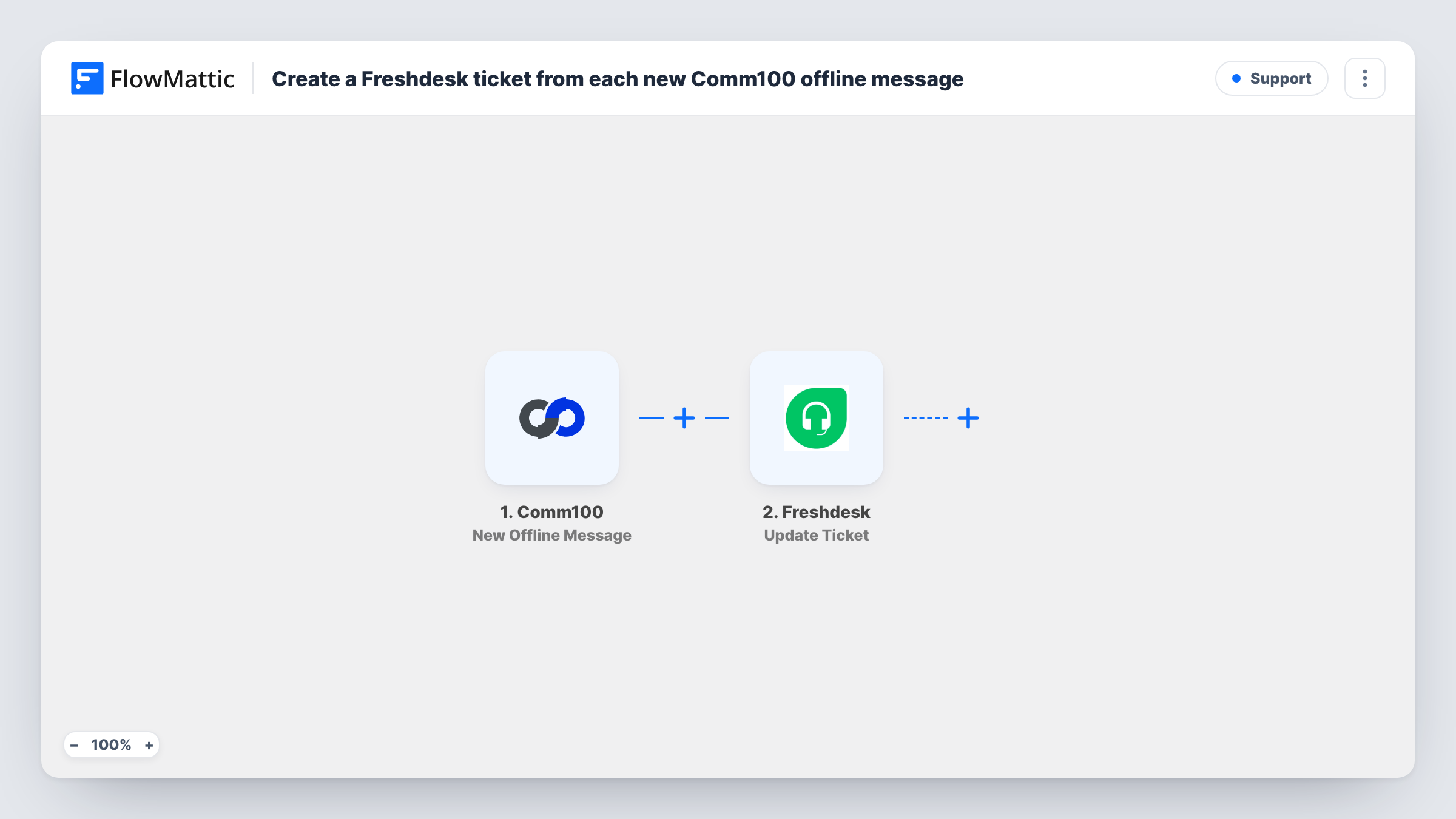
Each offline message left in Comm100 is sent to Freshdesk as a new ticket through an API by FlowMattic POST request, so visitors who write after hours land in your help desk queue.
 Comm100
 API by FlowMattic
2 steps Setup ~5 min Used on 2.7k sites Free to import
What this workflow does
Offline messages are the questions people leave when no agent is online, and they are easy to lose if they stay in the chat tool. Turning each one into a Freshdesk ticket puts it in the queue your team already works from, with the usual assignment and reply tools.
The Comm100 New Offline Message trigger fires when a visitor leaves an offline message. FlowMattic passes that message and the details the visitor entered to the next step.
FlowMattic's Freshdesk integration offers triggers only, so the ticket is created with API by FlowMattic. Nothing in that request is filled in yet, so after import you enter the address of Freshdesk's ticket API for your account and the authentication Freshdesk asks for, as Freshdesk's API documentation describes. Then you build the request body by mapping Comm100 data, such as the visitor's email, a subject and the message text, into the ticket fields Freshdesk expects.
Every offline message starts a run and sends one request. Leave a test message in Comm100 and open Task History to see the request FlowMattic sent and what Freshdesk returned, including any error it reports for a missing or wrong field.
After-hours questions for the morning shift
A support team that staffs chat in office hours finds the night's Comm100 offline messages waiting as Freshdesk tickets when it logs in.
Weekend messages on an online store
A shop's visitors leave delivery and returns questions over the weekend, and each becomes a ticket the team answers on Monday from Freshdesk.
One queue for chat and email support
A software company keeps email and Comm100 offline messages in the same Freshdesk queue so agents don't switch between tools.
How this workflow runs
What happens at each step once the workflow is on, and what you need before you import it.
 Comm100 New Offline Message
Fires when a visitor leaves an offline message in Comm100. The message and the contact details the visitor entered are passed to the API step.
- API by FlowMattic POST
Calls Freshdesk's API with a POST request that opens a ticket for the offline message. As shipped it is empty: add your Freshdesk ticket API address and authentication, then map the Comm100 message into the request body.
What you need
- FlowMatticCore
- Comm100 AccountAccount
After importing, map your own data. To keep the template universal, not every step is pre-filled. Open each step in the builder and connect your accounts and fields (channels, lists, sheets, recipients) before you switch the workflow on.
Make it yours
Changes worth making after you import it.
- Map the visitor's email from the Comm100 trigger into the ticket request, so Freshdesk links the ticket to a requester your agents can reply to.
- Start the ticket subject with a fixed tag such as Comm100 offline, followed by the visitor's name, so agents can tell these tickets apart in the queue.
- Put a Filter between the Comm100 trigger and the POST step that continues only when the visitor's email is not empty, so every ticket that reaches Freshdesk has someone to reply to.
Questions about this workflow
Why does this use API by FlowMattic instead of a Freshdesk action?
FlowMattic's Freshdesk integration has triggers, such as new tickets and contacts, but no action that creates a ticket. The API by FlowMattic POST step calls Freshdesk's API directly instead.
Which Freshdesk details does the Comm100 ticket request need?
Your Freshdesk account's ticket API address and the credentials Freshdesk's API accepts, such as an API key from an agent profile. Freshdesk's API documentation lists the address and the fields a new ticket needs.
How do I see whether Freshdesk created the ticket from a Comm100 message?
Look at that run in Task History, which shows the request FlowMattic sent and Freshdesk's response, which includes the new ticket's details or the error Freshdesk returned.
Are Comm100 chats that agents answered also sent?
No. The trigger is New Offline Message, so only messages left while no agent is available start a run. FlowMattic's Comm100 integration has separate triggers such as Chat Ended.
More Support workflows
Other ready-to-import templates from the same category.







Import this workflow into your WordPress site
Download the JSON, import it from the Workflows screen and connect your accounts. Every run stays on your server, with no per-task fees.
30-day money-back guarantee Unlimited workflows and runs Self-hosted