

Create a Google Docs file from every new MarketBox client
Each time a client is created in MarketBox, this workflow creates a new Google Docs file for them, with a title and any starting text you build from the client’s details.
 MarketBox
 Google Docs
2 steps Setup ~5 min Used on 3.3k sites Free to import
What this workflow does
Many service businesses keep a document per client: intake notes, preferences, a record of past visits. Starting that file by hand for every new client is easy to put off. This workflow creates it as soon as the client exists in MarketBox.
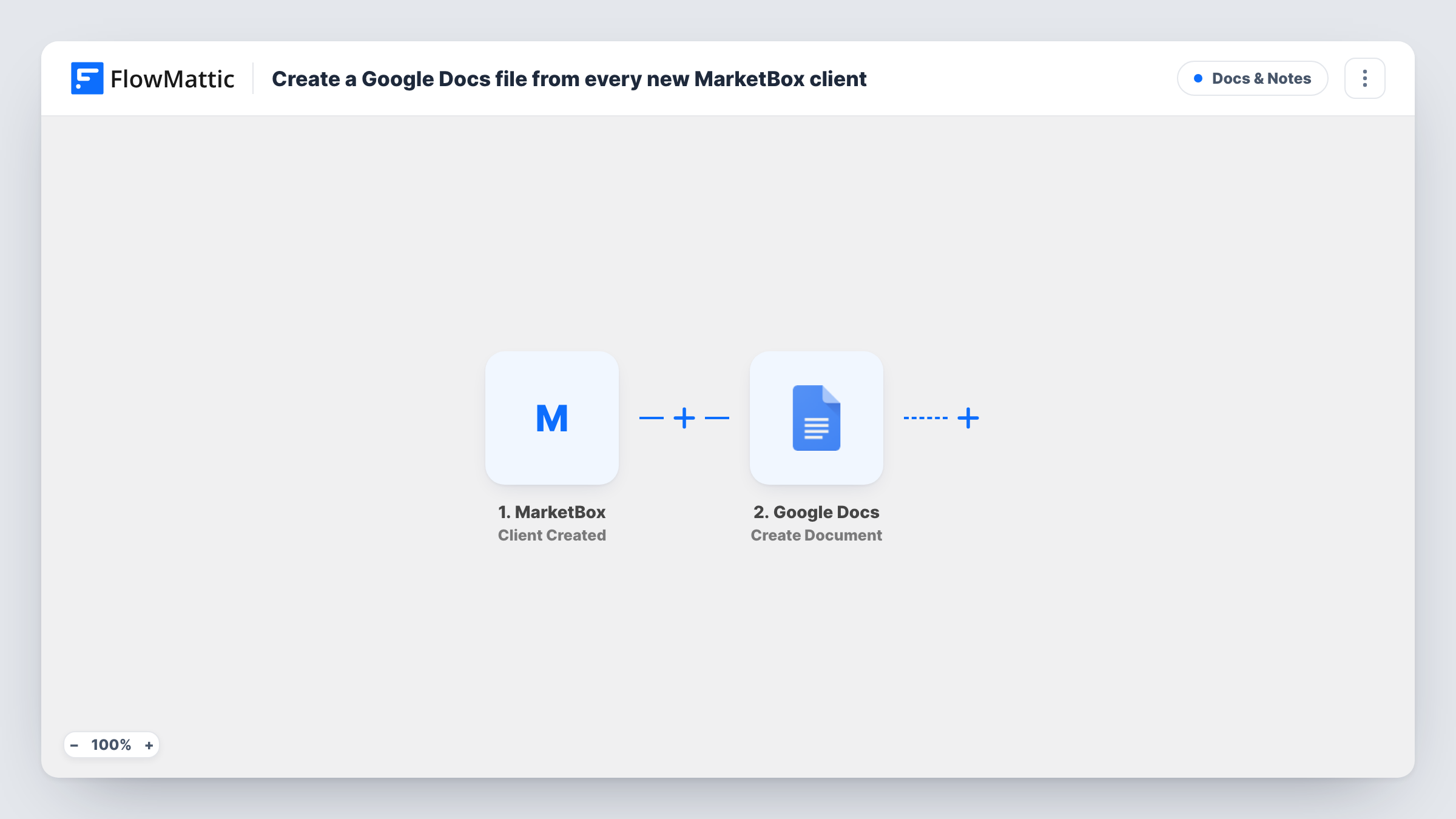
The MarketBox trigger fires when a new client is created. FlowMattic receives the client record and makes its fields available. The Google Docs step then creates a new document in the Google account you connect. You set the document title from the client's details, such as their name, and can add optional starting content from the same fields.
The step makes a plain new document, not a copy of a template. If you want every client file to follow a fixed layout, the tips explain how to switch to Google Docs' template action. Every run is logged in Task History, so you can check which client created which file.
Client notes for a salon or spa
When a new client is added in MarketBox, a Google Doc named after them is ready for staff to record preferences and treatment notes.
Intake record for a home service business
Each new client gets a document holding their contact details, where the team later adds the address details and job history.
Shared files for a small agency
Account managers find a Google Doc for every new MarketBox client in Drive and use it for meeting notes and agreed terms.
How this workflow runs
What happens at each step once the workflow is on, and what you need before you import it.
 MarketBox Client Created
Fires when a new client is created in MarketBox. The client's details are passed on to the Google Docs step for mapping.
- Google Docs Create Document
Creates a new Google Doc in your connected account. Build the title from the client's name, and optionally map client details into the starting content.
What you need
- FlowMatticCore
- MarketBox AccountAccount
- Google Docs AccountAccount
After importing, map your own data. To keep the template universal, not every step is pre-filled. Open each step in the builder and connect your accounts and fields (channels, lists, sheets, recipients) before you switch the workflow on.
Make it yours
Changes worth making after you import it.
- Need a standard layout? Replace this step with Google Docs' Create Document From Template action and fill the template with the client's details.
- Put the client's name and the creation date in the document title, so files sort cleanly in Google Drive.
- Create a test client in MarketBox after import so FlowMattic captures the client fields before you map them.
Questions about this workflow
Where is the MarketBox client document saved?
The file is created in whichever Google account is linked on import. Run a test to see whether the step lets you pick a folder; otherwise move or organise files in Drive afterwards.
Is the Google Doc updated when the MarketBox client changes?
No. This workflow only runs when a client is created. MarketBox has a separate Client Updated trigger if you want to act on changes.
Can the document start from my own template?
Not with Create Document, which makes a new file with optional content. Use the Create Document From Template action for that.
Will clients created before import get a document?
No. Only clients created after the workflow is switched on start a run.
More Docs & Notes workflows
Other ready-to-import templates from the same category.





Import this workflow into your WordPress site
Download the JSON, import it from the Workflows screen and connect your accounts. Every run stays on your server, with no per-task fees.
30-day money-back guarantee Unlimited workflows and runs Self-hosted