

When a Fynzo Survey is submitted, save it to Notion and notify the team on Discord
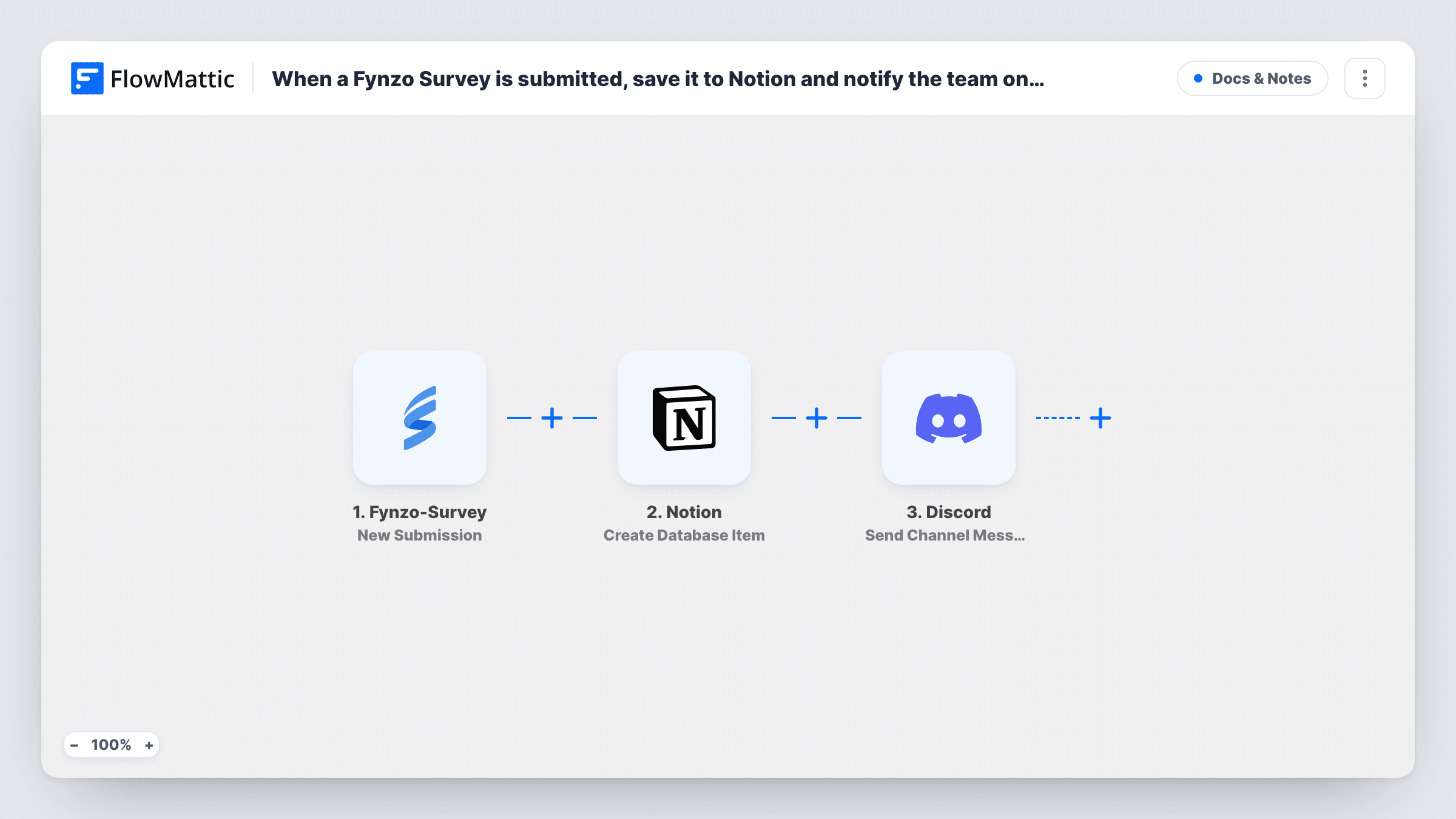
Every new Fynzo Survey response becomes an item in your Notion database, and a message in a Discord channel tells your team a response has come in.
 Fynzo-Survey
 Notion
 Discord
3 steps Setup ~5 min Used on 1.9k sites Free to import
What this workflow does
Survey answers are most useful where your team already plans its work. If that place is Notion, copying each response in by hand is slow, and nobody knows a new one arrived until they check. This workflow files each response in Notion and posts a heads-up in Discord.
When someone submits your Fynzo Survey, the trigger passes their answers to FlowMattic. The Notion step creates an item in the database you choose, with each property filled from an answer you map. The Discord step then posts a message to the channel you pick, and it can quote answers from the response.
Both steps run for every submitted response. Each run shows in Task History, so you can see what was sent to Notion and Discord and spot a step that returned an error.
Product feedback board
Users answer a feature survey in Fynzo. Each response becomes a Notion database item your product team can sort, and the Discord channel shows the new feedback as it lands.
Community applications
Applicants to your Discord community fill in a Fynzo form. Moderators review each one in Notion after the channel post tells them it arrived.
Post-event surveys
Attendee ratings collect in a Notion database for the event recap, while the organisers' Discord channel shows each one as it comes in.
How this workflow runs
What happens at each step once the workflow is on, and what you need before you import it.
 Fynzo-Survey New Submission
Starts whenever a respondent finishes and submits your Fynzo Survey. Every answer in the response can be mapped into the Notion and Discord steps.
- Notion Create Database Item
Adds one new item per survey response to a Notion database of your choosing. Connect Notion, give it access to that database, and map survey answers to the database's properties.
- Discord Send Channel Message
Sends a note about the response to a Discord channel you pick. Write the text and add survey answers or details from the new Notion item to it.
What you need
- FlowMatticCore
- Fynzo Survey AccountAccount
- Notion AccountAccount
- Discord AccountAccount
After importing, map your own data. To keep the template universal, not every step is pre-filled. Open each step in the builder and connect your accounts and fields (channels, lists, sheets, recipients) before you switch the workflow on.
Make it yours
Changes worth making after you import it.
- Share the target database with your FlowMattic connection in Notion before the first run, or the Notion step can't find it.
- Add a Filter before the Discord step so only responses with a low score reach the channel, while Notion still stores every response.
- Submit a test response after import so FlowMattic captures your survey's fields, then map them in both steps.
Questions about this workflow
Do I need a particular Notion database layout?
No. Use any database you can share with your Notion connection. Each survey answer is mapped to a property you choose in the Notion step.
Can the Discord message link to the new Notion item?
Data returned by the Notion step can be mapped into the Discord message. Run a test to see which fields Notion returns, then add the one you want.
Does every Fynzo response post to Discord?
Yes, as imported. Every submitted response creates a Notion item and a Discord message. Add a Filter before the Discord step to limit which ones post.
Are past Fynzo Survey responses copied to Notion?
No. The trigger fires on new responses, so only answers submitted after you turn the workflow on are saved and announced.
More Docs & Notes workflows
Other ready-to-import templates from the same category.




Import this workflow into your WordPress site
Download the JSON, import it from the Workflows screen and connect your accounts. Every run stays on your server, with no per-task fees.
30-day money-back guarantee Unlimited workflows and runs Self-hosted