

Create a Notion page for each Linear project update
Each time a Linear project is updated, FlowMattic creates a new Notion page under a parent page you choose, holding the project details you map, so progress can be read outside Linear.
 Linear
 Notion
2 steps Setup ~5 min Used on 2.1k sites Free to import
What this workflow does
Linear is where engineers track a project, but people in sales, support or leadership often live in Notion and never open Linear. This workflow writes a Notion page whenever a Linear project changes, so the record of that change sits where the wider company reads.
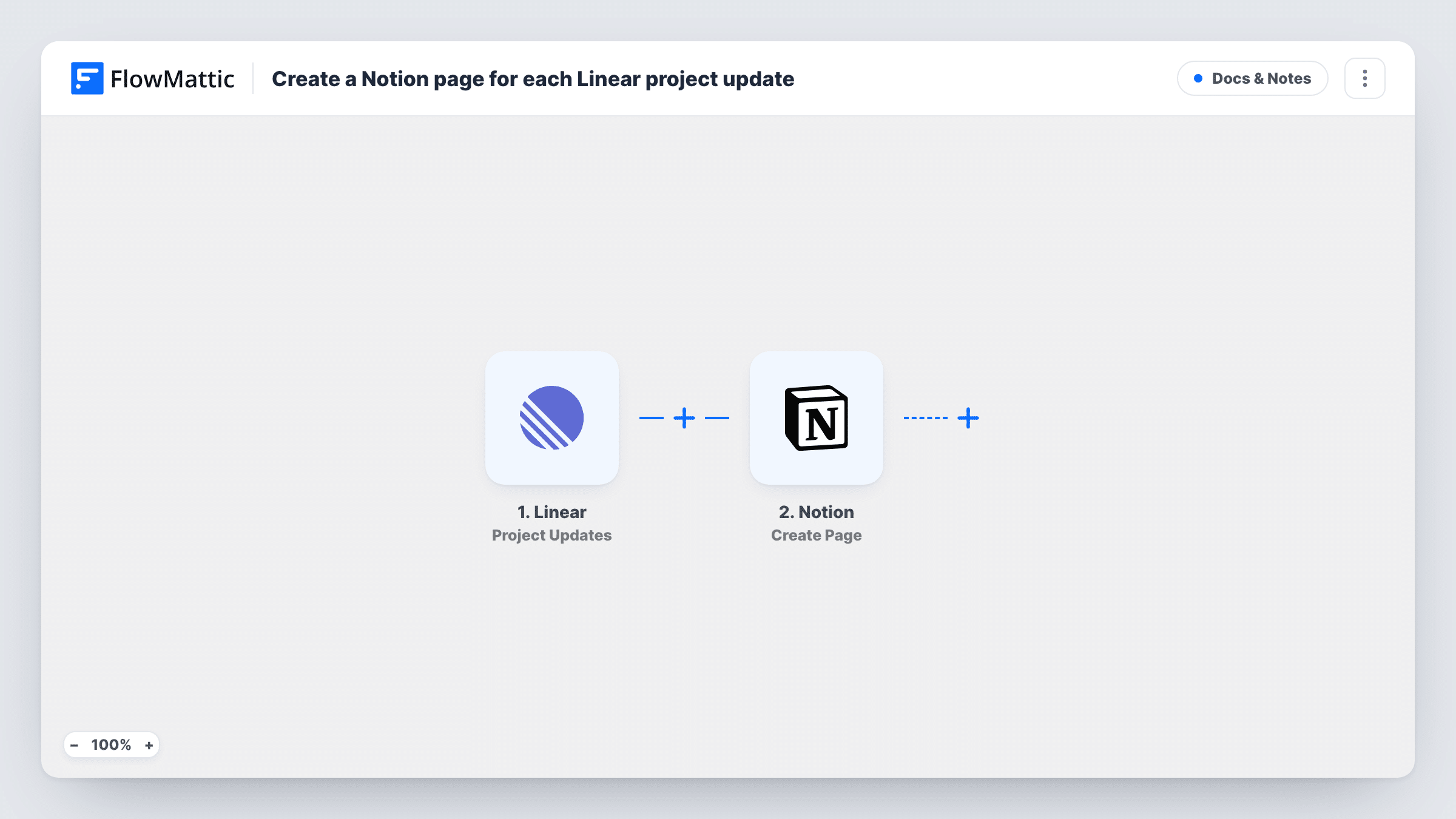
The Linear trigger, Project Updates, fires when a project is updated. FlowMattic passes the project data to Notion, whose Create Page action adds a page inside the parent page you pick. You decide what goes in the title and body, such as the project name, state and the time of the change.
Every update to a project starts a run, and each run makes a separate page. A busy project edited many times a day fills the parent page quickly. Fire a test update after import to see which fields Linear sends, then decide whether a Filter should hold back minor changes.
Company-wide progress log
Each change to a Linear project adds a dated Notion page under Engineering Updates, which the whole company can browse without a Linear seat.
Client-facing project journal
An agency keeps a Notion page per client. Updates to that client's Linear project add child pages the account manager can share.
Release notes drafting
Product managers collect the Notion pages created during a cycle and turn them into the written summary for the release.
How this workflow runs
What happens at each step once the workflow is on, and what you need before you import it.
 Linear Project Updates
Fires when a project in your connected Linear workspace is updated. The project's details from the event are passed on for the Notion page.
- Notion Create Page
Adds a fresh Notion page beneath the parent page you choose. Map Linear's project name into the title and any other project fields into the content, then connect your Notion workspace.
What you need
- FlowMatticCore
- Linear AccountAccount
- Notion AccountAccount
After importing, map your own data. To keep the template universal, not every step is pre-filled. Open each step in the builder and connect your accounts and fields (channels, lists, sheets, recipients) before you switch the workflow on.
Make it yours
Changes worth making after you import it.
- Share the parent page with your FlowMattic integration in Notion before the first run, or Notion won't let the step add pages under it.
- Add a Filter after the trigger on the project name or team, taken from a test run, so only the projects you care about produce Notion pages.
- Put the update time in the page title, so the child pages sort into a readable timeline under the parent page.
Questions about this workflow
Does each Linear project change make a new Notion page?
Yes. The step is Create Page, so every update produces a separate page. Nothing in the template edits an earlier page for the same project.
Does the workflow fire when a Linear project is first created?
Not on this trigger. Linear's Projects trigger covers new projects in FlowMattic, so add a second workflow on it if you want a page at creation too.
Can the Notion page go into a database instead?
As shipped, the page goes under a parent page. If you keep updates in a Notion database, swap the step for Notion's Create Database Item action and map the same Linear fields.
More Docs & Notes workflows
Other ready-to-import templates from the same category.





Import this workflow into your WordPress site
Download the JSON, import it from the Workflows screen and connect your accounts. Every run stays on your server, with no per-task fees.
30-day money-back guarantee Unlimited workflows and runs Self-hosted