

Create a HubSpot CRM contact for each new carrot lead captured
When a form on your carrot real estate site captures a new lead, this workflow creates a HubSpot CRM contact from the lead’s details, so sellers and buyers reach your pipeline without manual entry.
 carrot
 HubSpot CRM
2 steps Setup ~5 min Used on 2.1k sites Free to import
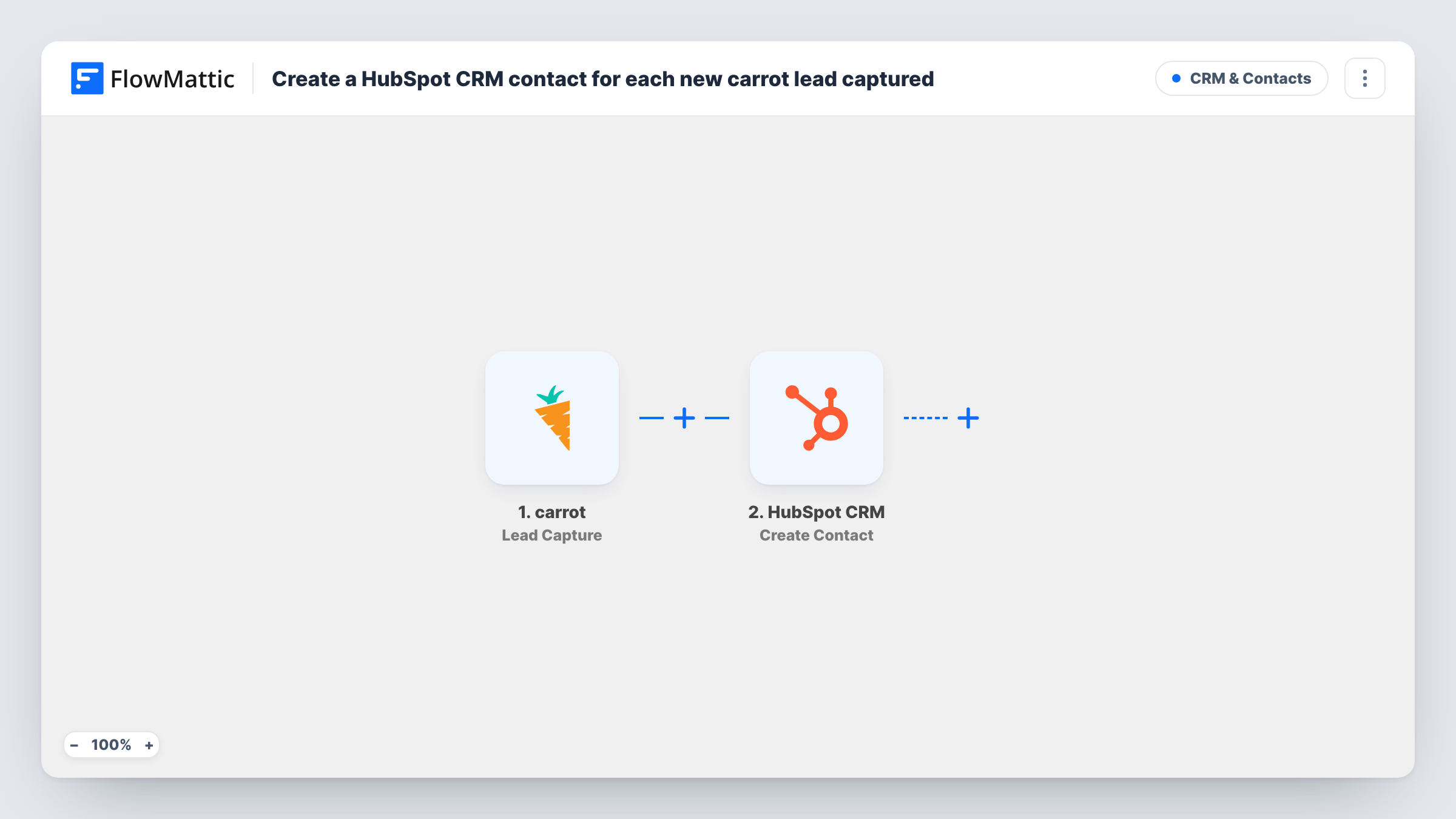
What this workflow does
carrot sites are built to turn visitors, such as motivated sellers or home buyers, into leads through their forms. If your team works deals in HubSpot, each lead has to be copied across before anyone can call them. This workflow creates the HubSpot contact as soon as carrot captures the lead.
The carrot trigger fires when a new lead is captured through a form submission on your site. FlowMattic passes the lead's details to HubSpot CRM, where the Create Contact step adds a contact from the values you map.
The HubSpot action here is create-only and doesn't search for a matching contact first. If someone fills in a second carrot form with an email already in HubSpot, HubSpot may refuse the duplicate, and Task History shows its response for that run. Updates to a lead inside carrot don't start this workflow, because only new captures fire the trigger.
Seller leads for a home-buying business
A homeowner asks for a cash offer on a carrot site, and an acquisitions rep finds the new contact in HubSpot ready to call.
Agent sites with several lead forms
A real estate agent runs valuation and buyer-alert forms on carrot, and every captured lead from either form becomes a HubSpot contact for follow-up.
Reporting on lead volume in HubSpot
A team lead uses HubSpot's contact reports to see how many carrot leads arrive each week, without exporting from carrot.
How this workflow runs
What happens at each step once the workflow is on, and what you need before you import it.
 carrot Lead Capture
Fires when a visitor submits a form on your carrot site and a new lead is captured. The lead's details are passed on for mapping in the HubSpot step.
- HubSpot CRM Create Contact
Creates a contact in HubSpot CRM from the carrot lead. Connect your HubSpot account and map the lead details carrot sends to the contact.
What you need
- FlowMatticCore
- carrot AccountAccount
- HubSpot CRM AccountAccount
After importing, map your own data. To keep the template universal, not every step is pre-filled. Open each step in the builder and connect your accounts and fields (channels, lists, sheets, recipients) before you switch the workflow on.
Make it yours
Changes worth making after you import it.
- Want existing contacts kept current too? Build a second workflow on carrot's Lead Update trigger with a HubSpot lookup step and Update Contact, so changes in carrot reach the matching contact.
- Follow the contact step with HubSpot's Create Deal action if every carrot lead should also start a deal in your pipeline.
- Submit a test lead on your carrot site after import, then map the fields FlowMattic captures and check the new contact in HubSpot.
Questions about this workflow
What if the carrot lead's email already exists in HubSpot?
The step creates contacts and doesn't update them, so HubSpot may reject the duplicate. Task History shows HubSpot's response, and the existing contact stays as it was.
Do edits to a lead in carrot reach HubSpot?
No. This workflow only reacts to newly captured leads. carrot has a separate Lead Update trigger you could build another workflow on.
Does every carrot form feed into HubSpot?
Yes, as imported. There is no Filter, so any form submission that captures a lead creates a contact. Put a Filter right after the carrot trigger if only some forms should create contacts.
More CRM & Contacts workflows
Other ready-to-import templates from the same category.






Import this workflow into your WordPress site
Download the JSON, import it from the Workflows screen and connect your accounts. Every run stays on your server, with no per-task fees.
30-day money-back guarantee Unlimited workflows and runs Self-hosted