

Create a HubSpot CRM contact for each new PayWhirl subscription
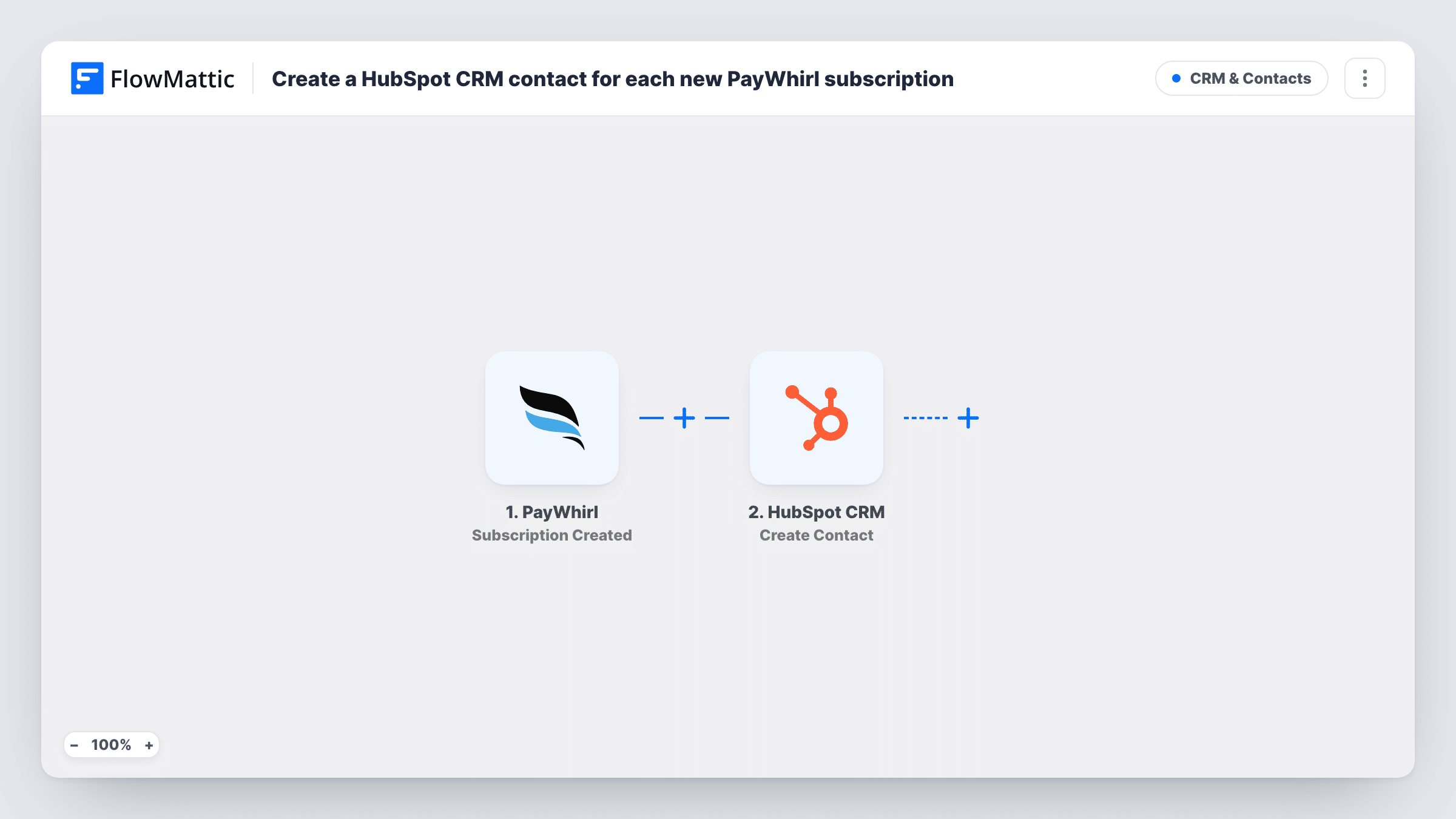
Each time a customer is subscribed to a plan in PayWhirl, FlowMattic creates a contact for them in HubSpot CRM, so your sales and success teams see new subscribers without exporting anything from billing.
 PayWhirl
 HubSpot CRM
2 steps Setup ~5 min Used on 3.4k sites Free to import
What this workflow does
PayWhirl handles your recurring billing. HubSpot is where your team tracks the relationship. When the two don't talk, new subscribers stay invisible to the people who should be onboarding them. This workflow adds each new PayWhirl subscriber to HubSpot as a contact.
The PayWhirl trigger is Subscription Created. FlowMattic describes it as firing when a customer is subscribed to a plan, at the point invoices are created and before any payment attempt. That covers both widget checkouts and subscriptions an admin adds by hand. The customer and plan details become available for mapping.
The HubSpot CRM step uses Create Contact, which only creates new contacts. You map the subscriber's email, name and any other details you want on the record. Because the trigger fires before payment, a subscriber whose first charge is later declined has already been sent to HubSpot. A customer who starts a second subscription fires the trigger again, and HubSpot may refuse a duplicate email; Task History shows that response for the run.
Onboarding calls for new subscription box customers
A subscription box shop selling through PayWhirl gets each new subscriber into HubSpot, where the success team schedules a welcome call.
Account management for a SaaS billed through PayWhirl
New subscribers appear in HubSpot so an account manager can follow their first weeks on the product.
One customer list for sales and billing
Sales reps working in HubSpot can look up whether a prospect has already subscribed, without asking for PayWhirl access.
How this workflow runs
What happens at each step once the workflow is on, and what you need before you import it.
 PayWhirl Subscription Created
Fires when a customer is subscribed to a plan in PayWhirl, whether through widget checkout or by an admin, at invoice creation and before payment is attempted. Customer and plan data pass to HubSpot.
- HubSpot CRM Create Contact
Creates a new contact in HubSpot CRM from the PayWhirl subscriber. Connect HubSpot, then map the email, first and last name, and any other values you want stored on the contact.
What you need
- FlowMatticCore
- PayWhirl AccountAccount
- HubSpot CRM AccountAccount
After importing, map your own data. To keep the template universal, not every step is pre-filled. Open each step in the builder and connect your accounts and fields (channels, lists, sheets, recipients) before you switch the workflow on.
Make it yours
Changes worth making after you import it.
- Add HubSpot's Create Deal action after the contact step if you also want each new PayWhirl subscription tracked as a deal, with the plan name as the deal name.
- Map the PayWhirl plan name into a HubSpot contact property, so your team can see which plan each subscriber chose.
- Run a test subscription after import so FlowMattic captures PayWhirl's data, then finish the HubSpot mapping before you turn the workflow on.
Questions about this workflow
Does the HubSpot contact get created before the PayWhirl payment goes through?
Yes. Subscription Created fires when invoices are created, before payment attempts, so the run happens before the first charge is tried. A subscriber whose first payment is declined later has already been sent to HubSpot.
What if the PayWhirl customer is already a HubSpot contact?
Create Contact only creates, so HubSpot may refuse a duplicate email. You can read the exact HubSpot reply for that run in Task History.
Are existing PayWhirl subscribers copied to HubSpot?
No. Only subscriptions created after the workflow is turned on start a run. Import your earlier subscribers into HubSpot separately if you need them.
Do subscriptions I add manually in PayWhirl count?
Yes. According to the trigger's description, it covers subscriptions created by an admin as well as widget checkouts.
More CRM & Contacts workflows
Other ready-to-import templates from the same category.




Import this workflow into your WordPress site
Download the JSON, import it from the Workflows screen and connect your accounts. Every run stays on your server, with no per-task fees.
30-day money-back guarantee Unlimited workflows and runs Self-hosted