

When New Campaign Entries in Sociamonials, Create a new contact in FluentCRM
Each new entry in a Sociamonials campaign is added to FluentCRM as a contact, or updates the contact if the email is already there, so your campaign entrants are on your WordPress email list.
 Sociamonials
 FluentCRM
2 steps Setup ~5 min Used on 1.9k sites Free to import
What this workflow does
Contests and giveaways run in Sociamonials bring in people who are interested in what you sell. Their details stay in the campaign tool unless you export them. This workflow moves each entrant into FluentCRM as they enter, so you can email them from your own WordPress site.
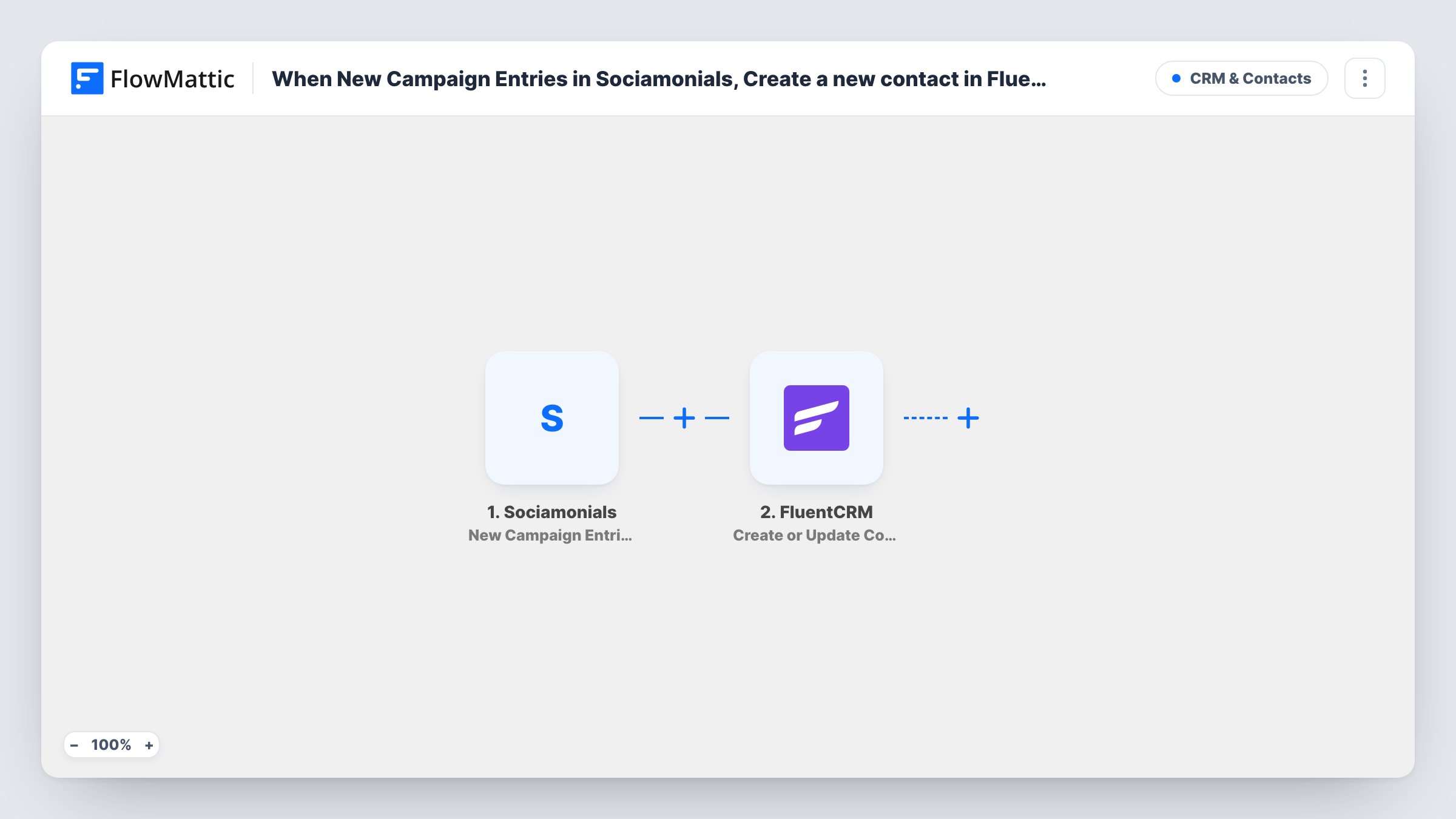
The Sociamonials trigger picks up each fresh entry as it is recorded. FlowMattic passes each entry's details to FluentCRM, where Create or Update Contact looks up the email address. If no contact has that email, a new one is created. If one does, that contact is updated with the values you map.
FluentCRM matches on email, so the entry needs to include one. Check a test run to confirm Sociamonials sends it for your campaign type. If someone enters more than once, the same contact is updated each time, and blank values in a later entry can overwrite fields you mapped. Every entry runs the flow, since the template has no conditions.
Giveaway entrants into a nurture list
People who enter a product giveaway on Sociamonials become FluentCRM contacts you can welcome and follow up with after the draw.
Photo or review contests for a local business
Entrants in a customer photo contest are added to FluentCRM, so the business can invite them to its next event by email.
Referral campaigns
Each new entrant in a Sociamonials referral campaign lands in FluentCRM, where you can tag them later for campaign-specific emails.
How this workflow runs
What happens at each step once the workflow is on, and what you need before you import it.
 Sociamonials New Campaign Entries
Fires on each new entry in your Sociamonials campaigns. The entrant's details become values you can map into the FluentCRM step.
- FluentCRM Create or Update Contact
Creates a FluentCRM contact from the entry, or updates the existing contact with the same email address. Map the entry's email and any name fields you collect, then run a test.
What you need
- FlowMatticCore
- Sociamonials AccountAccount
- FluentCRM PluginPlugin
After importing, map your own data. To keep the template universal, not every step is pre-filled. Open each step in the builder and connect your accounts and fields (channels, lists, sheets, recipients) before you switch the workflow on.
Make it yours
Changes worth making after you import it.
- Add a Filter after the trigger that continues only when the email is not empty, so entries without one don't reach FluentCRM.
- If you run several Sociamonials campaigns, add a Filter on the campaign name so only the one you want feeds this list.
- To tell campaign entrants apart from other contacts, add a FluentCRM Add Tags to Contact step after this one. Because the contact was just created or updated, that tag step has a contact to work on.
Questions about this workflow
What happens if a Sociamonials entrant is already a FluentCRM contact?
The step looks the entrant up by email in FluentCRM and writes the mapped values onto that contact. No duplicate is made. A blank field in the new entry can overwrite a value the contact already had, so map only fields you trust.
Does FluentCRM send a confirmation email to new contacts from Sociamonials?
That depends on how your FluentCRM site and this step are set up. Send one test entry after import and see whether an email goes out before you turn the workflow on.
Do older Sociamonials entries get copied?
No. The trigger fires on new entries, so only people who enter after you turn the workflow on are added.
Must FluentCRM be installed where FlowMattic runs for Sociamonials entries to land?
Yes. FluentCRM is a WordPress plugin, and the contact is created in the FluentCRM install on the site where FlowMattic runs.
More CRM & Contacts workflows
Other ready-to-import templates from the same category.






Import this workflow into your WordPress site
Download the JSON, import it from the Workflows screen and connect your accounts. Every run stays on your server, with no per-task fees.
30-day money-back guarantee Unlimited workflows and runs Self-hosted