

Update a HubSpot CRM contact when an employee changes in Sage Intacct
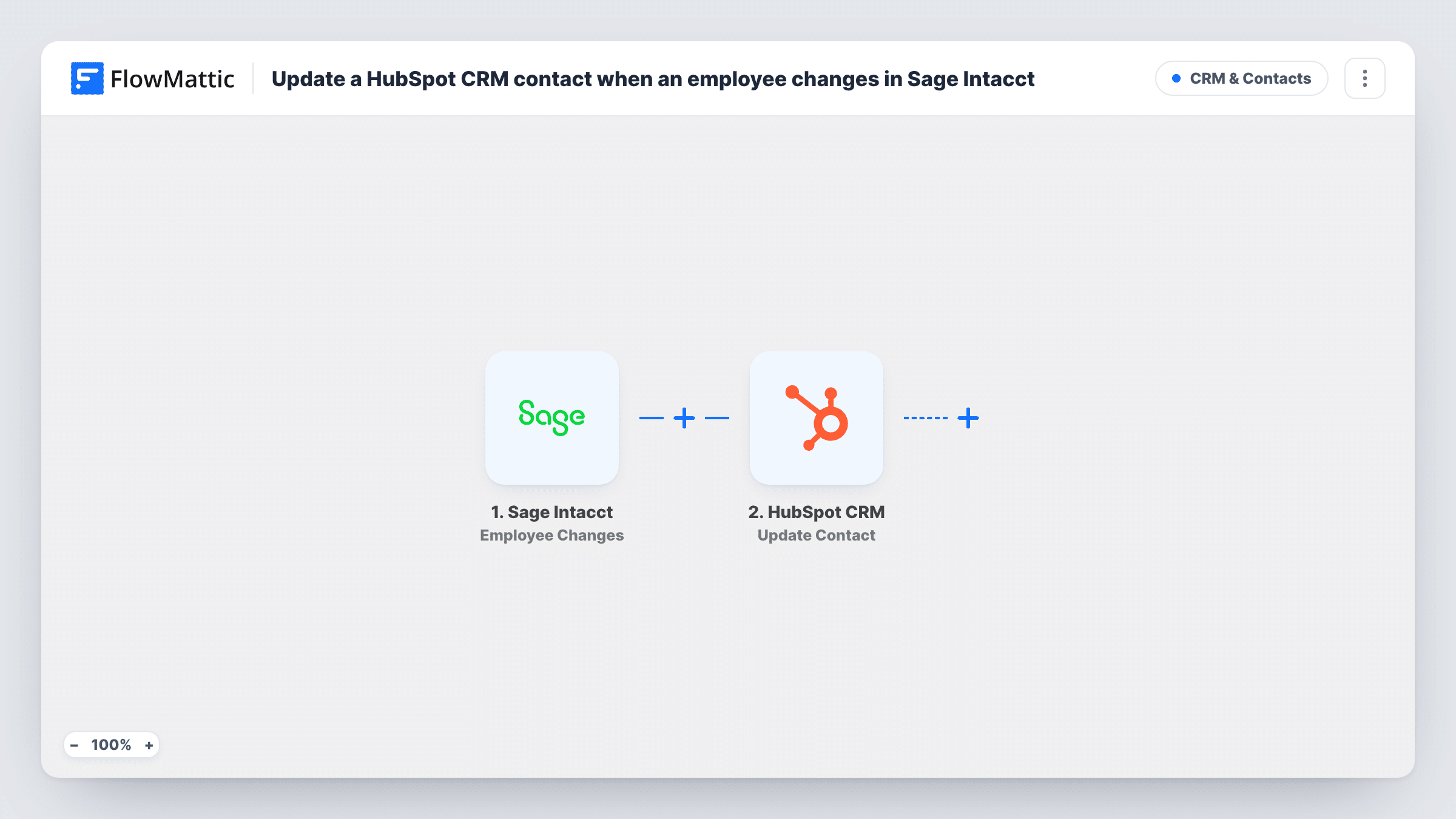
When an employee record is created or updated in Sage Intacct, FlowMattic updates that person’s existing contact in HubSpot CRM, found by email address or contact ID, with the employee fields you map.
 Sage Intacct
 HubSpot CRM
2 steps Setup ~5 min Used on 1.6k sites Free to import
What this workflow does
Some companies keep their own staff in HubSpot as contacts: for internal newsletters, for employee referral programs, or because staff also buy from the business. When HR or finance changes an employee's details in Sage Intacct, those contacts drift out of date. This workflow pushes the change to HubSpot each time it happens.
The Sage Intacct Employee Changes trigger fires when an employee is created or updated, and FlowMattic passes the employee data on. The HubSpot CRM Update Contact step then edits the HubSpot record that belongs to that employee. The HubSpot integration can resolve a contact from an email address or a HubSpot contact ID, so mapping the employee's email is enough.
The HubSpot step comes with no fields mapped. After import, connect HubSpot, map the email address from the trigger data into the contact field, and decide which properties, such as job title or department, should take the Sage Intacct values. Run a test with a known employee and check Task History to confirm what Sage Intacct sent.
Keep in mind that brand-new employees also fire this trigger, and Update Contact only edits people HubSpot already holds. It doesn't create a contact for someone who isn't there.
Staff newsletter list stays current
An HR team that emails staff from HubSpot sees a new job title or department in the employee's HubSpot contact soon after finance edits the record in Sage Intacct.
Employees who are also customers
A company whose staff buy its products keeps their HubSpot contacts aligned with the names and details held in Sage Intacct.
Referral program records
A business that tracks employee referrals in HubSpot gets each referrer's updated department written to their contact when Sage Intacct changes it.
How this workflow runs
What happens at each step once the workflow is on, and what you need before you import it.
 Sage Intacct Employee Changes
Starts a run whenever Sage Intacct creates or updates an employee record. The employee's data is passed to the next step; use a test run in Task History to see whether it includes an email address.
- HubSpot CRM Update Contact
Changes an existing HubSpot contact. Nothing is mapped yet: map the employee's email from the trigger data into the contact field (or a HubSpot contact ID, if you store one), then choose the properties to update.
What you need
- FlowMatticCore
- Sage Intacct AccountAccount
- HubSpot CRM AccountAccount
After importing, map your own data. To keep the template universal, not every step is pre-filled. Open each step in the builder and connect your accounts and fields (channels, lists, sheets, recipients) before you switch the workflow on.
Make it yours
Changes worth making after you import it.
- Put a Filter between the Sage Intacct trigger and the Update Contact step that continues only when the employee's email is not empty, so records without one stop before HubSpot.
- Create custom HubSpot properties for Sage Intacct values such as department before you map, so they don't overwrite fields your marketing team relies on.
- If new hires should get a HubSpot contact too, build a separate workflow with FlowMattic's HubSpot Create Contact action, because Update Contact only edits contacts that already exist.
Questions about this workflow
Does a new employee in Sage Intacct get added to HubSpot?
No. The trigger fires for new employees as well as edits, but Update Contact only changes a contact HubSpot already has. Task History shows HubSpot's reply for each employee.
How is the Sage Intacct employee matched to a HubSpot contact?
By the email address you map into the step's contact field. FlowMattic's HubSpot integration resolves contacts by email address or contact ID, so no lookup step is needed. Check a test run to confirm the email arrives from Sage Intacct.
Can I update only some employees, such as one department?
Yes. Put a Filter between the Sage Intacct trigger and the Update Contact step and set a condition on the field you want, using a value you can see in a test run.
More CRM & Contacts workflows
Other ready-to-import templates from the same category.





Import this workflow into your WordPress site
Download the JSON, import it from the Workflows screen and connect your accounts. Every run stays on your server, with no per-task fees.
30-day money-back guarantee Unlimited workflows and runs Self-hosted