

When a new form entry is received, create a contact in HubSpot
Every new Piotnet Forms entry on your WordPress site becomes a contact in HubSpot CRM, carrying the details you map from the form, so leads from your pages reach your sales records without copying.
 Piotnet Forms
 HubSpot CRM
2 steps Setup ~5 min Used on 1.0k sites Free to import
What this workflow does
Piotnet Forms collects leads on your WordPress pages, but your sales team works in HubSpot. Copying entries across is slow, and it is easy to miss one on a busy week. This workflow sends each new entry to HubSpot as a contact.
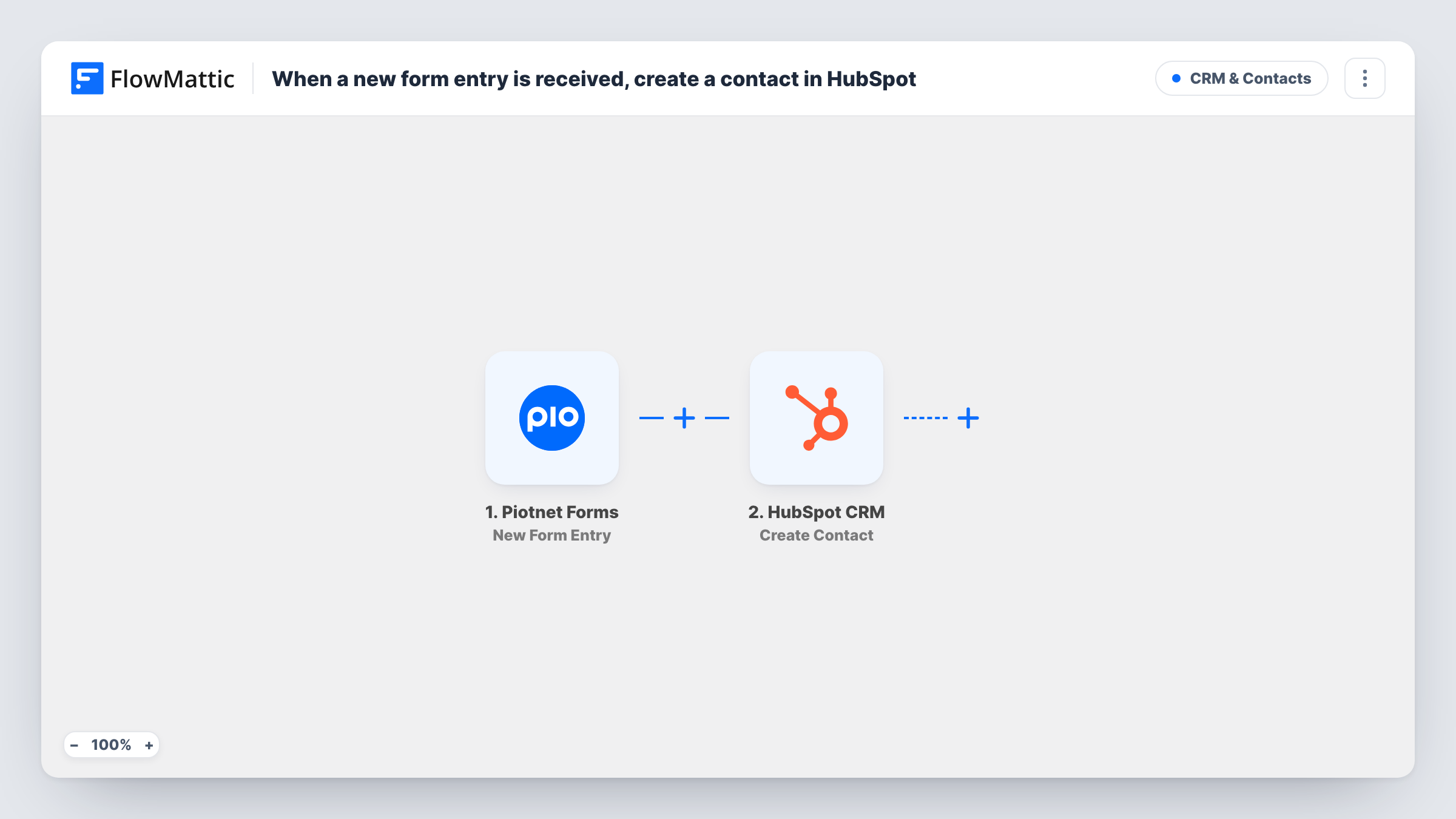
The Piotnet Forms trigger fires when a new form entry is received and makes every answer available to map. FlowMattic then runs Create Contact in HubSpot CRM. You choose which form answers fill which contact details: the email address at minimum, and names, phone or company if your form asks for them.
The step is a Create Contact action, and no earlier step searches HubSpot for the person, so it suits forms where most people are new to you. Each run is listed in Task History, which shows what was sent to HubSpot and the reply HubSpot gave.
Demo request form on a SaaS site
Visitors who ask for a demo through a Piotnet form show up as HubSpot contacts, where your sales team picks them up in their usual views.
Landing page for a paid campaign
Each sign-up from a campaign landing page lands in HubSpot, so the campaign's leads sit with the rest of your contact records.
Consultation booking enquiries
A consultancy collects enquiry details on a Piotnet form, and each one becomes a HubSpot contact that an adviser can follow up.
How this workflow runs
What happens at each step once the workflow is on, and what you need before you import it.
 Piotnet Forms New Form Entry
Fires when a visitor submits a Piotnet Forms form and a new entry is received. All the answers are passed on so you can map them into HubSpot.
- HubSpot CRM Create Contact
Creates a contact in HubSpot CRM from the entry. Connect your HubSpot account, then map the form's email field and any other answers you want stored on the contact.
What you need
- FlowMatticCore
- Piotnet Forms PluginPlugin
- HubSpot CRM AccountAccount
After importing, map your own data. To keep the template universal, not every step is pre-filled. Open each step in the builder and connect your accounts and fields (channels, lists, sheets, recipients) before you switch the workflow on.
Make it yours
Changes worth making after you import it.
- Make the email field required in your Piotnet form so HubSpot always gets an address to build the contact from.
- Add a Filter after the trigger to skip test entries, for example entries whose email contains your own company domain.
- Submit a test entry after import so FlowMattic captures the form's fields, then map them in the HubSpot step before you switch the workflow on.
Questions about this workflow
What if the Piotnet Forms visitor is already a HubSpot contact?
The step is a create action, and the template has no lookup before it. Send a test entry with an address that is already in HubSpot, then check Task History to see how HubSpot answered before you go live.
Which HubSpot contact details can I fill from the form?
Map the answers your form collects into the HubSpot step. Run a test entry to see the options the step shows once your account is connected.
Are Piotnet Forms entries from before import sent to HubSpot?
No. Only entries received after the workflow is turned on start a run.
Do I need Piotnet Forms on the same site as FlowMattic?
Yes. The trigger listens for entries on the WordPress site where FlowMattic is installed, so Piotnet Forms must run on that site.
More CRM & Contacts workflows
Other ready-to-import templates from the same category.






Import this workflow into your WordPress site
Download the JSON, import it from the Workflows screen and connect your accounts. Every run stays on your server, with no per-task fees.
30-day money-back guarantee Unlimited workflows and runs Self-hosted