

Create a HubSpot CRM contact from each Vadootv captured lead
When Vadootv captures a lead from your video content, FlowMattic creates a matching contact in HubSpot CRM, so your sales team can follow up from HubSpot instead of retyping lead details.
 Vadootv
 HubSpot CRM
2 steps Setup ~5 min Used on 571 sites Free to import
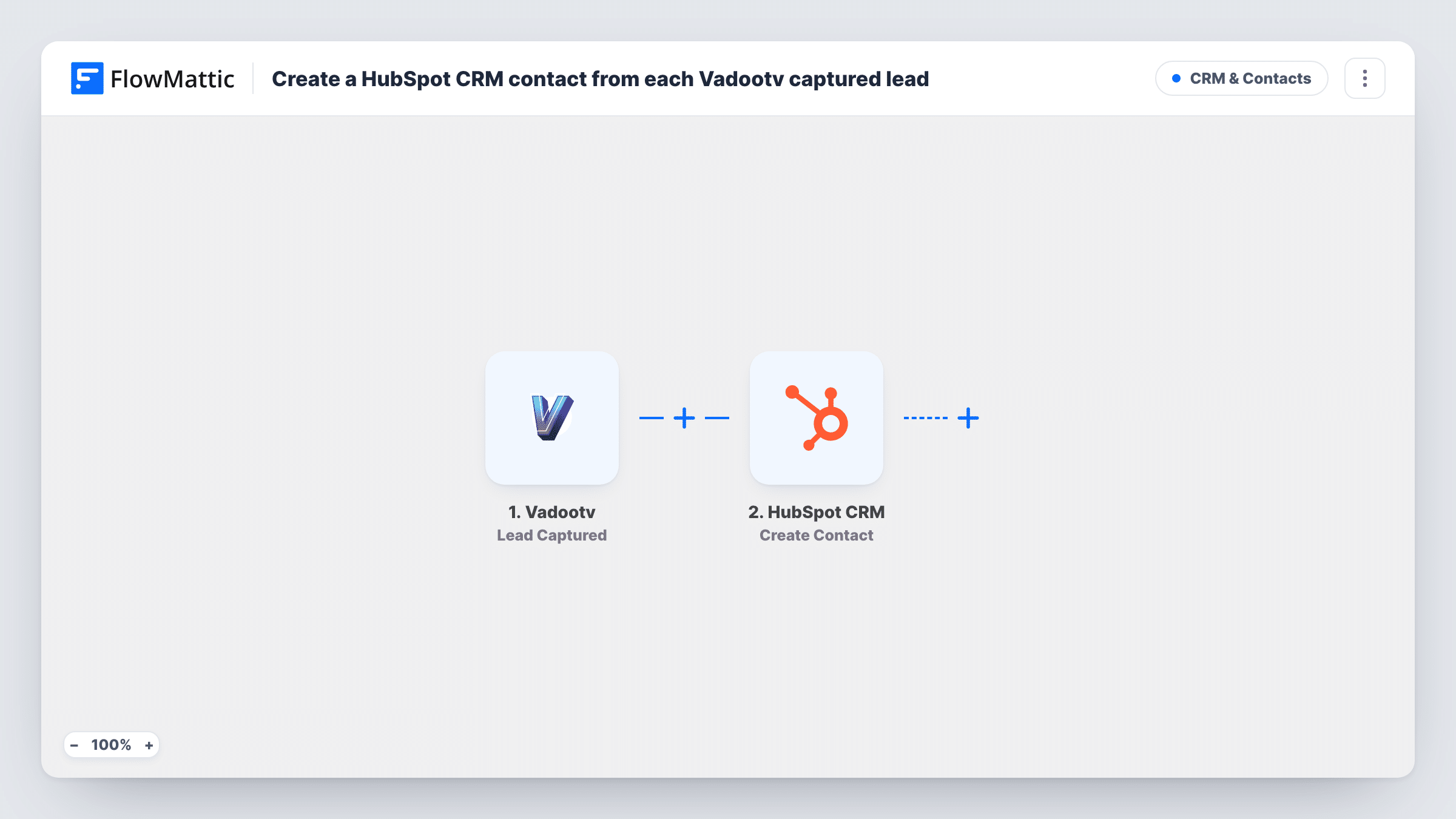
What this workflow does
Leads gathered by your videos are most useful where your sales team already works. If that is HubSpot CRM, leaving them in Vadootv means someone has to move each one across, and slow copying delays the follow-up. This workflow creates the HubSpot contact for you whenever Vadootv reports a new lead.
First, the Vadootv trigger picks up the lead capture and hands its data to FlowMattic. Second, the HubSpot CRM step runs Create Contact, filling the contact properties from the lead fields you map, such as the email address and name.
This template creates contacts; it does not update ones you already have. HubSpot keeps one contact per email address, so a lead whose email is already in your CRM comes back as an error on that step, and Task History shows it. New leads with new addresses go through as fresh contacts.
Product demo videos that collect interest
Viewers who leave their details on a demo video become HubSpot contacts, ready for a sales rep to assign and call.
Webinar replays that capture leads
You host webinar replays in Vadootv with lead capture switched on. Each viewer who leaves details is added to HubSpot, where marketing can include them in later emails.
Video campaigns tracked in one CRM
Your team reports on leads from HubSpot. Sending Vadootv leads there keeps video-sourced leads in the same place as leads from your other channels.
How this workflow runs
What happens at each step once the workflow is on, and what you need before you import it.
 Vadootv Lead Captured
Begins a run each time Vadootv captures a lead. After you connect Vadootv, capture one test lead so the lead fields appear in FlowMattic for mapping.
- HubSpot CRM Create Contact
Creates a new contact in HubSpot CRM from the Vadootv lead. Connect your HubSpot account and map the lead's email, plus any name fields, to the contact properties.
What you need
- FlowMatticCore
- Vadootv AccountAccount
- HubSpot CRM AccountAccount
After importing, map your own data. To keep the template universal, not every step is pre-filled. Open each step in the builder and connect your accounts and fields (channels, lists, sheets, recipients) before you switch the workflow on.
Make it yours
Changes worth making after you import it.
- Want existing contacts updated rather than refused? Check whether the HubSpot app in FlowMattic offers an update or search action, and add it in place of or before Create Contact.
- Add a Filter after the trigger so the run continues only when the lead has an email, so leads without an address do not become contacts nobody can email.
- Add a Slack or email step after HubSpot to tell the rep on duty that a video lead just arrived.
Questions about this workflow
What happens if the Vadootv lead's email already exists in HubSpot?
Create Contact does not update records. HubSpot rejects a second contact with the same email, so that run shows an error on the HubSpot step in Task History and the existing contact is left as it was.
Which HubSpot contact properties can I fill from Vadootv?
That depends on what Vadootv sends with each lead and what the HubSpot step lets you map. Capture a test lead after import and check the fields offered in both steps.
Does the workflow change or remove the lead in Vadootv?
No. It only receives the lead data from Vadootv and creates a contact in HubSpot. The lead stays in your Vadootv account as before.
More CRM & Contacts workflows
Other ready-to-import templates from the same category.




Import this workflow into your WordPress site
Download the JSON, import it from the Workflows screen and connect your accounts. Every run stays on your server, with no per-task fees.
30-day money-back guarantee Unlimited workflows and runs Self-hosted