

When User Registered in Acadle, Create or Update Contact in ActiveCampaign
When someone registers in your Acadle academy, FlowMattic creates their contact in ActiveCampaign, or updates it if they’re already there, so new learners are on your email list from day one.
 Acadle
 ActiveCampaign
2 steps Setup ~5 min Used on 2.0k sites Free to import
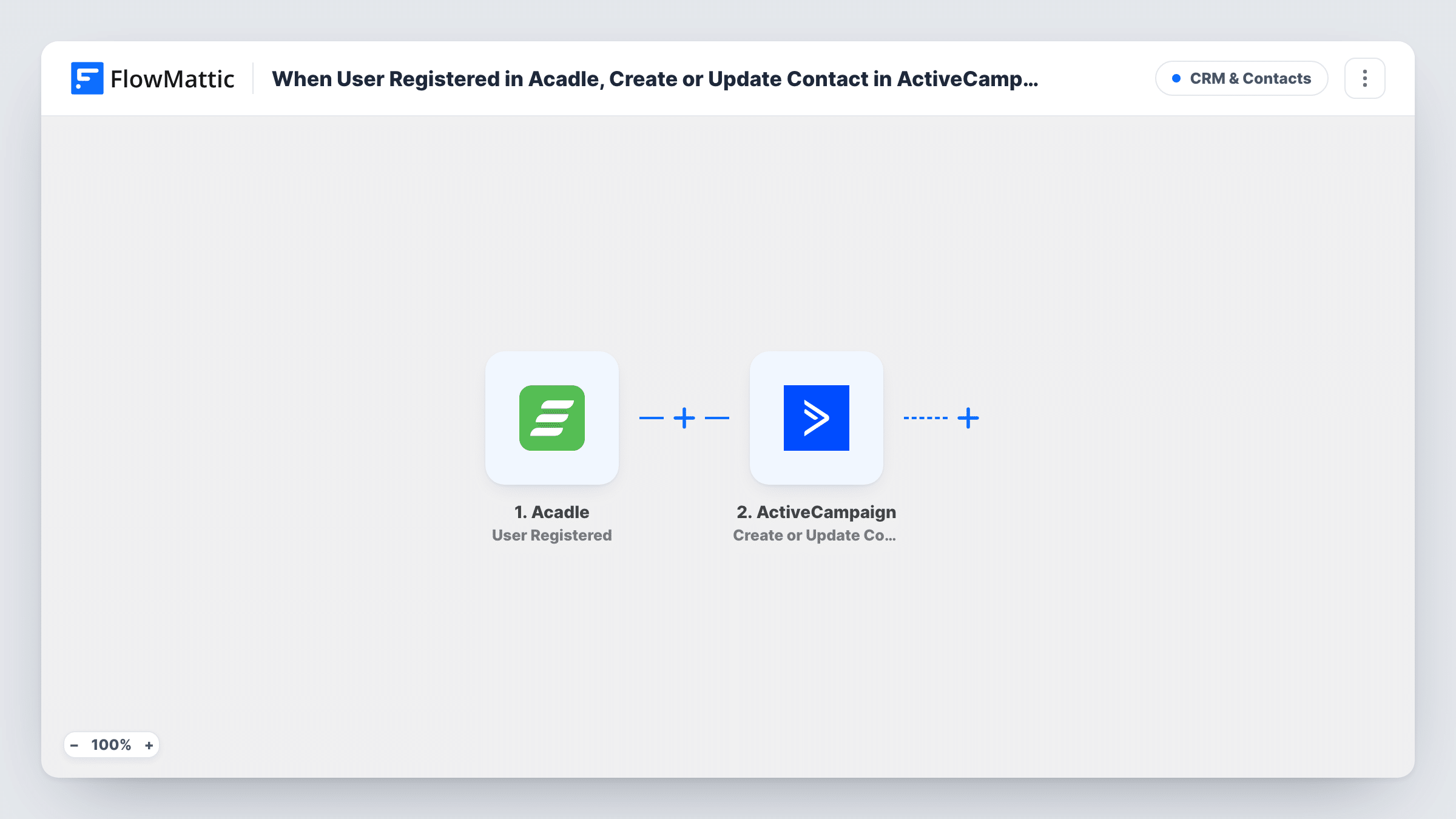
What this workflow does
Your course academy runs on Acadle and your emails go out from ActiveCampaign. Without a link between them, new learners only reach your list when someone exports and imports them. With this workflow, every new Acadle registration reaches ActiveCampaign on its own.
The Acadle trigger, User Registered, fires when a new user registers in the academy. FlowMattic passes the learner's details to ActiveCampaign, where Create or Update Contact creates a new contact or updates an existing one. Map the learner's email address and name from the trigger. A test registration after import shows exactly what Acadle sends.
Because the action updates existing contacts, a learner who is already on your list as a customer or newsletter subscriber isn't duplicated. Their contact gets the details from the registration instead. From there, any ActiveCampaign automation you build for new contacts can take over.
Welcome series for new students
A learner signs up to your Acadle academy and lands in ActiveCampaign, where your welcome automation can introduce the courses.
Existing subscribers who join a course
A newsletter reader registers in Acadle. Their ActiveCampaign contact is updated, so they stay one record across both audiences.
Company training portals
Employees who register on an internal Acadle academy are collected in ActiveCampaign for training announcements and reminders.
How this workflow runs
What happens at each step once the workflow is on, and what you need before you import it.
 Acadle User Registered
Fires when a new user registers in your Acadle academy. The learner's registration details become available to map in the ActiveCampaign step.
- ActiveCampaign Create or Update Contact
Creates the learner as a contact in ActiveCampaign, or updates the existing contact. Map the email address and name from Acadle and connect your ActiveCampaign account.
What you need
- FlowMatticCore
- Acadle AccountAccount
- ActiveCampaign AccountAccount
After importing, map your own data. To keep the template universal, not every step is pre-filled. Open each step in the builder and connect your accounts and fields (channels, lists, sheets, recipients) before you switch the workflow on.
Make it yours
Changes worth making after you import it.
- Add an ActiveCampaign Add/Remove Tag From Contact step after this one, tagging each contact as an Acadle learner so your automations can tell them apart.
- Build another workflow on Acadle's User Course Completed trigger to update the same contact when they finish a course.
- Register a test learner with your own address after import to capture Acadle's fields, then confirm the contact in ActiveCampaign.
Questions about this workflow
What happens if the Acadle learner is already an ActiveCampaign contact?
The Create or Update Contact action updates the existing contact instead of creating a second one.
Are learners who registered in Acadle before I import this added?
No. Only registrations after the workflow is turned on reach ActiveCampaign.
Does this enrol the learner in an ActiveCampaign automation?
Not directly. It creates or updates the contact. Add FlowMattic's Add Existing Contact to Automation step for ActiveCampaign after this one, or start an automation in ActiveCampaign from a tag you add.
Do I need accounts with both Acadle and ActiveCampaign?
Yes. You connect your Acadle academy for the trigger and your ActiveCampaign account for the contact step.
More CRM & Contacts workflows
Other ready-to-import templates from the same category.




Import this workflow into your WordPress site
Download the JSON, import it from the Workflows screen and connect your accounts. Every run stays on your server, with no per-task fees.
30-day money-back guarantee Unlimited workflows and runs Self-hosted