

When a new Subpage lead is created, add them to ActiveCampaign and notify the team in Slack
Each new Subpage lead is added to ActiveCampaign, or updated there if they already exist, and your team gets a Slack channel message about it, so leads reach your list and your people at once.
 Subpage
 ActiveCampaign
 Slack
3 steps Setup ~5 min Used on 1.8k sites Free to import
What this workflow does
Leads from Subpage landing pages need two things quickly: a place in your email marketing, and someone on the team who knows they arrived. This workflow handles both each time Subpage records a lead.
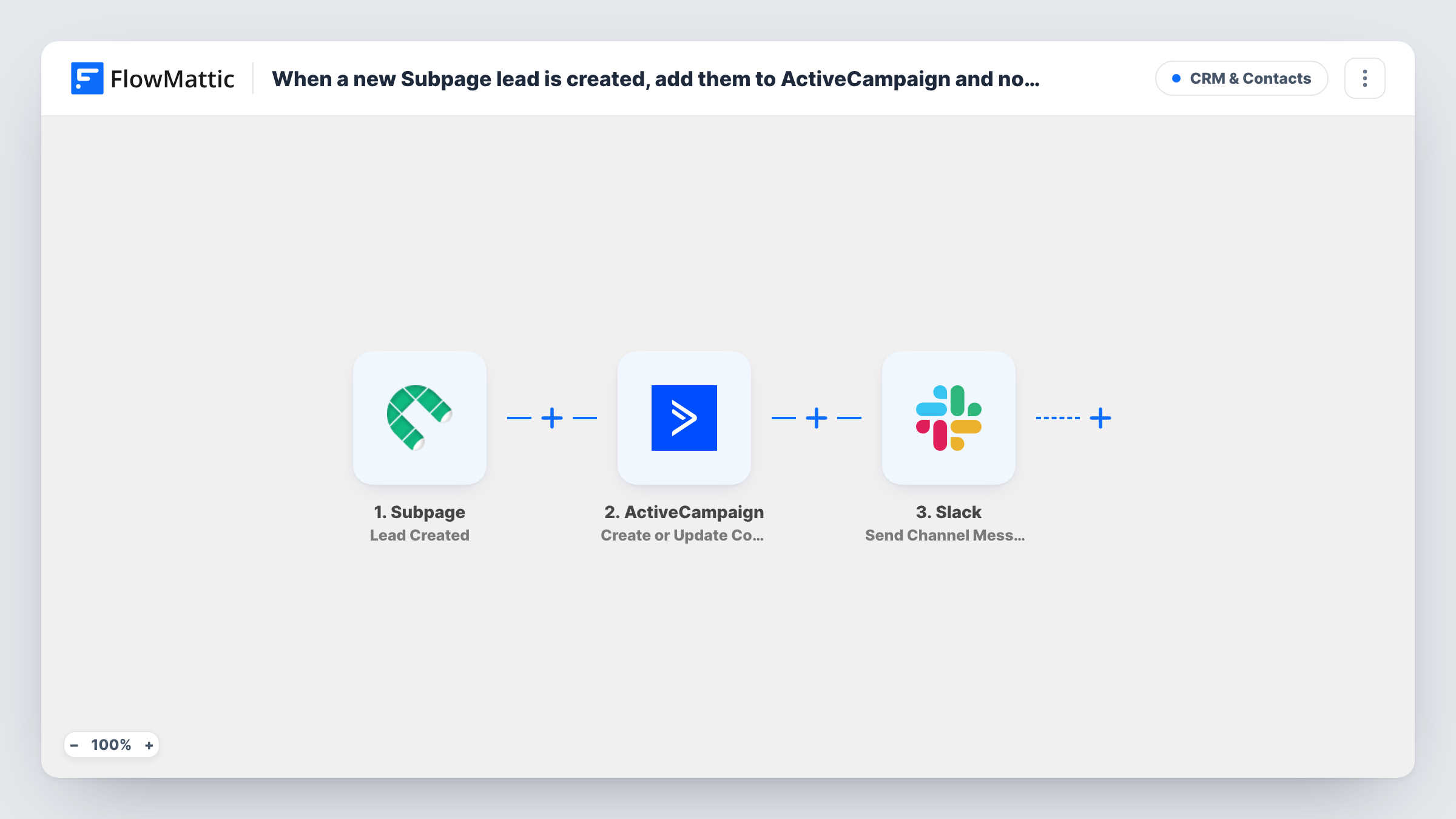
The Subpage trigger fires when a new lead is created, and the lead's details become fields you can map. The ActiveCampaign step creates a contact from them, or updates the existing contact when that person is already in your account. The Slack step then posts a message to a channel you choose, built from the lead details and any text you add.
Every new lead runs both steps, so in a busy period your Slack channel gets a message for each one. Because the ActiveCampaign action creates or updates, repeat sign-ups don't produce duplicate contacts. Task History records each run with what each app returned.
Landing page for a product demo
Visitors who request a demo on a Subpage page join ActiveCampaign, and the sales channel in Slack sees each request.
Event registration page
Registrants are added to ActiveCampaign for reminder emails, while the events team watches sign-ups arrive in Slack.
Repeat visitors on several pages
Someone who signs up on two Subpage pages stays one ActiveCampaign contact, with their details updated from the latest lead.
How this workflow runs
What happens at each step once the workflow is on, and what you need before you import it.
 Subpage Lead Created
Runs as soon as Subpage records a fresh lead from one of your pages. The lead's details are passed to the ActiveCampaign and Slack steps.
- ActiveCampaign Create or Update Contact
Creates a contact in ActiveCampaign from the Subpage lead, or updates the contact if it already exists. Map the email and any name details, and connect your ActiveCampaign account.
- Slack Send Channel Message
Shares the new lead in a Slack channel you pick. Compose the text from the Subpage lead details so the team can see who signed up.
What you need
- FlowMatticCore
- Subpage AccountAccount
- ActiveCampaign AccountAccount
- Slack AccountAccount
After importing, map your own data. To keep the template universal, not every step is pre-filled. Open each step in the builder and connect your accounts and fields (channels, lists, sheets, recipients) before you switch the workflow on.
Make it yours
Changes worth making after you import it.
- Collect a test lead on your Subpage page after import, so both steps have real data to map.
- Use a Router to post leads from different pages to different Slack channels, keyed on a value that tells the pages apart.
- If the Slack messages get too frequent, remove the Slack step and keep ActiveCampaign, or add a Filter before Slack.
Questions about this workflow
What if the Subpage lead is already in ActiveCampaign?
The Create or Update Contact action updates the existing contact instead of adding a duplicate.
Is a Slack message posted for every Subpage lead?
Yes, as imported. Each new lead runs the Slack step. Add a Filter before it if only some leads should be announced.
What happens if ActiveCampaign returns an error?
The Slack message is still sent, since later steps run even when one fails. Task History shows the ActiveCampaign error so you can fix it.
Which accounts does the Subpage, ActiveCampaign and Slack workflow need?
A Subpage account with your landing pages, an ActiveCampaign account for contacts, and a Slack workspace with the channel to post in.
More CRM & Contacts workflows
Other ready-to-import templates from the same category.




Import this workflow into your WordPress site
Download the JSON, import it from the Workflows screen and connect your accounts. Every run stays on your server, with no per-task fees.
30-day money-back guarantee Unlimited workflows and runs Self-hosted