

Create a HubSpot CRM contact for each new Viterbit candidate
Every time a candidate is created in Viterbit, FlowMattic creates a matching contact in HubSpot CRM, so applicants from your hiring pipeline also appear in the CRM your team uses for outreach.
 Viterbit
 HubSpot CRM
2 steps Setup ~5 min Used on 3.0k sites Free to import
What this workflow does
Recruiting teams track candidates in Viterbit, while marketing and talent outreach often run from HubSpot. Keeping both in step by hand means retyping names and email addresses. This workflow creates the HubSpot contact for you whenever Viterbit gets a new candidate.
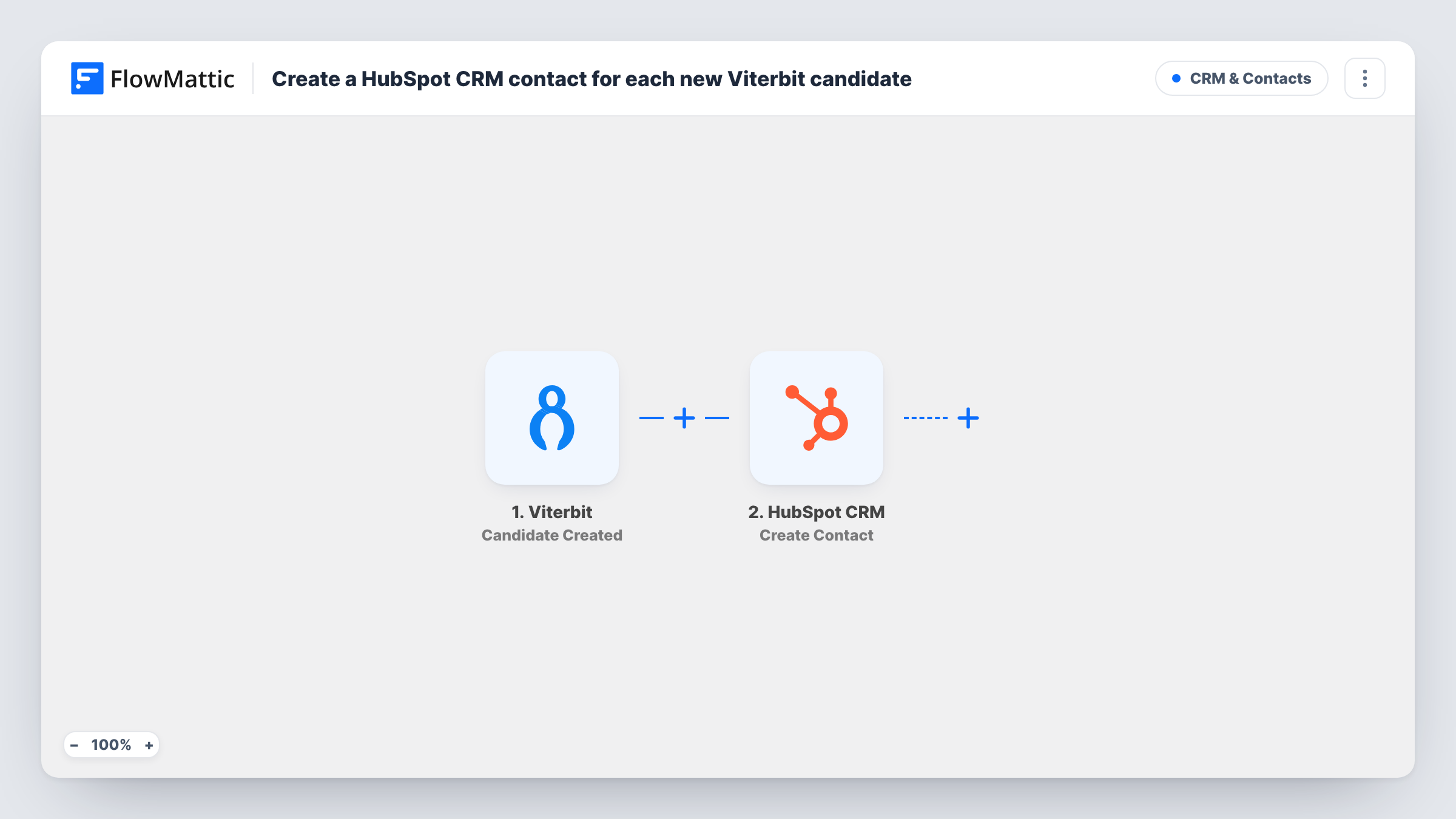
The Viterbit trigger runs on the Candidate Created event. FlowMattic receives the candidate data and passes it to HubSpot CRM, where the Create Contact action adds a contact from the values you map. Choose which Viterbit details fill which HubSpot properties, then check a test run to see the contact HubSpot created.
Each new Viterbit candidate runs the workflow once. The action creates contacts rather than updating them, so a candidate whose email is already in HubSpot may produce an error instead of a new record. Task History shows what HubSpot returned for every run.
Talent pool newsletters
Candidates who applied in Viterbit become HubSpot contacts, so you can include them in job alert emails sent from HubSpot.
Agency recruiters sharing records with sales
A recruitment agency logs candidates in Viterbit. The same people appear in HubSpot, where account managers see who is in the pipeline.
Reporting on candidate sources
Having every Viterbit candidate as a HubSpot contact lets you build lists and reports in HubSpot alongside your other contacts.
How this workflow runs
What happens at each step once the workflow is on, and what you need before you import it.
 Viterbit Candidate Created
Runs when a new candidate is created in Viterbit. The candidate details Viterbit sends are passed on for mapping in the HubSpot step.
- HubSpot CRM Create Contact
Creates a contact in HubSpot CRM from the Viterbit data you map. Connect your HubSpot account and run a test to confirm the contact looks right.
What you need
- FlowMatticCore
- Viterbit AccountAccount
- HubSpot CRM AccountAccount
After importing, map your own data. To keep the template universal, not every step is pre-filled. Open each step in the builder and connect your accounts and fields (channels, lists, sheets, recipients) before you switch the workflow on.
Make it yours
Changes worth making after you import it.
- Add a Filter after the Viterbit trigger that continues only when the candidate has an email, so HubSpot is not asked to create a contact without one.
- Use a Router if candidates for different roles belong in different places, adding a route per role with its own HubSpot step.
- Create a test candidate in Viterbit after import, then map the captured candidate fields to HubSpot properties.
Questions about this workflow
What if the Viterbit candidate is already a HubSpot contact?
The template uses Create Contact, which adds new records. HubSpot may reject a duplicate email, and Task History shows that response. If you expect returning candidates, look for a HubSpot update or upsert action in FlowMattic to use instead.
Are existing Viterbit candidates copied to HubSpot?
No. Only candidates created after you turn the workflow on are sent to HubSpot.
Do changes to a candidate in Viterbit update HubSpot?
No. The trigger is Candidate Created, so later stage changes or edits in Viterbit don't reach the HubSpot contact.
More CRM & Contacts workflows
Other ready-to-import templates from the same category.






Import this workflow into your WordPress site
Download the JSON, import it from the Workflows screen and connect your accounts. Every run stays on your server, with no per-task fees.
30-day money-back guarantee Unlimited workflows and runs Self-hosted