

When new form submission is received in Divi Form, create a new user in WordPress, and add a new subscriber in Sendinblue
Each Divi form submission creates a WordPress user account from the entry and then adds the same person to Brevo (Sendinblue) as a new contact for your email campaigns.
 Divi Forms
 WordPress
 Brevo ( Sendinblue )
3 steps Setup ~5 min Used on 848 sites Free to import
What this workflow does
A Divi form is an easy way to collect sign-ups for a members area, a course or a community, but it doesn't create accounts or add anyone to your mailing list on its own. With this workflow a single submission covers both jobs: the person gets a WordPress login and lands in Brevo, where you send your emails.
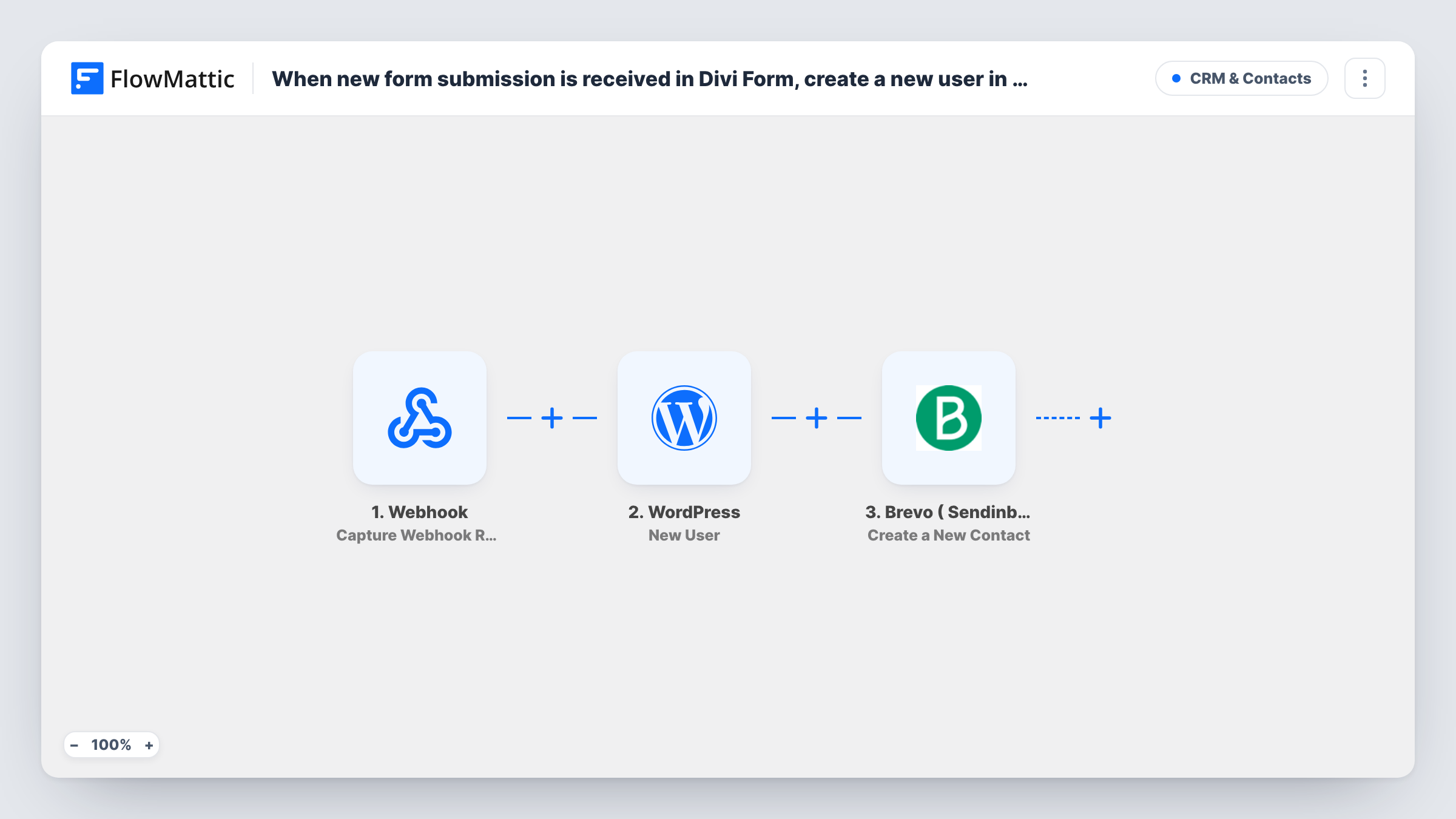
The Divi Forms trigger fires when a Divi form on your site is submitted and passes the entered values on. The WordPress step creates a new user from them. The Brevo (Sendinblue) step then creates a contact in your Brevo account.
The WordPress and Brevo steps arrive with no fields filled in. After import, map the form's email and name into the user, decide how the username and password are set, and map the same email and name into the Brevo contact. Test the account creation carefully, because these are real logins on your site.
An address that already has a WordPress login doesn't get a second account. Open the run in Task History to see which user ID the New User step handed back. On the Brevo side, an address already in your account may be handled differently from a new one, so test with a known contact. Each submission runs the workflow once.
Members-area sign-up built in Divi
A yoga studio uses a Divi form to register members for its online class library. Each sign-up gets a WordPress account and joins the Brevo list for the weekly schedule email.
Free course registration
A coach offers a free mini course. The Divi registration form creates the student's login and adds them to Brevo for the lesson reminder emails.
Community forum onboarding
A hobby site lets visitors join its forum through a Divi form, creating the account and adding them as a Brevo contact for the community newsletter.
How this workflow runs
What happens at each step once the workflow is on, and what you need before you import it.
 Divi Forms New Form Submission
Fires when a visitor submits a Divi form on your site. The values they entered, such as their name and email address, are passed to the WordPress and Brevo steps.
- WordPress New User
Creates a WordPress user account from the form entry. The step ships unmapped: map the email and name, then check a test run to see how the username, password and role come out.
- Brevo ( Sendinblue ) Create a New Contact
Adds the person as a new contact in your Brevo (Sendinblue) account. After import, connect Brevo and map the form's email address and name into the contact, then test with a sample entry.
What you need
- FlowMatticCore
- Divi Forms PluginPlugin
- Brevo ( Sendinblue ) AccountAccount
After importing, map your own data. To keep the template universal, not every step is pre-filled. Open each step in the builder and connect your accounts and fields (channels, lists, sheets, recipients) before you switch the workflow on.
Make it yours
Changes worth making after you import it.
- If several Divi forms run on your site, put a Filter between the Divi trigger and the WordPress step using a value from a test run that identifies the sign-up form, so contact forms don't create accounts.
- Add a consent checkbox to the Divi form and a Filter between the WordPress step and the Brevo step that checks it, so only people who agreed to emails become Brevo contacts while everyone still gets an account.
- If the New User step lets you set a role, give sign-ups a low-privilege one such as Subscriber, so form entries can't reach admin features.
Questions about this workflow
What if the Divi form email already has a WordPress account?
No second account is made for an email WordPress already knows. The New User step reports success with that person's existing user ID, and any role you map is added to their account. Check the returned ID in the run's Task History.
How do new users get their WordPress password?
It comes down to the way you configure the WordPress step. Either map a password field from your Divi form or follow your usual approach for sending new users their login details, and test it before going live.
Do I need a Brevo account for this Divi workflow?
Yes. The last step connects to Brevo (formerly Sendinblue) to create the contact. The Divi form and the WordPress account need nothing beyond your site.
Where in Brevo does the Divi sign-up end up?
Check the Create a New Contact step after import, since the template leaves it empty. Run a test entry and look at the contact in Brevo to confirm where it was saved.
More CRM & Contacts workflows
Other ready-to-import templates from the same category.





Import this workflow into your WordPress site
Download the JSON, import it from the Workflows screen and connect your accounts. Every run stays on your server, with no per-task fees.
30-day money-back guarantee Unlimited workflows and runs Self-hosted