

Create a HubSpot CRM contact for every new Classplus purchase
Each time someone makes a purchase on Classplus, this workflow creates a contact for them in HubSpot CRM, so your course buyers are on record where your sales and follow-up work happens.
 Classplus
 HubSpot CRM
2 steps Setup ~5 min Used on 2.8k sites Free to import
What this workflow does
Classplus handles your course sales, but the people who buy may never reach your CRM unless someone exports them. If you follow up with buyers, upsell a second course or track revenue by contact in HubSpot, that gap costs you. This workflow closes it by creating a HubSpot contact on every new purchase.
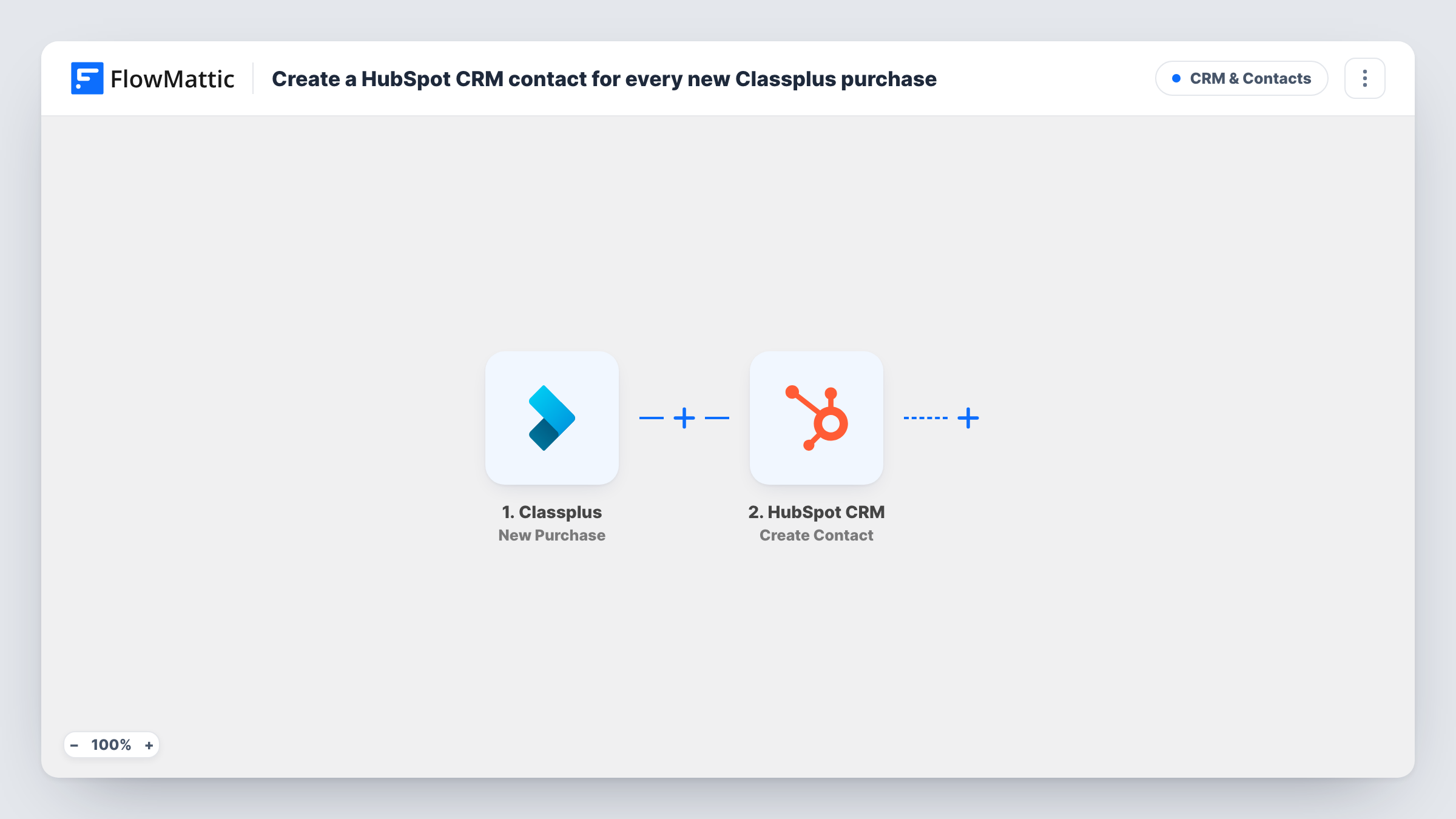
The Classplus trigger starts when a new purchase is made. FlowMattic then calls HubSpot CRM with the Create Contact action and the buyer details you map, typically an email address, a name and a phone number if Classplus sends one.
Keep in mind that the trigger is about purchases, not people. A student who buys a second course starts another run, and Create Contact only creates, so HubSpot can turn down an email it already holds. That response, along with every other run, is listed in Task History.
Upselling an advanced course
Students who buy your beginner course on Classplus appear in HubSpot, where your team can later offer them the next level.
Coaching institute with a sales desk
Your counsellors work from HubSpot. Every Classplus buyer arrives there as a contact, so they can call to help the student get started.
Tracking buyers in one CRM
You sell through Classplus and other channels. Sending Classplus buyers to HubSpot keeps all your customers in the same contact list.
How this workflow runs
What happens at each step once the workflow is on, and what you need before you import it.
 Classplus New Purchase
Starts a run whenever a new purchase is made on Classplus. The buyer and purchase details from Classplus can be mapped in the next step.
- HubSpot CRM Create Contact
Creates a new contact in HubSpot CRM from the Classplus buyer. Map the buyer's email and name, plus any other details Classplus provides. HubSpot may decline an email that is already a contact.
What you need
- FlowMatticCore
- Classplus AccountAccount
- HubSpot CRM AccountAccount
After importing, map your own data. To keep the template universal, not every step is pre-filled. Open each step in the builder and connect your accounts and fields (channels, lists, sheets, recipients) before you switch the workflow on.
Make it yours
Changes worth making after you import it.
- Make a test purchase, or wait for a real one, after import so FlowMattic captures the actual Classplus purchase fields for mapping.
- HubSpot also offers an Update Contact action in FlowMattic. Add it as an extra step if you want returning buyers' details refreshed, and test it with a contact you already have.
- Add a Filter after the trigger if only certain courses should create HubSpot contacts, comparing a course field from the captured purchase data.
Questions about this workflow
What happens when a returning Classplus buyer already exists in HubSpot?
Their purchase still starts a run. Create Contact does not update records, so HubSpot may reject the duplicate, and Task History shows its answer.
Does this send past Classplus purchases to HubSpot?
No. Only purchases made after the workflow is turned on create contacts.
Which HubSpot account receives the Classplus contacts?
The HubSpot account you connect in FlowMattic when you import the template.
More CRM & Contacts workflows
Other ready-to-import templates from the same category.






Import this workflow into your WordPress site
Download the JSON, import it from the Workflows screen and connect your accounts. Every run stays on your server, with no per-task fees.
30-day money-back guarantee Unlimited workflows and runs Self-hosted