

Save each new KonfHub lead generation to a Notion database
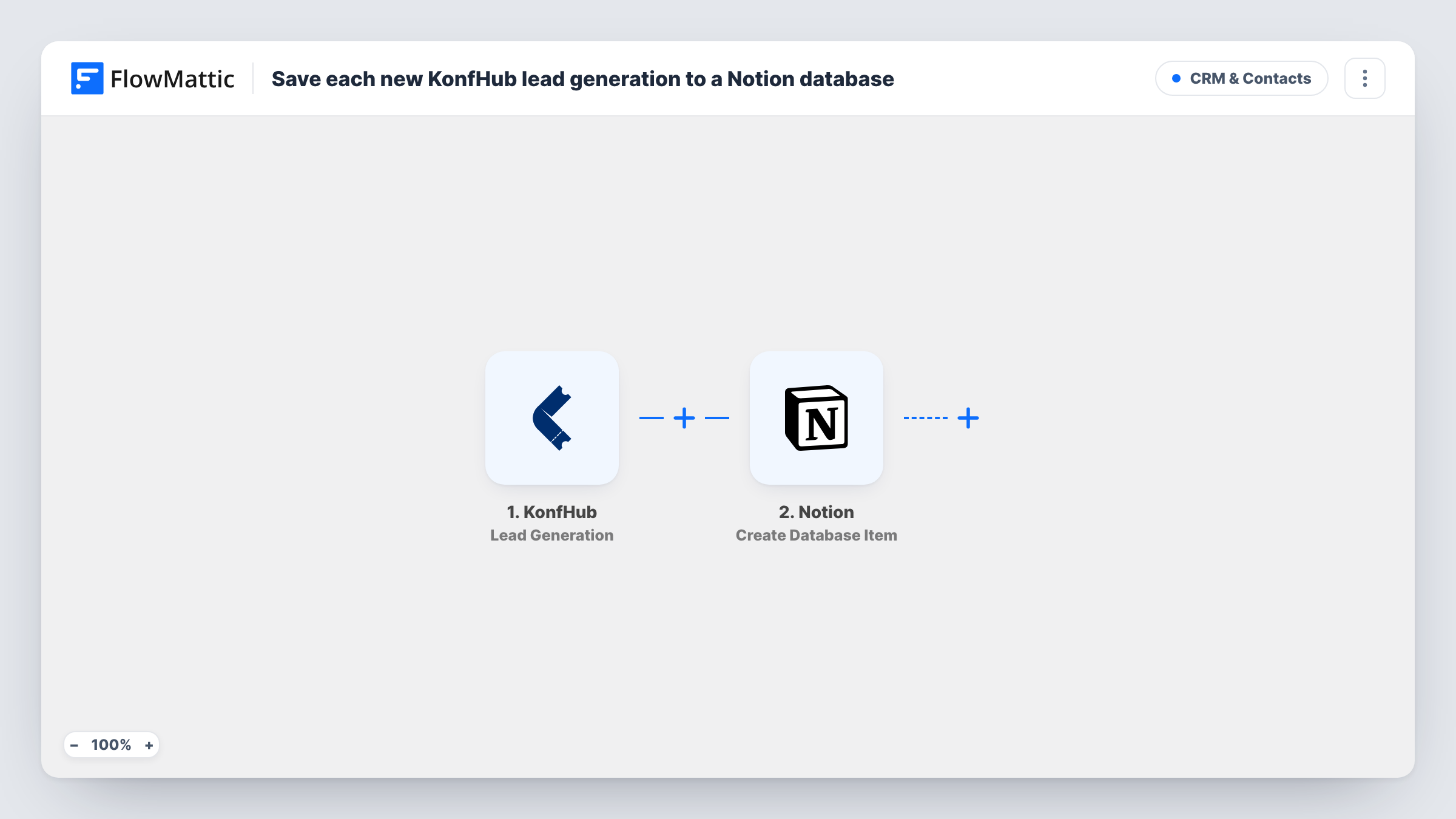
Whenever KonfHub generates a lead for one of your events, FlowMattic creates an item in the Notion database you pick and fills its properties with the lead details you map.
 KonfHub
 Notion
2 steps Setup ~5 min Used on 447 sites Free to import
What this workflow does
Leads from an event are only useful if someone follows them up, and that is hard when they sit inside the event platform. Many teams plan their follow-up in Notion. This workflow puts each KonfHub lead into a Notion database as it is generated, so the list is there when you sit down to work through it.
The KonfHub trigger runs when a lead is generated for an event. FlowMattic takes the lead data from KonfHub and sends it to Notion. The Create Database Item action adds a new item to the database you select, with KonfHub fields mapped into its properties.
Every lead becomes its own item, and the template does not look for an existing one first. If the same person is captured twice, you get two items. Task History lists each run with what KonfHub sent and Notion's reply, which helps when a property does not fill as expected.
Sponsor booth follow-up
Leads captured at a sponsor booth land in a Notion database where the sponsor's team adds notes and status as they make contact after the event.
Planning sales calls after a conference
Your team keeps a Notion board of prospects. Each KonfHub lead arrives as an item, ready to be assigned and moved through your stages.
One shared record across several events
Leads from every KonfHub event you run land in one Notion database. If the lead data names the event, map it to a property and group the items by event.
How this workflow runs
What happens at each step once the workflow is on, and what you need before you import it.
 KonfHub Lead Generation
Runs when KonfHub generates a lead for one of your events. The lead's details are then available to map into Notion.
- Notion Create Database Item
Adds one item per lead to a Notion database of your choosing. Connect Notion, give FlowMattic access to that database, and map KonfHub lead fields to its properties.
What you need
- FlowMatticCore
- KonfHub AccountAccount
- Notion AccountAccount
After importing, map your own data. To keep the template universal, not every step is pre-filled. Open each step in the builder and connect your accounts and fields (channels, lists, sheets, recipients) before you switch the workflow on.
Make it yours
Changes worth making after you import it.
- Set up the Notion database before import with a property for each KonfHub detail you care about, then map them one by one in the Create Database Item step.
- Add a Filter after the trigger if you only want leads from some events in this database, provided the lead data KonfHub sends names the event. Check a test run to see what arrives.
- Add a Slack or email step after Notion if someone should hear about each lead as it is saved.
Questions about this workflow
Do I need a specific Notion database layout for KonfHub leads?
Any database works. You choose the database and map lead fields to the properties it has. Create the properties you want before mapping.
Will a repeat KonfHub lead update the existing Notion item?
No. The step always creates a new item, so a lead captured twice appears twice. Clean up duplicates in Notion or add your own lookup step.
Does this also copy KonfHub attendee registrations?
No. The trigger is Lead Generation only. KonfHub's registration and cancellation events are separate triggers you could use in another workflow.
More CRM & Contacts workflows
Other ready-to-import templates from the same category.








Import this workflow into your WordPress site
Download the JSON, import it from the Workflows screen and connect your accounts. Every run stays on your server, with no per-task fees.
30-day money-back guarantee Unlimited workflows and runs Self-hosted