

Create a FluentCRM contact for every new DropFunnels course member
Each time a course member is created in DropFunnels, this workflow creates or updates a matching FluentCRM contact on your WordPress site, so every student is in your CRM for emails and segments.
 DropFunnels
 FluentCRM
2 steps Setup ~5 min Used on 2.9k sites Free to import
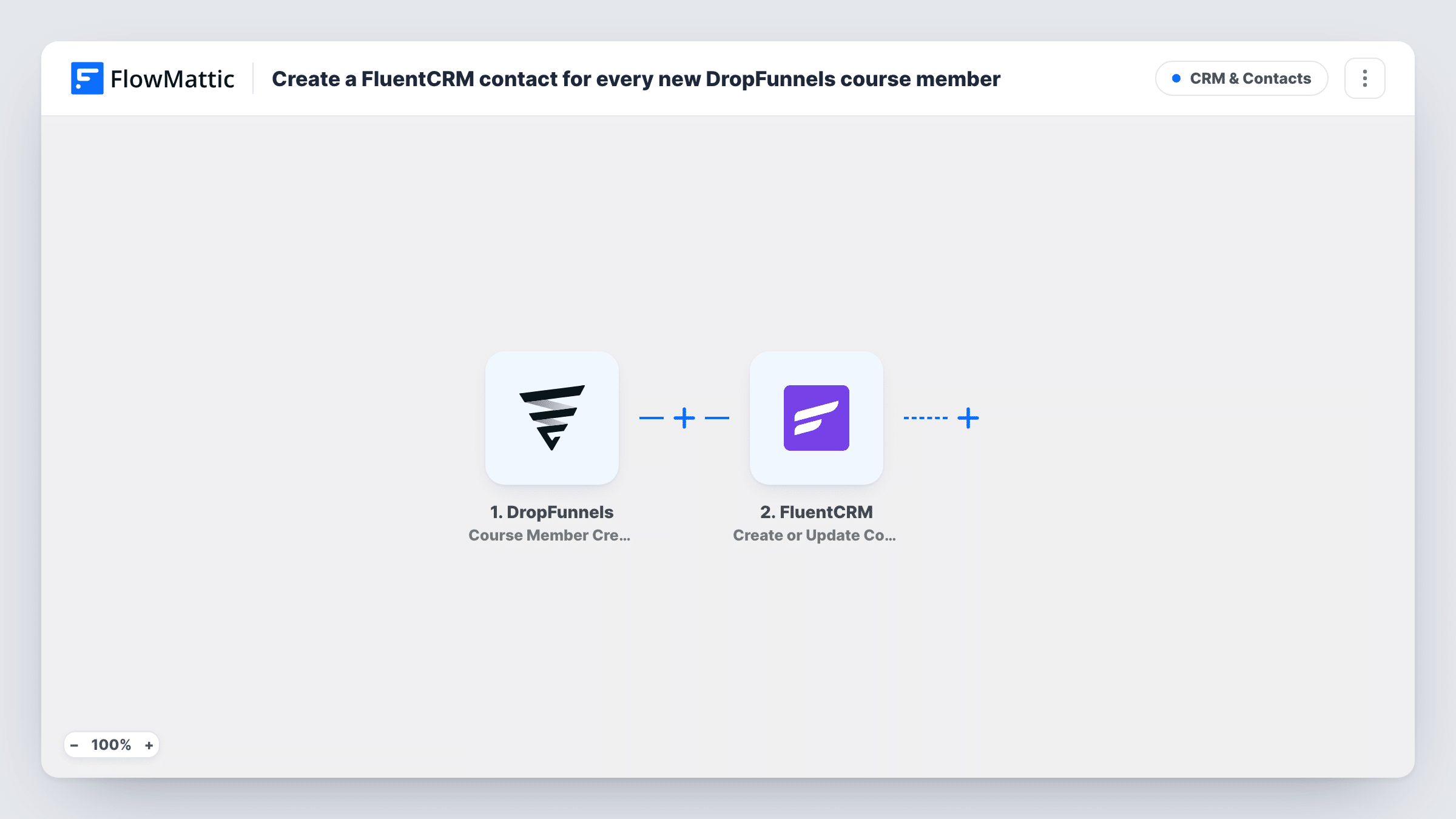
What this workflow does
DropFunnels hosts your courses, but your email marketing may run from FluentCRM inside WordPress. Without a link between the two, new students only reach your CRM if someone exports and imports them. This workflow sends each new course member across as soon as DropFunnels creates them.
As soon as DropFunnels adds someone as a course member, the trigger starts a run. FlowMattic passes the member's details to FluentCRM, which creates a contact or updates the existing one, matching on email address. You map the member's email and name to the contact.
Because FluentCRM runs on your own site, the contact is stored in your WordPress database. From there you can tag the student, add them to a list, or start a FluentCRM automation. Task History keeps a record of each run in case a member does not show up.
Student onboarding emails
A buyer is added as a member of your DropFunnels course. They appear in FluentCRM, where an automation you build there can send a welcome series.
Existing subscribers who buy a course
A newsletter reader already in FluentCRM joins a course. Their contact is matched by email and updated instead of duplicated.
One CRM for all course students
You run several DropFunnels courses. Every new member from any of them lands in FluentCRM, giving you one place to email all your students.
How this workflow runs
What happens at each step once the workflow is on, and what you need before you import it.
 DropFunnels Course Member Created
Starts a run each time DropFunnels creates a member record for one of your courses. The member's details are passed on for mapping in the FluentCRM step.
- FluentCRM Create or Update Contact
Creates a FluentCRM contact from the course member, or updates the contact if that email address is already in FluentCRM. Map the member's email and name fields here.
What you need
- FlowMatticCore
- DropFunnels AccountAccount
- FluentCRM PluginPlugin
After importing, map your own data. To keep the template universal, not every step is pre-filled. Open each step in the builder and connect your accounts and fields (channels, lists, sheets, recipients) before you switch the workflow on.
Make it yours
Changes worth making after you import it.
- Add a second FluentCRM step after this one to tag the contact as a course student, so you can segment them from your other subscribers.
- Run a test by adding a course member in DropFunnels after import. FlowMattic captures the member fields, so you can see exactly what is available to map.
- Add a Filter after the trigger if you only want members of certain courses in FluentCRM, using a course field from the test data.
Questions about this workflow
What if the DropFunnels member is already a FluentCRM contact?
The FluentCRM step looks the student up by email. If a contact with that email exists, it is updated with the mapped details rather than created again.
Does FluentCRM have to be on the WordPress site that runs FlowMattic for DropFunnels members to sync?
Yes. FluentCRM is a WordPress plugin, and the step writes to the FluentCRM install on the site where FlowMattic runs.
Will DropFunnels members created before import be copied?
No. Only course members created after you turn the workflow on start a run. Import older students into FluentCRM separately.
More CRM & Contacts workflows
Other ready-to-import templates from the same category.





Import this workflow into your WordPress site
Download the JSON, import it from the Workflows screen and connect your accounts. Every run stays on your server, with no per-task fees.
30-day money-back guarantee Unlimited workflows and runs Self-hosted