

Create a Flowlu CRM account when a new subscriber is added to Mailchimp
Every new Mailchimp subscriber becomes a CRM account in Flowlu, so the people joining your mailing list also appear in the CRM where your team tracks deals and tasks.
 Mailchimp
 Flowlu
2 steps Setup ~5 min Used on 2.6k sites Free to import
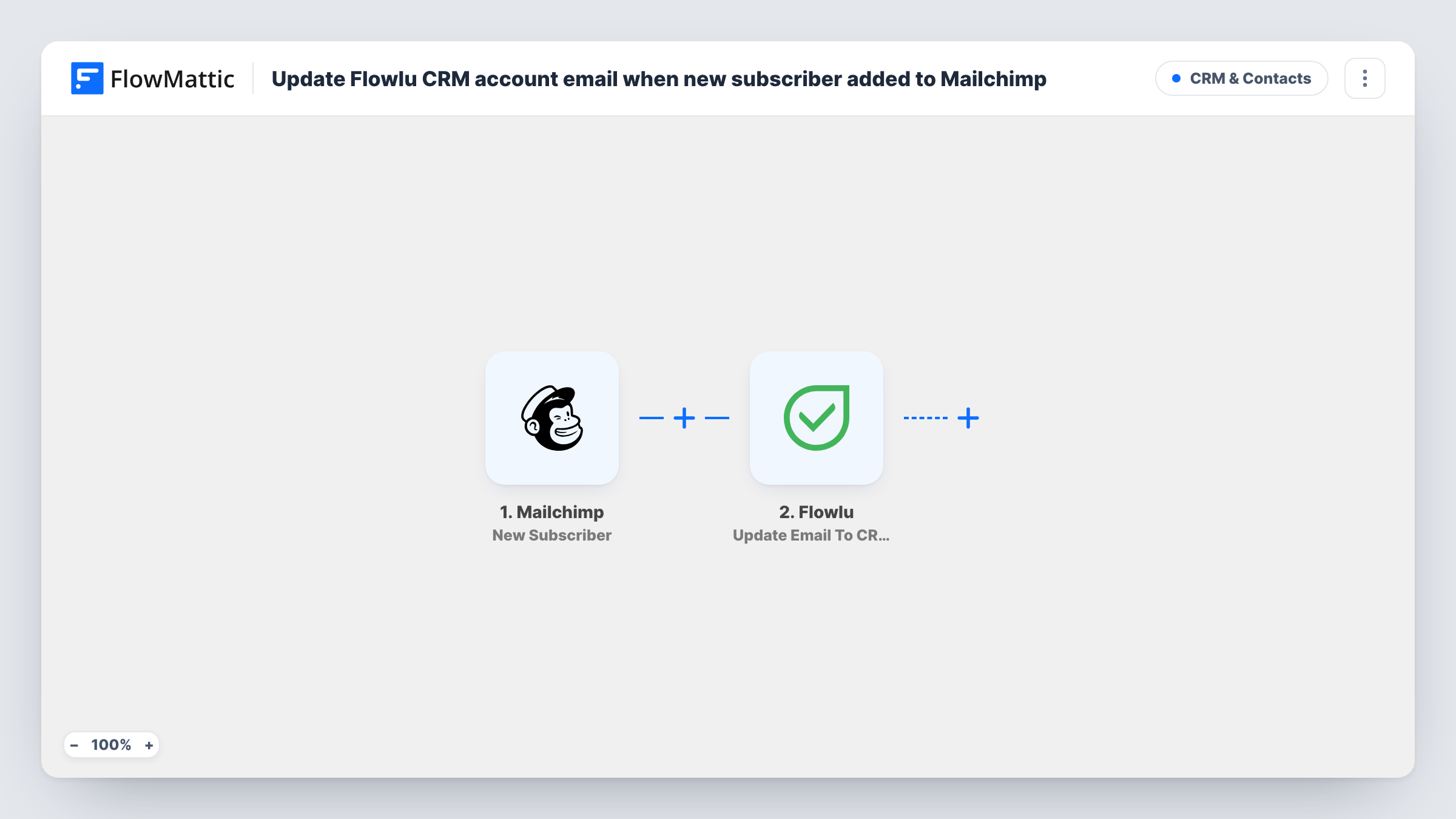
What this workflow does
Your mailing list and your CRM usually grow at different speeds. People sign up to your Mailchimp audience through forms and landing pages, but your sales team works from Flowlu. This workflow adds each new subscriber to Flowlu as a CRM account, so nobody has to export the list and import it again.
The Mailchimp New Subscriber trigger fires when someone is added to your audience. FlowMattic receives the subscriber's details, such as the email address and any merge fields like first and last name.
The Flowlu Create CRM Account step ships unmapped. After import you connect your Flowlu account and map the Mailchimp fields into the new account, for example the name and email. Fill only what you need; you can add more fields later.
The step always creates a new account. It doesn't look up whether the person is already in Flowlu, so someone who unsubscribes and joins again, or who was in your CRM before they subscribed, can end up as a second account. Run a test signup and check Task History to see what Flowlu returned.
Newsletter readers in the sales pipeline
A consultancy's sales lead sees every new newsletter subscriber in Flowlu and can open an opportunity when one of them books a call.
Webinar signups tracked in the CRM
Registrations collected through a Mailchimp signup form land in Flowlu, where the team adds tasks to follow up after the session.
One place to look up a contact
Support and sales staff search Flowlu instead of switching to Mailchimp to check whether someone is on the list.
How this workflow runs
What happens at each step once the workflow is on, and what you need before you import it.
 Mailchimp New Subscriber
Starts a run each time someone joins your Mailchimp audience as a subscriber. Their email address and merge field values, such as names, are passed on.
- Flowlu Create CRM Account
Creates a new CRM account in Flowlu from the subscriber's data. Nothing is mapped in the template, so connect Flowlu and choose which Mailchimp values go into the account after import.
What you need
- FlowMatticCore
- Mailchimp AccountAccount
- Flowlu AccountAccount
After importing, map your own data. To keep the template universal, not every step is pre-filled. Open each step in the builder and connect your accounts and fields (channels, lists, sheets, recipients) before you switch the workflow on.
Make it yours
Changes worth making after you import it.
- Add a Mailchimp merge field for company or phone to your signup form, then map it into the Flowlu account so the CRM record has more than an email.
- Put a Filter between the Mailchimp trigger and the Flowlu step on a merge field you choose, such as company, so only subscribers who fill it in become CRM accounts.
- Use the account Flowlu returns in a later step, for example Flowlu's Create Task action, so someone on your team follows up with each new subscriber.
Questions about this workflow
Will my existing Mailchimp subscribers be copied to Flowlu?
No. Only people who subscribe after you turn the workflow on start a run. Bring current subscribers into Flowlu with an export and import.
What if the subscriber already has a Flowlu CRM account?
The Create CRM Account step doesn't check first, so Flowlu may get a second account for the same person. Test with an email that's already in Flowlu and check the result in Task History.
Which Mailchimp fields can go into the Flowlu account?
The values the New Subscriber event sends, such as the email and your merge fields. Run a test signup to see them, then map the ones you want in the Flowlu step.
Are people who unsubscribe from Mailchimp removed from Flowlu?
No. The workflow acts only when someone subscribes, and it never deletes or edits Flowlu accounts. Anyone who leaves your list keeps their CRM account until you remove it.
More CRM & Contacts workflows
Other ready-to-import templates from the same category.






Import this workflow into your WordPress site
Download the JSON, import it from the Workflows screen and connect your accounts. Every run stays on your server, with no per-task fees.
30-day money-back guarantee Unlimited workflows and runs Self-hosted