

Convert FluentCRM leads from new Parsio parsed documents
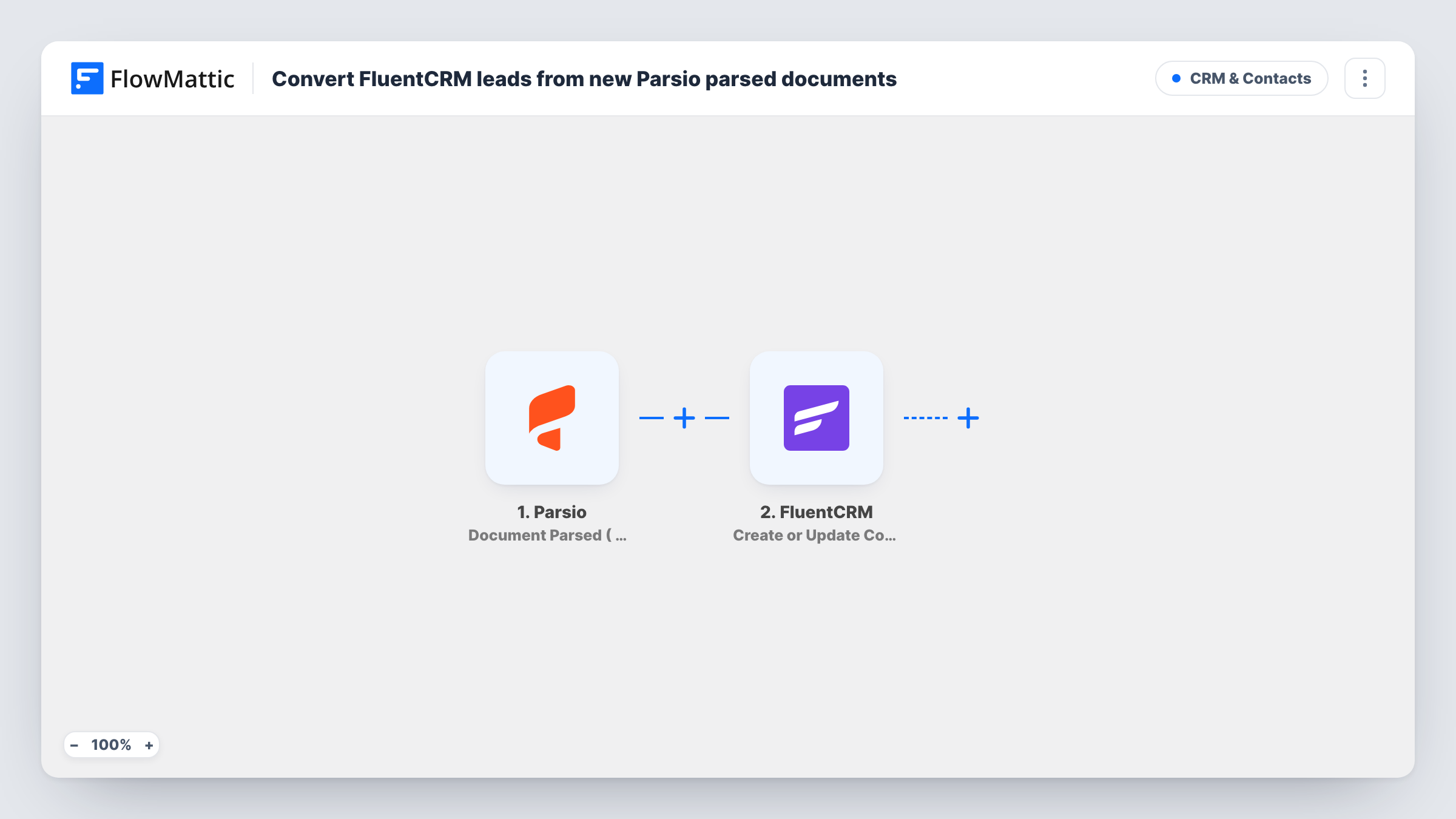
When Parsio parses a document, this workflow creates or updates a FluentCRM contact from the extracted details, matched by email, so leads hidden in emails and PDFs end up in your WordPress CRM.
 Parsio
 FluentCRM
2 steps Setup ~5 min Used on 996 sites Free to import
What this workflow does
Leads often arrive inside documents rather than forms: enquiry emails, order PDFs, booking confirmations from another system. Parsio pulls the details out, but they still need to reach the CRM where you email people. This workflow sends each parsed result to FluentCRM as a contact.
The Parsio trigger is Document Parsed (Flat Tables). It fires when a document is parsed, whether the document is new or an older one parsed again, and flattens any table fields into plain columns. The extracted values become data you can map. The FluentCRM step then creates a contact, or updates the existing one with the same email address, using the fields you map.
Because matching is by email, the parser must pull an email address from each document. A re-parsed document runs the workflow again and refreshes that contact with whatever the new parse returned, and blank values can overwrite fields you filled before. Task History lists each run with the data sent to FluentCRM.
Enquiry emails forwarded to Parsio
A consultancy forwards web enquiries from an older site to a Parsio mailbox. Each parsed email becomes a FluentCRM contact ready for a follow-up sequence.
Booking confirmations from a third-party platform
A tour operator parses the confirmation emails a booking platform sends, and each guest is created or updated as a contact in FluentCRM.
Trade show lead sheets
Scanned lead forms from an exhibition are uploaded to Parsio, and every sheet with an email address adds that visitor to the CRM.
How this workflow runs
What happens at each step once the workflow is on, and what you need before you import it.
 Parsio Document Parsed ( Flat Tables )
Fires when Parsio parses a document in your mailbox, including an older document parsed again. Table fields are flattened into columns, and every extracted value is passed on.
- FluentCRM Create or Update Contact
Creates a FluentCRM contact from the parsed values, or updates the contact that already has the same email address. Map the extracted email and any name or phone fields.
What you need
- FlowMatticCore
- Parsio AccountAccount
- FluentCRM PluginPlugin
After importing, map your own data. To keep the template universal, not every step is pre-filled. Open each step in the builder and connect your accounts and fields (channels, lists, sheets, recipients) before you switch the workflow on.
Make it yours
Changes worth making after you import it.
- Add a Filter after the trigger that continues only when the parsed email is not empty, so documents Parsio couldn't read an address from stop there.
- Add FluentCRM's Add Tags to Contact after this step to tag each contact with its source, such as parsed email, so you can segment them later.
- Parse one sample document after import so FlowMattic receives Parsio's field names, then map them in the FluentCRM step and check the contact on your site.
Questions about this workflow
What if the Parsio parser finds no email in a document?
FluentCRM matches contacts by email, so a run without one has nothing to create or update the contact with. You can see that run's outcome on the FluentCRM step in Task History. A Filter on the email field keeps those runs from reaching FluentCRM.
Does re-parsing a Parsio document create a second contact?
No. The trigger fires again, but the FluentCRM step finds the contact by email and updates it. Values from the new parse replace the old ones, including blank values.
Is FluentCRM data sent outside WordPress?
Contacts made by this flow live in the FluentCRM tables of your own WordPress database. Parsio is the external service that reads the documents.
Why does this use the Flat Tables version of the Parsio trigger?
It turns table fields in a document into plain columns, which makes them easier to map into single contact fields in FluentCRM.
More CRM & Contacts workflows
Other ready-to-import templates from the same category.



Import this workflow into your WordPress site
Download the JSON, import it from the Workflows screen and connect your accounts. Every run stays on your server, with no per-task fees.
30-day money-back guarantee Unlimited workflows and runs Self-hosted