

When a new payment is made in Lightfunnels, add a contact in FluentCRM
Each new payment in Lightfunnels creates a FluentCRM contact for the buyer, or updates their contact if they are already in your CRM, so your WordPress email lists include the people who pay you.
 Lightfunnels
 FluentCRM
2 steps Setup ~5 min Used on 599 sites Free to import
What this workflow does
Lightfunnels handles your funnels and checkout, but your email marketing may live in FluentCRM on WordPress. Without a link between them, buyers only reach your CRM when someone exports and imports a list. This workflow adds each paying customer as the payment comes in.
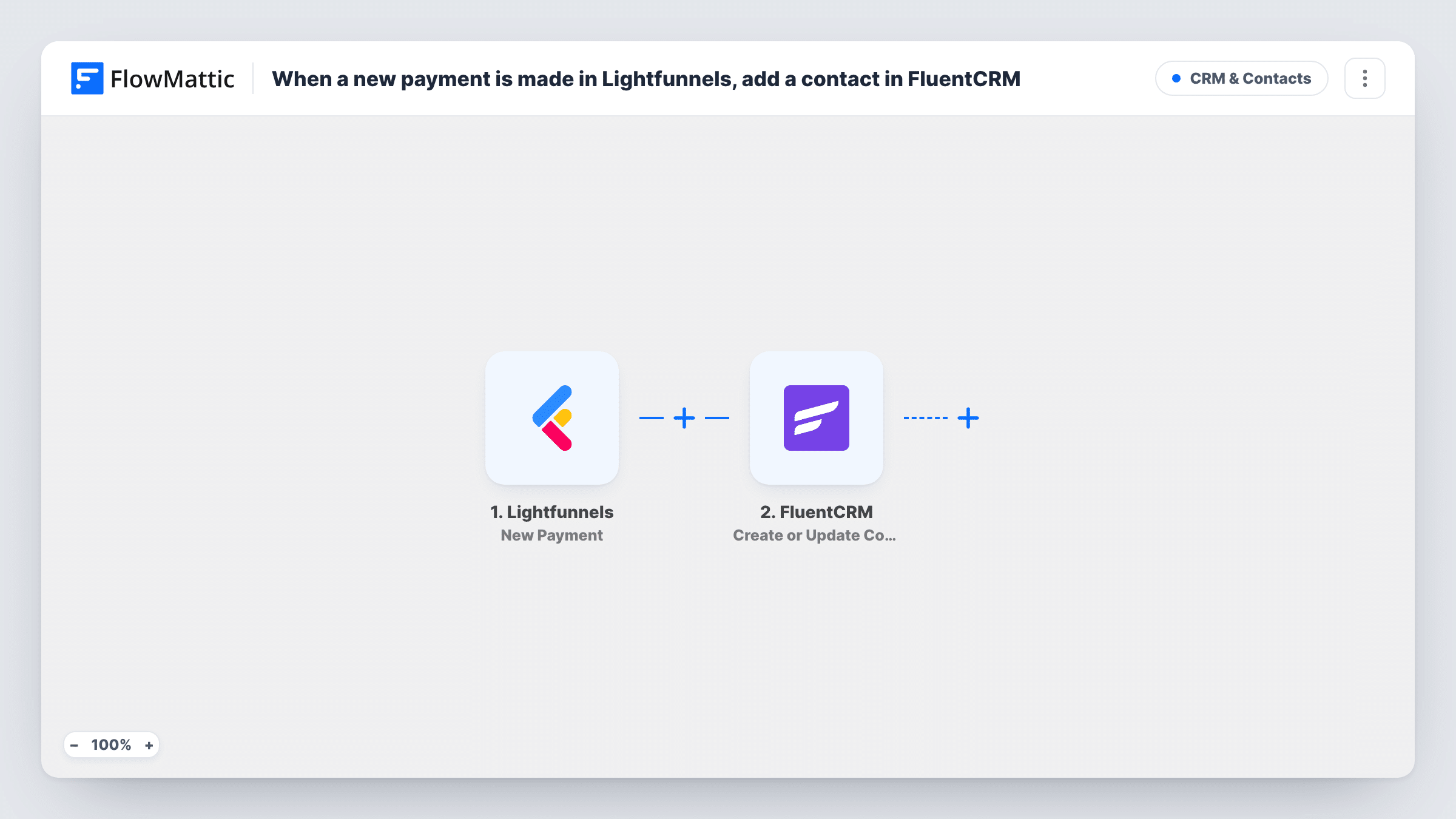
The Lightfunnels trigger is New Payment, which fires when a new payment is made. FlowMattic receives the payment data and sends it to FluentCRM with the Create or Update Contact action. The CRM looks the buyer up by email address: a first-time buyer becomes a new contact, and a returning one has their existing contact updated.
Every payment runs the workflow, so repeat buyers trigger it again each time they pay. That is safe for the contact count, since FluentCRM updates instead of duplicating, but any field you map is rewritten with the latest payment's data. Task History records each run with the data Lightfunnels sent.
Customer list for product updates
Everyone who pays through a Lightfunnels funnel lands in FluentCRM, ready for the update emails you send from WordPress.
Segmenting buyers from free sign-ups
Funnel buyers arrive in FluentCRM next to your free subscribers, so you can build a segment of paying customers and send them offers meant only for people who bought.
One CRM for funnel and site customers
Buyers from Lightfunnels and people who sign up on your WordPress site share one FluentCRM database, so you email them from one place.
How this workflow runs
What happens at each step once the workflow is on, and what you need before you import it.
 Lightfunnels New Payment
Fires when a new payment is made in Lightfunnels. The payment data, including the customer details Lightfunnels sends with it, become available to map in FluentCRM.
- FluentCRM Create or Update Contact
Adds the paying customer to FluentCRM, or refreshes their contact when that email is already there. Map the buyer's email from the payment data, plus a name if it is there. A test payment shows what else you can fill in.
What you need
- FlowMatticCore
- Lightfunnels AccountAccount
- FluentCRM PluginPlugin
After importing, map your own data. To keep the template universal, not every step is pre-filled. Open each step in the builder and connect your accounts and fields (channels, lists, sheets, recipients) before you switch the workflow on.
Make it yours
Changes worth making after you import it.
- Make a test purchase first and check that the New Payment data includes the buyer's email. FluentCRM matches contacts by email, so the step can't work without one.
- Lightfunnels also has a Paid Payment trigger, fired when a payment is marked as paid. Swap it in if you want contacts added only once payment is confirmed.
- Add a Filter after the trigger on a product or funnel value from the payment data if only buyers of one offer should go into FluentCRM. Check a test run for the field to use.
Questions about this workflow
What happens when someone who is already a FluentCRM contact pays again?
Create or Update Contact finds the contact by email and updates it, so no duplicate is made. Mapped fields take the values from the new payment, and a blank value can overwrite one the contact had.
Does every Lightfunnels payment run this workflow?
Yes. New Payment fires for each payment, and there is no Filter in the template. Add one after the trigger if you only want some payments to create contacts.
Can I tag Lightfunnels buyers in FluentCRM?
Not in this template. You can map more details as you configure the contact step, or add a FluentCRM tag step after it. Test with a known contact to check the result.
Is FluentCRM required on my WordPress site?
Yes. The contact step writes to FluentCRM installed on the same site as FlowMattic. Lightfunnels connects through your Lightfunnels account.
More CRM & Contacts workflows
Other ready-to-import templates from the same category.





Import this workflow into your WordPress site
Download the JSON, import it from the Workflows screen and connect your accounts. Every run stays on your server, with no per-task fees.
30-day money-back guarantee Unlimited workflows and runs Self-hosted