

Add each new Poptin lead to FluentCRM for automated follow-up
Each lead captured by a Poptin popup or form is sent to FluentCRM, which creates the contact or updates it by email address, so your FluentCRM automations can take over the follow-up.
 Poptin
 FluentCRM
2 steps Setup ~5 min Used on 2.6k sites Free to import
What this workflow does
Poptin popups and forms are good at catching visitors before they leave. The follow-up, though, usually happens in your email tool. If leads stay in Poptin, the welcome email or nurture sequence never starts. This workflow passes every new lead to FluentCRM on your WordPress site.
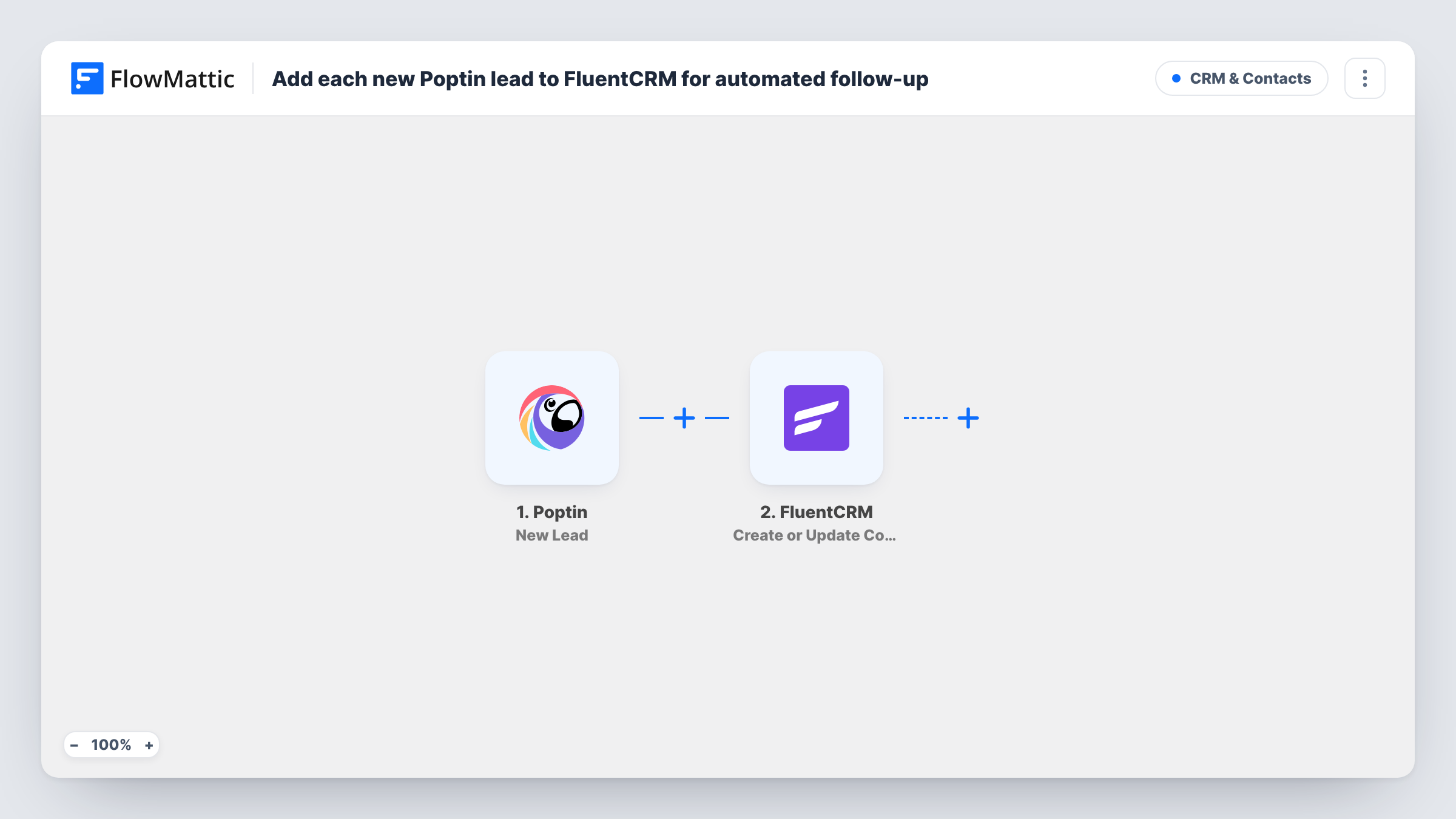
The Poptin trigger fires when a new lead is captured through a Poptin conversion. FlowMattic sends the lead's details to FluentCRM, where Create or Update Contact matches on email address. A new address becomes a new contact, and a known address updates the existing one.
The workflow itself sends no emails. The follow-up comes from the FluentCRM automation or sequence you set up, which you can start from the list or tag the contact receives. Contacts are stored in FluentCRM on your own site, and each run is recorded in Task History.
Exit-intent discount popups
Visitors who take a discount code from a Poptin exit popup become FluentCRM contacts, and a FluentCRM automation sends the code and a reminder.
Lead magnet sign-ups
A Poptin form offering a checklist adds each sign-up to FluentCRM, where a short email sequence delivers the download and follow-up tips.
Webinar registration popups
People who register through a Poptin popup are added to a FluentCRM list used for webinar reminders.
How this workflow runs
What happens at each step once the workflow is on, and what you need before you import it.
 Poptin New Lead
Fires when a new lead is captured through a Poptin conversion. The lead's details are passed on to FluentCRM.
- FluentCRM Create or Update Contact
Creates a FluentCRM contact from the Poptin lead, or updates the existing contact with the same email. Map the email and any name fields Poptin collects.
What you need
- FlowMatticCore
- Poptin AccountAccount
- FluentCRM PluginPlugin
After importing, map your own data. To keep the template universal, not every step is pre-filled. Open each step in the builder and connect your accounts and fields (channels, lists, sheets, recipients) before you switch the workflow on.
Make it yours
Changes worth making after you import it.
- Assign a list or tag in the FluentCRM step, if it offers one, then use that list or tag to start your FluentCRM follow-up automation.
- Run several popups? Add a Filter after the trigger on a value that tells them apart, if Poptin sends one, so only some leads reach FluentCRM.
- Submit a test lead through your Poptin popup after import so FlowMattic captures the fields you need to map.
Questions about this workflow
What happens if the Poptin lead is already a FluentCRM contact?
The step matches by email address and updates the existing contact, so no duplicate is created.
Does this workflow send follow-up emails to Poptin leads?
No. It creates or updates the FluentCRM contact. The emails come from a FluentCRM automation or sequence that you set up.
Does FluentCRM need to be on the same site as FlowMattic for Poptin leads?
Yes. FluentCRM is a WordPress plugin, and FlowMattic adds the contact on the site where both are installed.
More CRM & Contacts workflows
Other ready-to-import templates from the same category.







Import this workflow into your WordPress site
Download the JSON, import it from the Workflows screen and connect your accounts. Every run stays on your server, with no per-task fees.
30-day money-back guarantee Unlimited workflows and runs Self-hosted