

Create a HubSpot CRM contact from every new Asklaila lead
When Asklaila captures a lead for your business, this workflow creates a matching contact in HubSpot CRM from the lead’s details, so local enquiries reach your CRM without retyping.
 Asklaila
 HubSpot CRM
2 steps Setup ~5 min Used on 1.4k sites Free to import
What this workflow does
Leads from a local listing site are easy to lose. They sit in one account while your follow-up happens in another, and someone has to copy names and numbers across. This workflow moves each Asklaila lead into HubSpot as it is captured.
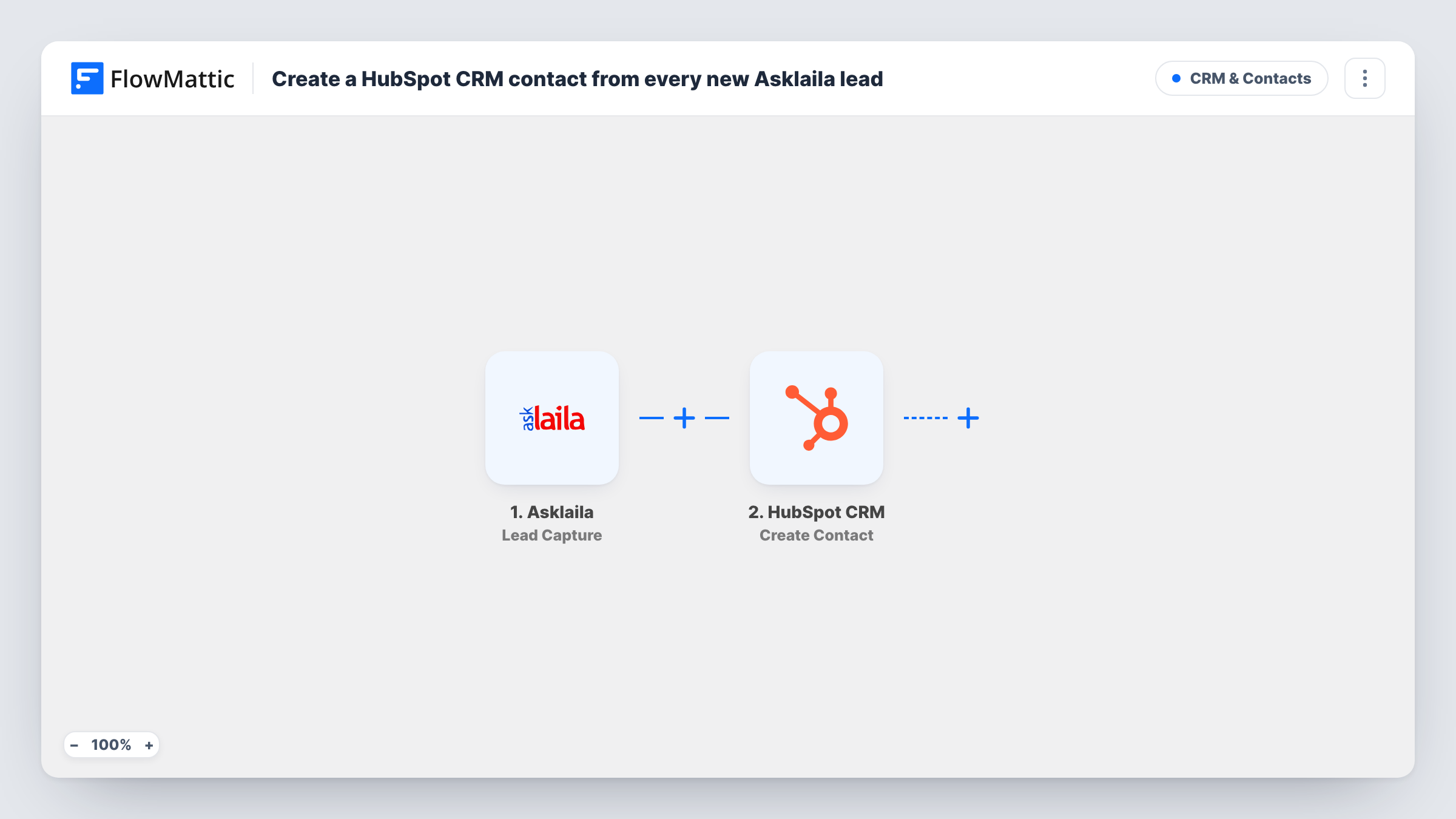
The Asklaila trigger, Lead Capture, fires each time a lead is captured from your Asklaila account. FlowMattic hands the lead data to HubSpot CRM, where the Create Contact action adds a new contact. You decide which lead values fill which contact properties by mapping them after import.
There is no Filter in this template, so every captured lead becomes a HubSpot contact. The action makes new records and never edits one that exists. When one person enquires twice, HubSpot may turn down the second contact with the same email; the HubSpot step in Task History then shows why.
Local service enquiries into one pipeline
A plumbing or repair business listed on Asklaila gets call-back requests. Each one appears as a HubSpot contact your team can work from alongside leads from other channels.
Clinic or salon appointment requests
People who ask about appointments through your Asklaila listing land in HubSpot, where front-desk staff can log calls against the contact.
Measuring listing leads in HubSpot
Map a fixed value such as Asklaila into a lead source property, so you can count in HubSpot how many contacts came from the listing.
How this workflow runs
What happens at each step once the workflow is on, and what you need before you import it.
 Asklaila Lead Capture
Fires each time Asklaila captures a lead from your account. The lead's details are passed on so you can map them into the HubSpot contact.
- HubSpot CRM Create Contact
Creates a new contact in HubSpot CRM from the Asklaila lead. Connect your HubSpot account on import and map the lead values to contact properties, then confirm the result with a test lead.
What you need
- FlowMatticCore
- Asklaila AccountAccount
- HubSpot CRM AccountAccount
After importing, map your own data. To keep the template universal, not every step is pre-filled. Open each step in the builder and connect your accounts and fields (channels, lists, sheets, recipients) before you switch the workflow on.
Make it yours
Changes worth making after you import it.
- Map a fixed text value like Asklaila into a HubSpot property you use for lead source, so these contacts are easy to segment later.
- Send a test lead through Asklaila after import, then open the run in Task History to see exactly which lead values arrived before you finish mapping.
- Add a Slack message or an email step after HubSpot if someone on your team should call each new Asklaila lead the same day.
Questions about this workflow
Which Asklaila leads start this workflow?
Every lead the Lead Capture trigger receives from your Asklaila account. Nothing filters them, so each one is sent to HubSpot.
What happens if the Asklaila lead is already a HubSpot contact?
Create Contact adds records and does not change ones already in HubSpot. A repeat email may be rejected by HubSpot, and you can read that reply on the run in Task History.
Which Asklaila fields can I put into HubSpot?
Whatever the Lead Capture event carries for your account. Send a test lead after import, then pick from the captured values when you map the HubSpot step.
Will leads Asklaila captured before import reach HubSpot?
No. The trigger reacts to leads captured after the workflow is switched on. Older Asklaila leads would need to be added to HubSpot another way.
More CRM & Contacts workflows
Other ready-to-import templates from the same category.





Import this workflow into your WordPress site
Download the JSON, import it from the Workflows screen and connect your accounts. Every run stays on your server, with no per-task fees.
30-day money-back guarantee Unlimited workflows and runs Self-hosted