

When a client is updated in Kitchen.co, update contact in FluentCRM
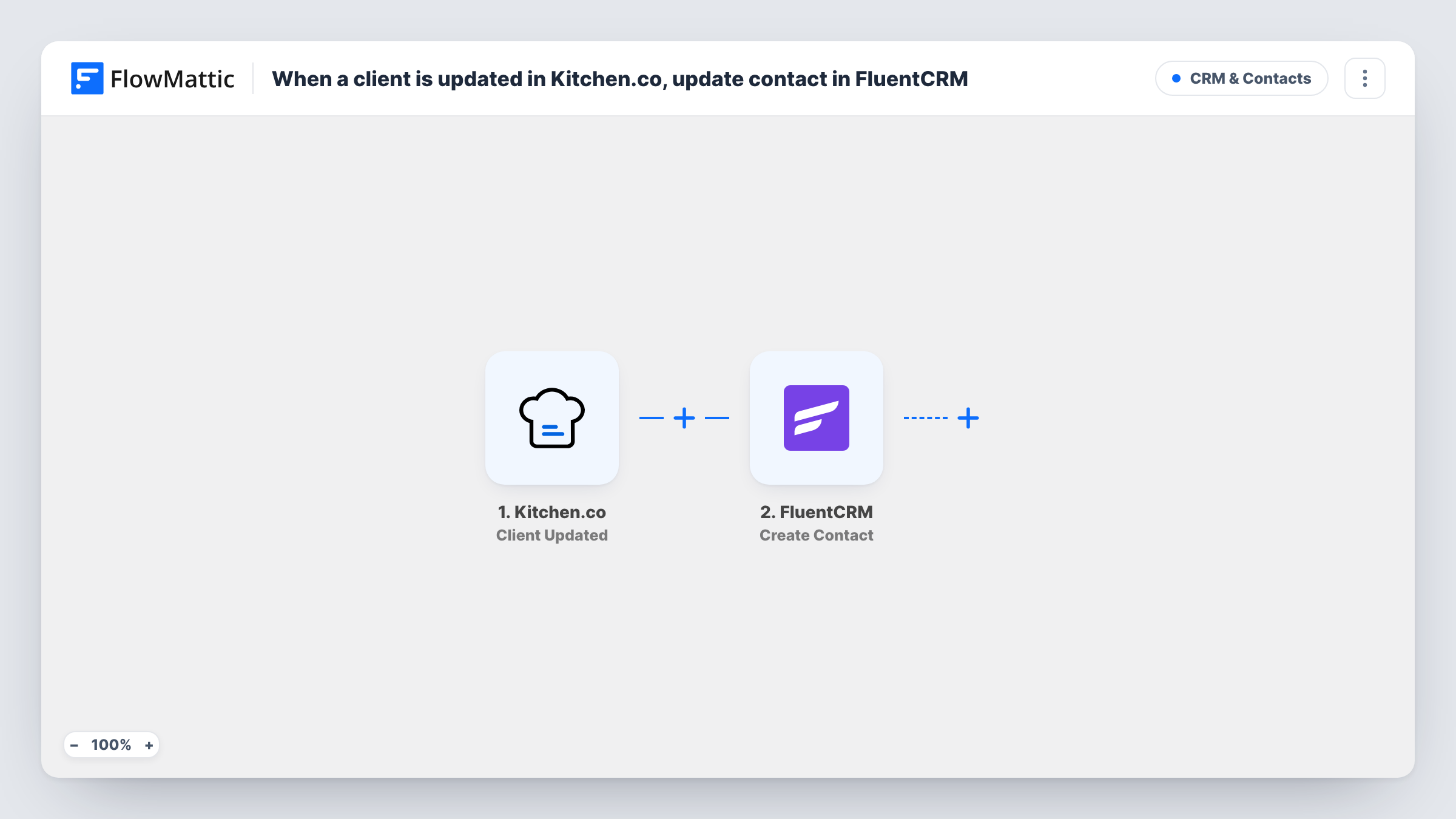
When a client’s details change in Kitchen.co, FlowMattic sends them to FluentCRM, which updates the contact with that email address or creates one if none exists yet.
 Kitchen.co
 FluentCRM
2 steps Setup ~5 min Used on 1.7k sites Free to import
What this workflow does
If you run client projects in Kitchen.co and your email marketing in FluentCRM, a changed phone number or company name usually gets fixed in one place and forgotten in the other. This workflow passes each client update from Kitchen.co to FluentCRM, so the contact on your WordPress site keeps up with the client record.
The Kitchen.co trigger is Client Updated, which fires whenever a client is updated. Its data carries the client's details as they are after the change; run a test edit to see which values Kitchen.co sends.
The FluentCRM step is Create or Update Contact. FlowMattic describes it as creating a new contact or updating an existing one based on email address. So when the client's email already belongs to a contact, that contact is updated; when it doesn't, a new contact is created. The step ships unmapped, so after import you map the client's email, name and any other fields you keep in FluentCRM.
Every client update starts a run, even a small one, and each run writes the mapped fields again. If a client changes their email address in Kitchen.co, FluentCRM matches on the new address, so the old contact stays as it was. Test with a known client and check Task History before you rely on it.
Agency client list that stays current
A design agency edits client names and phone numbers in Kitchen.co during projects. The same changes reach FluentCRM, so newsletters and follow-up emails use the right details.
Clients who were never added to FluentCRM
A studio started using FluentCRM after many clients were already in Kitchen.co. The next time such a client's record is updated, they are created as a FluentCRM contact.
One place to segment clients
A consultant keeps client records in Kitchen.co but builds email segments in FluentCRM, and wants the contact data there to follow the latest client edits.
How this workflow runs
What happens at each step once the workflow is on, and what you need before you import it.
 Kitchen.co Client Updated
Starts each time a client is updated in Kitchen.co. The client's details after the change are passed to FluentCRM. Make a test edit to see exactly which fields Kitchen.co includes.
- FluentCRM Create or Update Contact
Finds the FluentCRM contact by email address and updates it, or creates a new contact when no match exists. The step ships unmapped: map the client's email first, then the name and other fields you want kept in sync.
What you need
- FlowMatticCore
- Kitchen.co AccountAccount
- FluentCRM PluginPlugin
After importing, map your own data. To keep the template universal, not every step is pre-filled. Open each step in the builder and connect your accounts and fields (channels, lists, sheets, recipients) before you switch the workflow on.
Make it yours
Changes worth making after you import it.
- Map only the fields Kitchen.co really owns, such as name, company and phone, then run a test update and confirm the fields you manage in FluentCRM stay as they were.
- Add the New Client trigger from Kitchen.co in a copy of this workflow, so clients are created in FluentCRM when they are added, not only after their first edit.
- Add a FluentCRM Add Tags to Contact step after Create or Update Contact with a tag such as kitchen-client, so you can build a segment of everyone this workflow touched.
Questions about this workflow
What happens if the Kitchen.co client isn't in FluentCRM yet?
The Create or Update Contact step creates a new contact for that email address. It only updates when a contact with the same email already exists.
What if a client changes their email address in Kitchen.co?
FluentCRM matches on email, so the new address doesn't match the old contact. A new contact is created and the old one stays. Merge or delete the old contact in FluentCRM by hand.
Does a FluentCRM change go back to Kitchen.co?
No. The workflow only runs from Kitchen.co to FluentCRM. Edits made in FluentCRM are not sent to the client record.
Will my existing Kitchen.co clients be copied when I turn this on?
Not all at once. A client only reaches FluentCRM when their record is updated after the workflow is active.
More CRM & Contacts workflows
Other ready-to-import templates from the same category.






Import this workflow into your WordPress site
Download the JSON, import it from the Workflows screen and connect your accounts. Every run stays on your server, with no per-task fees.
30-day money-back guarantee Unlimited workflows and runs Self-hosted