

When a new form submission is received in Tally, create a new customer in SuiteDash
When someone fills in one of your Tally forms, this workflow creates a contact in SuiteDash from their answers, so new leads and clients appear in your CRM and client portal without retyping.
 Tally
Tally
 SuiteDash
2 steps Setup ~5 min Used on 2.1k sites Free to import
What this workflow does
Tally is a quick way to take enquiries, intake details or onboarding answers, but those answers don't reach SuiteDash on their own. Copying each name and email across by hand is slow and easy to get wrong. This workflow turns every Tally submission into a SuiteDash contact.
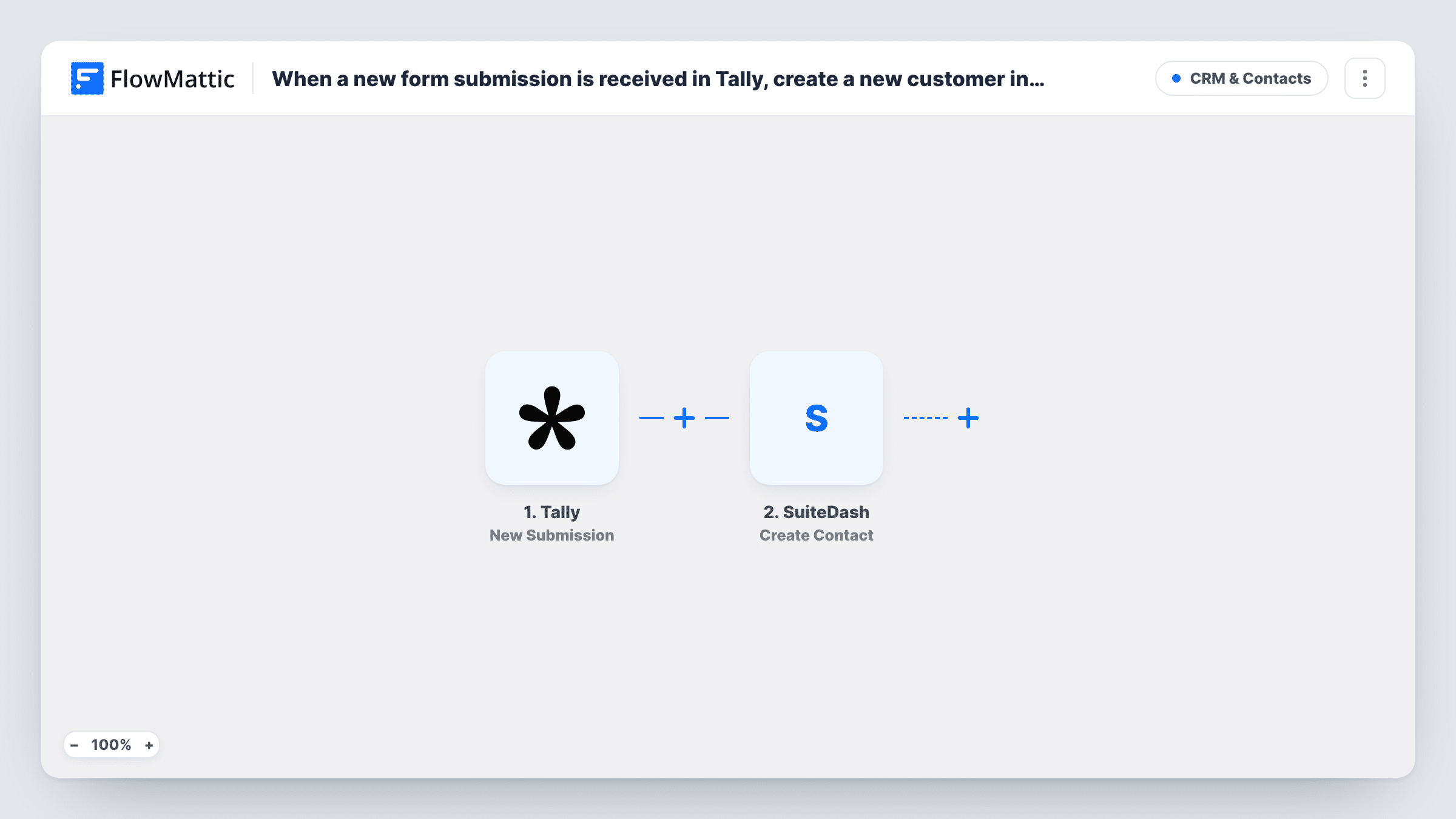
The Tally trigger fires when a form receives a new submission, and FlowMattic passes each answer on for mapping. The SuiteDash step runs Create Contact, which adds a new contact built from the answers you map, such as name and email.
Tally still keeps every response, so you lose nothing by adding the workflow. Because the action creates a contact rather than looking one up, plan for people who submit more than once. Task History records each run and the response SuiteDash returned.
Client intake for a consultancy
New clients complete a Tally intake form before the first call, and each one is added to SuiteDash so you can set up their portal access from there.
Enquiries from a services page
A Tally enquiry form on your website feeds SuiteDash directly, giving you a contact record for every prospect who asks about your services.
Workshop registrations
People register for a workshop through Tally, and each registrant becomes a SuiteDash contact you can follow up with after the session.
How this workflow runs
What happens at each step once the workflow is on, and what you need before you import it.
 Tally New Submission
Fires when one of your Tally forms receives a new submission. Connect Tally, pick the form and submit a test entry so FlowMattic captures the answers.
- SuiteDash Create Contact
Adds a fresh SuiteDash contact built from the Tally answers. Map the Tally answers into the contact, at least the name and email, and connect your SuiteDash account.
What you need
- FlowMatticCore
- Tally AccountAccount
- SuiteDash AccountAccount
After importing, map your own data. To keep the template universal, not every step is pre-filled. Open each step in the builder and connect your accounts and fields (channels, lists, sheets, recipients) before you switch the workflow on.
Make it yours
Changes worth making after you import it.
- Make the email question required in Tally, so SuiteDash always receives an address for the new contact.
- Add a Filter after the trigger if only some answers should become contacts, for example continuing only when a 'Type of enquiry' answer equals New client.
- Run one test submission with your own details, then check the new contact in SuiteDash to confirm each answer landed where you mapped it.
Questions about this workflow
What happens if the person is already a SuiteDash contact?
The step is Create Contact, which adds a new contact and doesn't look for an existing one. SuiteDash may refuse the duplicate or add a second record; Task History shows its response either way.
Can one workflow cover several Tally forms?
The trigger watches the form you pick. For a second form, clone the workflow and choose the other form in the copy, then remap the SuiteDash fields.
Can the Tally answers go into SuiteDash custom fields?
Map whatever the SuiteDash step offers after you connect your account. Send a test run to see which fields it accepts.
Will past Tally responses become SuiteDash contacts?
No. Responses that reached Tally before the workflow was switched on are left alone; only later ones become contacts.
More CRM & Contacts workflows
Other ready-to-import templates from the same category.








Import this workflow into your WordPress site
Download the JSON, import it from the Workflows screen and connect your accounts. Every run stays on your server, with no per-task fees.
30-day money-back guarantee Unlimited workflows and runs Self-hosted