

Create a HubSpot CRM contact from each new Wisepops sign-up
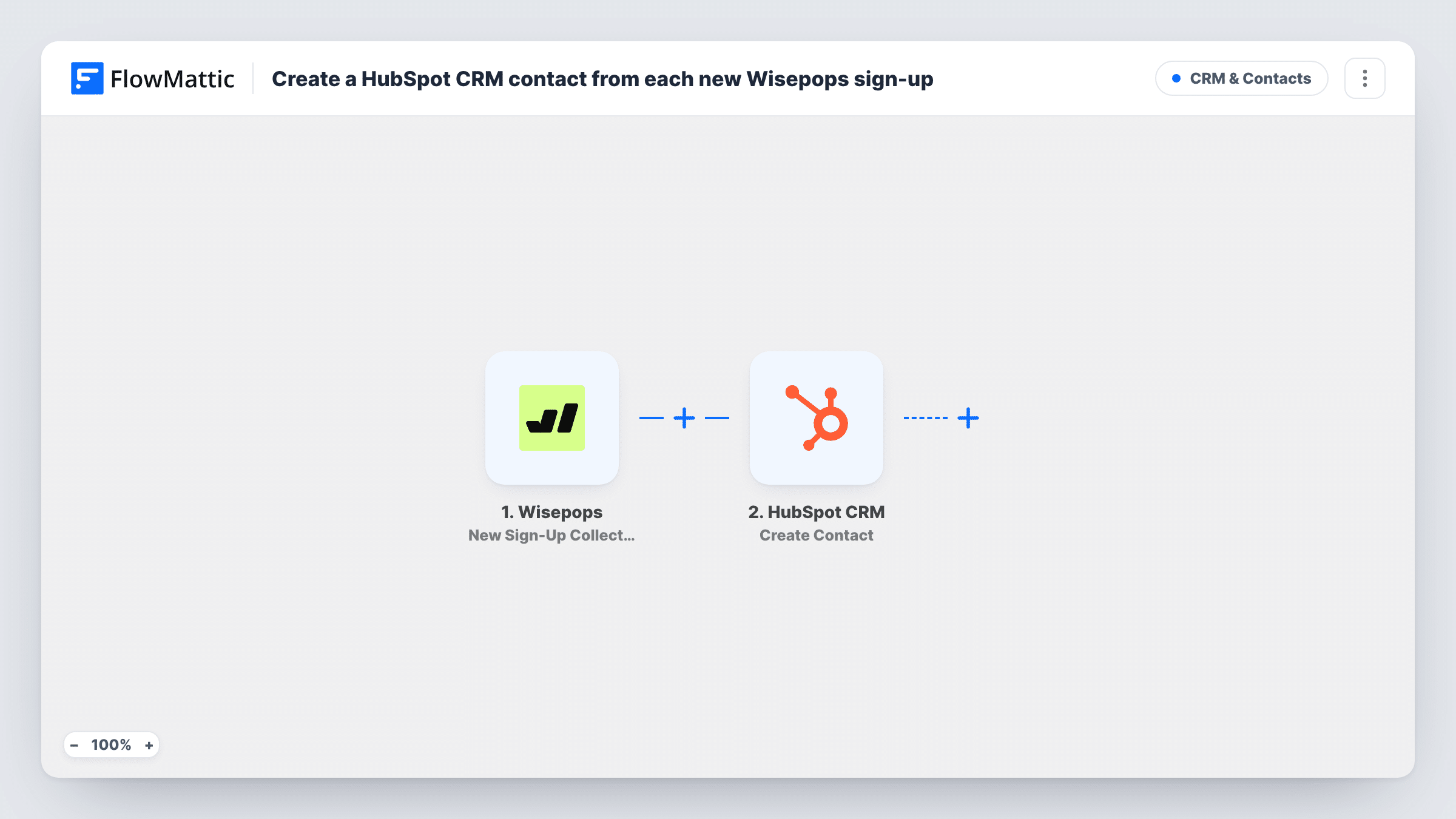
When a Wisepops popup collects a new sign-up email, this workflow creates a contact for that person in HubSpot CRM, so popup leads sit in your CRM next to the rest of your pipeline.
 Wisepops
 HubSpot CRM
2 steps Setup ~5 min Used on 667 sites Free to import
What this workflow does
A Wisepops popup can collect plenty of email addresses, but they do your sales team little good while they stay in the Wisepops dashboard. This workflow sends each one into HubSpot CRM as a contact, where your team already tracks leads.
The Wisepops trigger fires when a popup collects a new sign-up email. FlowMattic takes the sign-up data and passes it to HubSpot CRM, where the Create Contact action adds a contact. You map the collected email into the contact, along with any other details your popup gathers.
Wisepops leads only ever produce new HubSpot records here, never edits. If the address already belongs to a HubSpot contact, HubSpot may refuse the duplicate, and Task History shows its response for that run. The rest of your CRM is left alone: the workflow does not assign owners, set lifecycle stages or add the person to lists unless you add steps for that.
Exit-intent offers on a SaaS site
Visitors leaving the pricing page enter an email for a discount. Each address becomes a HubSpot contact your sales team can see and follow up.
Newsletter popups on a content site
Readers who sign up through a Wisepops popup appear as HubSpot contacts, so your marketing team sees them alongside leads from other sources.
Gated download popups
A popup offers a guide in exchange for an email. The contact in HubSpot records who asked for it, ready for a later nurture campaign.
How this workflow runs
What happens at each step once the workflow is on, and what you need before you import it.
 Wisepops New Sign-Up Collected
Runs when a Wisepops popup collects a new sign-up email. The sign-up data is passed on for the HubSpot step. Run a test to see which fields your popup sends.
- HubSpot CRM Create Contact
Creates a new contact in HubSpot CRM from the Wisepops sign-up. Map the collected email address into the contact, plus any other popup fields you want stored.
What you need
- FlowMatticCore
- Wisepops AccountAccount
- HubSpot CRM AccountAccount
After importing, map your own data. To keep the template universal, not every step is pre-filled. Open each step in the builder and connect your accounts and fields (channels, lists, sheets, recipients) before you switch the workflow on.
Make it yours
Changes worth making after you import it.
- Wisepops also has a New Phone Collected trigger. If a popup gathers phone numbers, import a second copy with that trigger to send those leads to HubSpot too.
- Add a Filter after the trigger so only sign-ups from a specific popup reach HubSpot, if Wisepops includes the popup's details in the event. Check a test run first.
- Send a test sign-up through the popup after import, then confirm in Task History that HubSpot accepted the contact before you leave the workflow running.
Questions about this workflow
What if the Wisepops sign-up email already exists in HubSpot?
Create Contact does not update existing records, so HubSpot may refuse the duplicate address. Task History shows HubSpot's response on that run, and the existing contact is left as it was.
Do Wisepops survey answers go to HubSpot?
No. This workflow uses the New Sign-Up Collected trigger. Wisepops has a separate New Survey Collected trigger if you want to build a workflow around survey responses.
Will old Wisepops sign-ups be added to HubSpot?
No. Only sign-ups collected after you turn the workflow on start a run.
Which HubSpot account do contacts go into?
The HubSpot account you connect to the Create Contact step when you import the workflow.
More CRM & Contacts workflows
Other ready-to-import templates from the same category.




Import this workflow into your WordPress site
Download the JSON, import it from the Workflows screen and connect your accounts. Every run stays on your server, with no per-task fees.
30-day money-back guarantee Unlimited workflows and runs Self-hosted