

Add new Cardz leads to a HubSpot CRM contact list
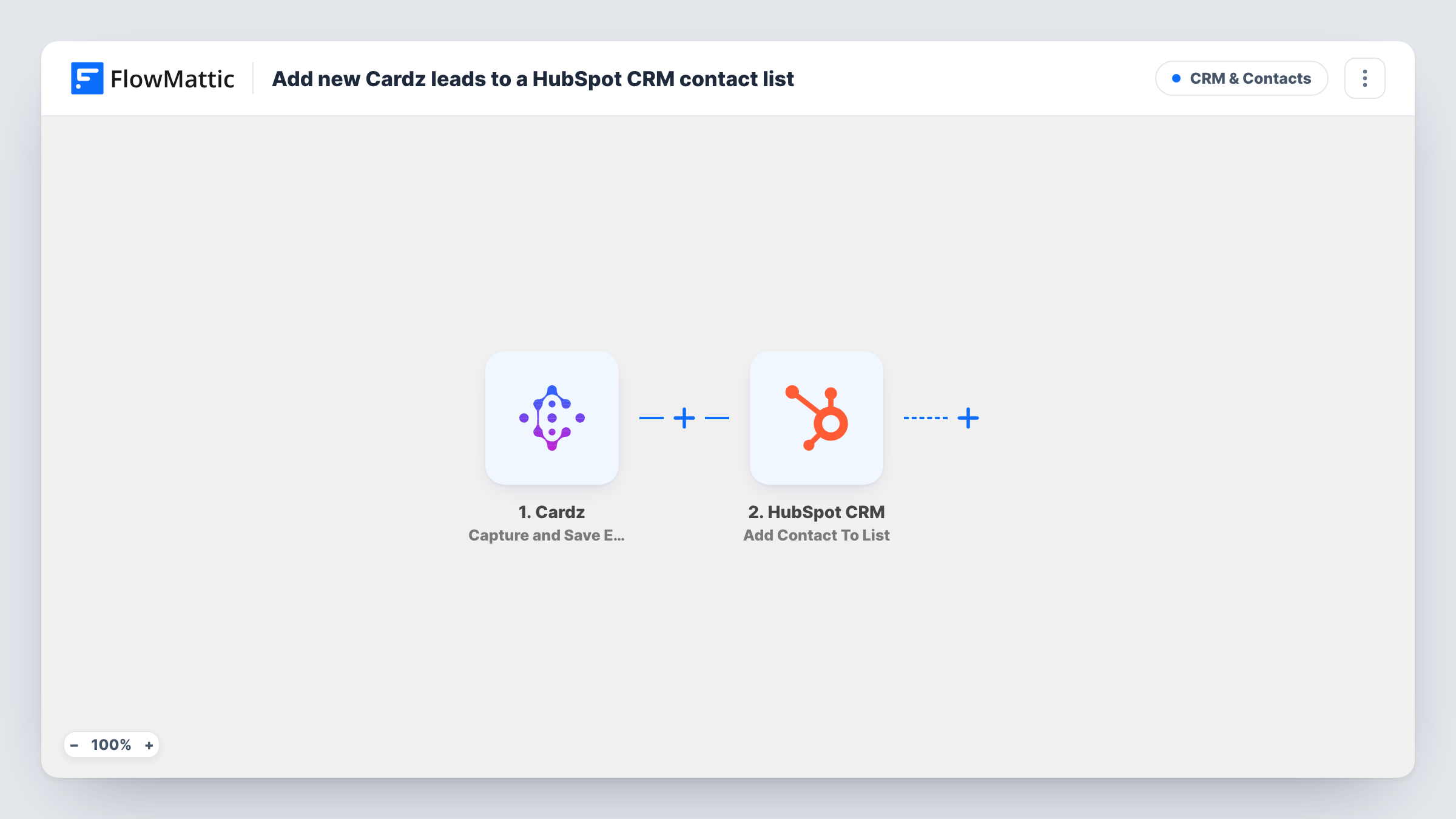
When someone leaves their email through the Email block on your Cardz digital business card, FlowMattic creates them as a HubSpot CRM contact and adds them to a static list.
 Cardz
 HubSpot CRM
3 steps Setup ~5 min Used on 1.2k sites Free to import
What this workflow does
A digital business card is a quick way to swap details at events and meetings, but the emails it collects can sit unused. This workflow sends each one from Cardz to HubSpot, where the person becomes a contact on a list you can follow up with.
The Cardz trigger is Capture and Save Email Block Event. It runs when a visitor submits their email through the Email block on your card, and passes the captured details to FlowMattic. Send a test from your own card first so you can see which fields arrive.
Two HubSpot CRM steps follow. Create Contact adds the person to your CRM, and Add Contact To List then places that new contact on a static list, which only holds contacts that already exist in HubSpot. The template leaves both HubSpot steps empty. After import, map the Cardz email (and a name, if your block collects one) into Create Contact, then choose the list and map the contact in the list step.
Because Create Contact never updates, HubSpot may reject an email it already holds, for example someone who leaves their email on your card a second time. The HubSpot response for each run appears in Task History.
Trade show follow-ups
A sales rep shares a Cardz card at a booth, and every visitor who leaves an email is on a HubSpot list for the post-show email the following week.
Networking event contacts
A consultant who hands out a digital card at meetups keeps those contacts on their own HubSpot list, apart from inbound website leads.
Team cards feeding one CRM
A company gives each salesperson a Cardz card and sends all captured emails to a shared HubSpot list for the marketing team.
How this workflow runs
What happens at each step once the workflow is on, and what you need before you import it.
 Cardz Capture and Save Email Block Event
Runs when a visitor submits their email through the Email block on your Cardz card. The captured email and any other block data are passed to HubSpot.
- HubSpot CRM Create Contact
Adds the person to HubSpot CRM as a new contact. Nothing is mapped in the template, so connect HubSpot and map the Cardz email, plus a name if your block collects it.
- HubSpot CRM Add Contact To List
Places the new HubSpot contact on a static list. After import, pick the list and map the contact from step 2; check a test run to see the value it expects.
What you need
- FlowMatticCore
- Cardz AccountAccount
- HubSpot CRM AccountAccount
After importing, map your own data. To keep the template universal, not every step is pre-filled. Open each step in the builder and connect your accounts and fields (channels, lists, sheets, recipients) before you switch the workflow on.
Make it yours
Changes worth making after you import it.
- Make one static list per event or campaign in HubSpot and switch the list in the step before each event, so you know where each contact came from.
- Map a lead source property in Create Contact, such as a fixed value of Cardz, so your sales team can see how the contact arrived.
- Cardz also has a New Appointment Received trigger in FlowMattic. Build a second workflow with it if people book meetings from your card too.
Questions about this workflow
Does the Cardz card need an Email block for this to work?
Yes. The trigger listens for submissions from the Email block, so add that block to your card and test it by submitting your own address.
What if a Cardz visitor's email is already in HubSpot CRM?
Create Contact doesn't update existing records, so HubSpot may refuse an email it already has. Open Task History to see the reply, and add existing contacts to the list in HubSpot if needed.
Which HubSpot list do Cardz contacts join?
The static list you pick in the Add Contact To List step after import. Create it in HubSpot first so it shows up in the step.
More CRM & Contacts workflows
Other ready-to-import templates from the same category.





Import this workflow into your WordPress site
Download the JSON, import it from the Workflows screen and connect your accounts. Every run stays on your server, with no per-task fees.
30-day money-back guarantee Unlimited workflows and runs Self-hosted