

When a new contact is created in Freshdesk, create a new contact in Sendinblue
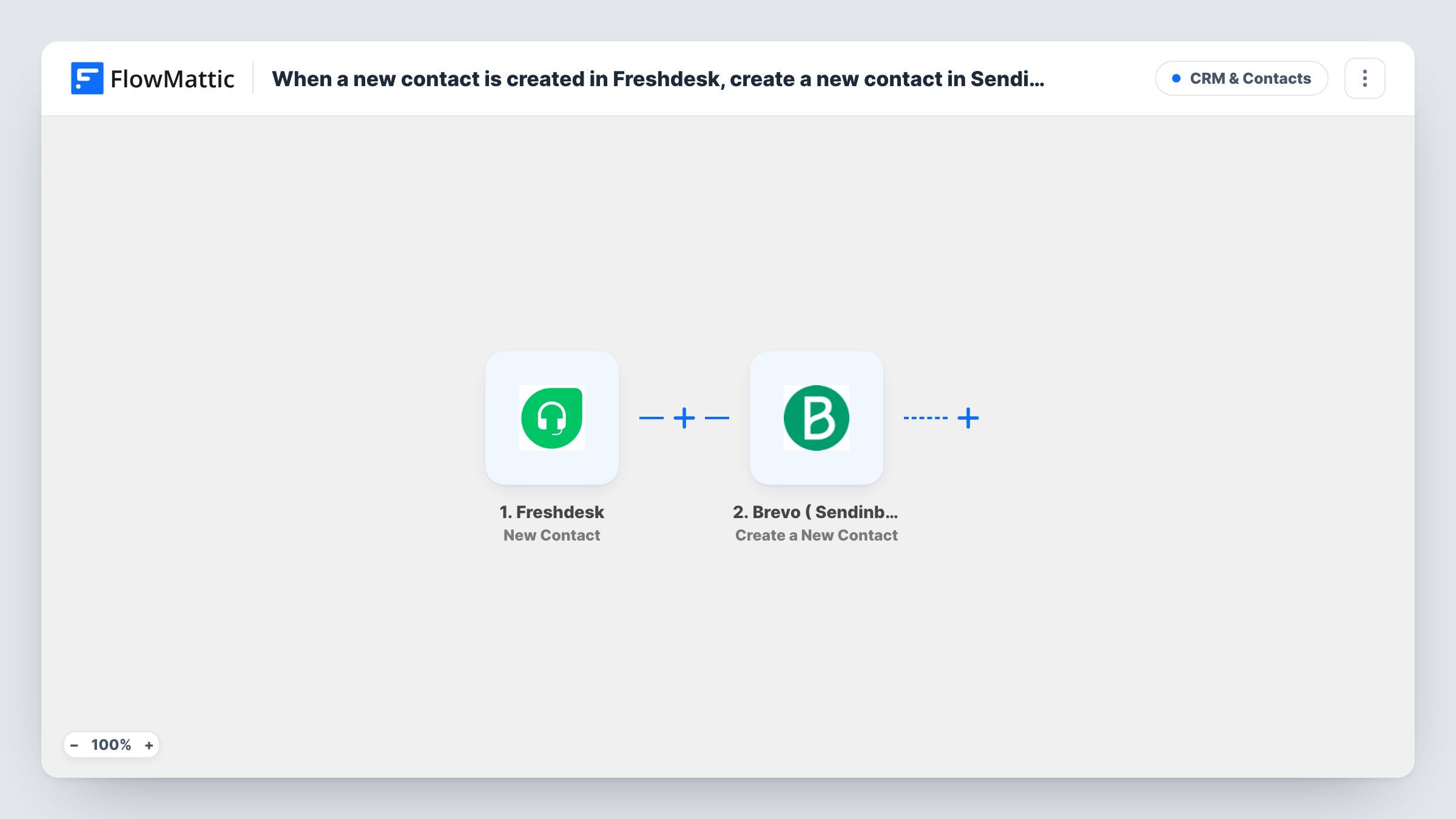
When a new contact is created in Freshdesk, this workflow creates the same person as a contact in Brevo (Sendinblue), so customers who reach your help desk can also receive your email updates.
 Freshdesk
 Brevo ( Sendinblue )
2 steps Setup ~5 min Used on 347 sites Free to import
What this workflow does
Your support desk meets customers your marketing list never sees. Someone writes in about a problem, Freshdesk records them as a contact, and that is where their details stay. If you send product news or service notices through Brevo, those people miss out unless you copy them across. This workflow carries each new Freshdesk contact over to Brevo.
The Freshdesk trigger fires when a contact is created in your help desk. FlowMattic takes the contact's details, such as name and email, and hands them to the next step. The Brevo ( Sendinblue ) step turns those mapped values into a new Brevo contact.
Freshdesk is not changed by the workflow, and Brevo receives only the fields you choose to send. Task History records each run with Freshdesk's data and Brevo's reply. Before you email these contacts about marketing, make sure you have their consent.
Service notices for support customers
Customers who contacted support are added to Brevo, so a planned maintenance or outage notice can reach everyone who has written in.
Product update emails for a SaaS team
A software company copies Freshdesk contacts into Brevo and later sends release notes to customers who have opted in.
Follow-up survey after support
Contacts from Freshdesk land in a Brevo list you use for a periodic customer satisfaction email.
How this workflow runs
What happens at each step once the workflow is on, and what you need before you import it.
 Freshdesk New Contact
Fires when a new contact is created in your Freshdesk account. The contact's details, including the email address, are passed on for mapping into Brevo.
- Brevo ( Sendinblue ) Create a New Contact
Creates a new contact in Brevo (Sendinblue) from the Freshdesk contact. Map the email address and any name fields you want to keep, and connect Brevo during import.
What you need
- FlowMatticCore
- Freshdesk AccountAccount
- Brevo ( Sendinblue ) AccountAccount
After importing, map your own data. To keep the template universal, not every step is pre-filled. Open each step in the builder and connect your accounts and fields (channels, lists, sheets, recipients) before you switch the workflow on.
Make it yours
Changes worth making after you import it.
- Add a Filter after the trigger that continues only when the Freshdesk contact has an email address, since contacts created from phone or social channels may not have one.
- Map the company or phone fields from Freshdesk into Brevo contact attributes too, if your Brevo account has attributes for them.
- Create a test contact in Freshdesk after import so FlowMattic captures the fields, then finish the mapping and check the run in Task History.
Questions about this workflow
Are my existing Freshdesk contacts copied to Brevo?
No. Only contacts created in Freshdesk after the workflow is switched on are sent. Move older contacts with an export and import.
What if the Freshdesk contact is already in Brevo?
The workflow still runs Create a New Contact for that person. Brevo may decline an email it already has; open Task History to read its reply for the run.
Does this add Freshdesk contacts to a Brevo mailing list?
Check the Brevo step after import with a test run to see whether it lets you choose a list. If it does not, place the contacts on a list inside Brevo.
Will this change anything in Freshdesk?
No. The workflow reads the new contact from Freshdesk and only writes to Brevo.
More CRM & Contacts workflows
Other ready-to-import templates from the same category.





Import this workflow into your WordPress site
Download the JSON, import it from the Workflows screen and connect your accounts. Every run stays on your server, with no per-task fees.
30-day money-back guarantee Unlimited workflows and runs Self-hosted