

When tag added to user in WP Fusion, send an email to user in Groundhogg
When WP Fusion adds tags to a WordPress user, this workflow sends that person an email through Groundhogg, so a tag applied on your site leads straight to a message from your CRM.
 WP Fusion
 Groundhogg
2 steps Setup ~5 min Used on 1.5k sites Free to import
What this workflow does
WP Fusion applies tags when users buy, enrol or reach a milestone on your site. Those tags mean something, and often the right response is an email. If Groundhogg is the CRM you send from, this workflow connects the tag to the message.
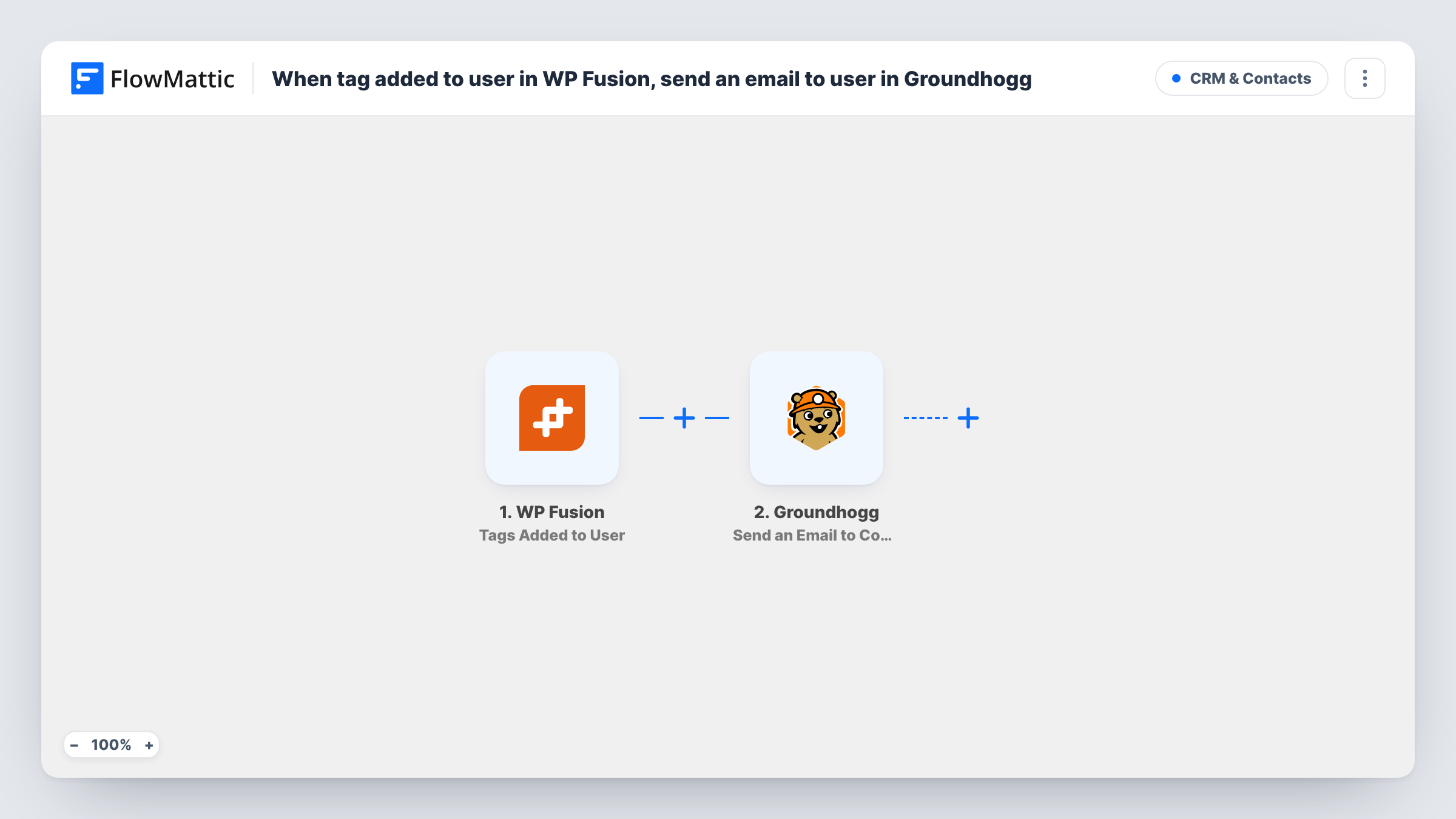
The WP Fusion trigger fires when tags are added to a user. FlowMattic receives the user's details and the tags from the event. The Groundhogg step then runs Send an Email to Contact, which sends a Groundhogg email to the matching contact. You map the user's details from the trigger to identify that contact.
The step sends to a Groundhogg contact, so the user needs one. Test with a user you know is in Groundhogg first. As imported, any tag added to any user starts a run, so most sites will want a Filter on the tag name before the email step.
Course purchase follow-up
WP Fusion tags a user as Course Buyer after checkout, and Groundhogg sends them a getting-started email for the course.
Membership level change
When a member is tagged Gold after upgrading, Groundhogg emails them a note about what the new level includes.
Re-engagement after inactivity
A rule elsewhere tags users as Inactive, and this workflow has Groundhogg send them a check-in email from your account.
How this workflow runs
What happens at each step once the workflow is on, and what you need before you import it.
 WP Fusion Tags Added to User
Starts a run when WP Fusion adds tags to a WordPress user. The user's details and the added tags are passed on for mapping.
- Groundhogg Send an Email to Contact
Sends a Groundhogg email to the contact you identify from the WP Fusion user data. Check after import how the step chooses the email to send, then test with a user who is already a Groundhogg contact.
What you need
- FlowMatticCore
- WP Fusion PluginPlugin
- Groundhogg PluginPlugin
After importing, map your own data. To keep the template universal, not every step is pre-filled. Open each step in the builder and connect your accounts and fields (channels, lists, sheets, recipients) before you switch the workflow on.
Make it yours
Changes worth making after you import it.
- Add a Filter after the trigger that continues only when the added tags contain the tag you care about. Otherwise every tag added to any user sends the email.
- If some users may not be Groundhogg contacts yet, add Groundhogg's Create New Contact step before the email step, mapping the user's email from WP Fusion.
- For a different email per tag, use a Router with a route per tag name. Every matching route runs, so a user given two of those tags at once gets both emails.
Questions about this workflow
Does any WP Fusion tag trigger the Groundhogg email?
Yes, as imported. Tags Added to User fires for whatever tags are added, so add a Filter on the tag name if only one tag should send the email.
What if the WordPress user isn't a Groundhogg contact?
The step sends to an existing contact, so there is nobody to email. Task History shows the step's result. Add a Create New Contact step first for users who may be missing.
Which email does Groundhogg send?
One you set up in Groundhogg and choose in the step after import. Check the step options once Groundhogg is connected to see how it picks the email.
Do WP Fusion and Groundhogg need to be on the same WordPress site as FlowMattic?
Yes. Both are WordPress plugins, and FlowMattic must run on that site to receive the tag event and use Groundhogg.
More CRM & Contacts workflows
Other ready-to-import templates from the same category.





Import this workflow into your WordPress site
Download the JSON, import it from the Workflows screen and connect your accounts. Every run stays on your server, with no per-task fees.
30-day money-back guarantee Unlimited workflows and runs Self-hosted