

Subscribe new Google Sheets rows to Mautic as contacts
Each time a row is added to your Google Sheets spreadsheet, this workflow creates a Mautic contact from that row, so names and emails you collect in a sheet reach your marketing tool without a CSV upload.
 Google Sheets
 Mautic
2 steps Setup ~5 min Used on 899 sites Free to import
What this workflow does
Trade-show sign-ups, rows an assistant types in by hand and exports from other tools often sit in a Google Sheet before anyone markets to them. Getting them into Mautic usually means exporting a CSV and running an import every few days. This workflow moves each row across as soon as it lands in the sheet.
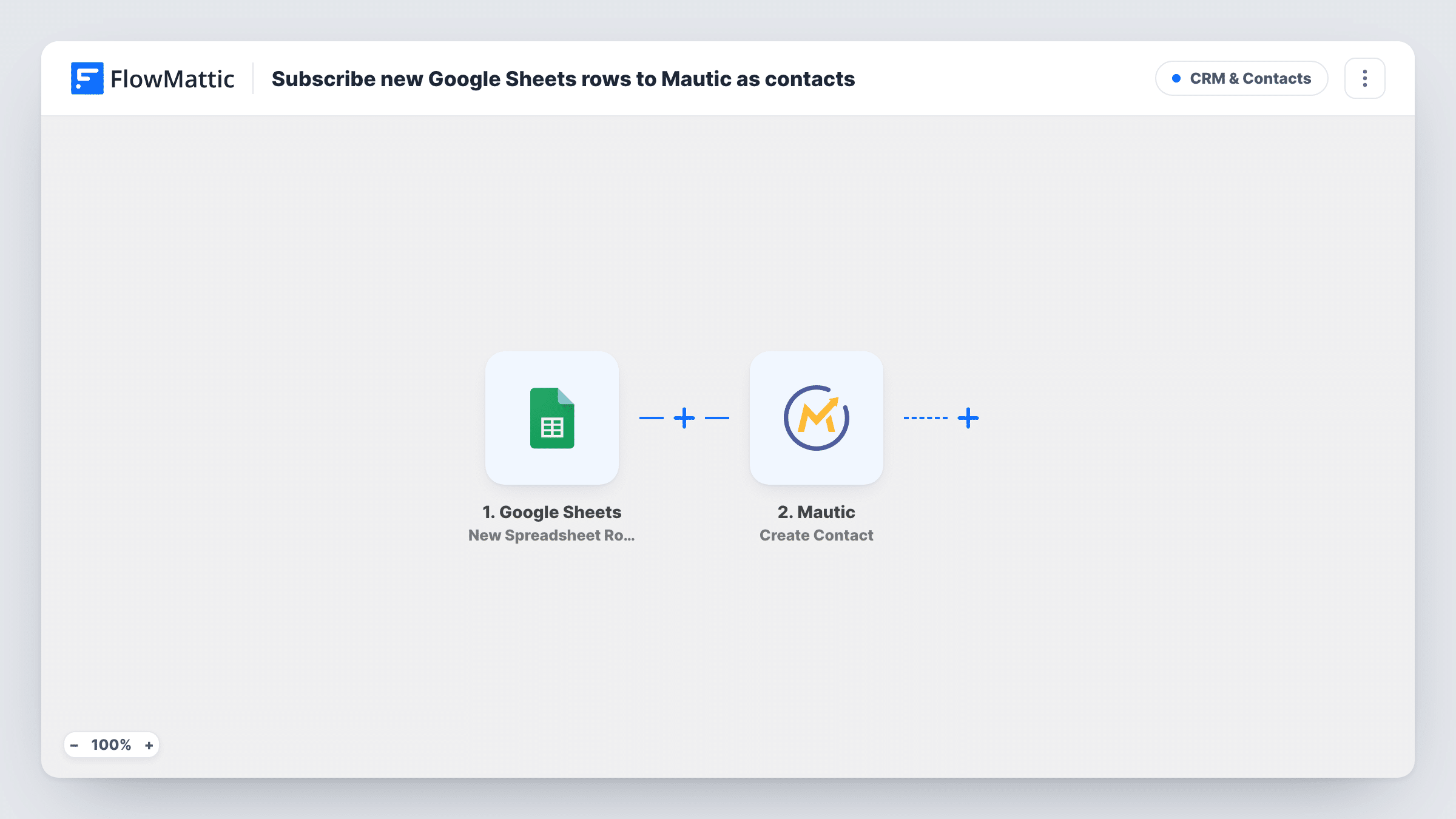
A new row in your chosen Google Sheets file starts the run, and its cells arrive in FlowMattic as separate values ready for mapping into Mautic fields. The next step sends those values to Mautic with its Create Contact action, so the person appears in your Mautic contacts with the details you mapped, such as email and name.
The workflow only reacts to rows added after you turn it on. Rows already in the sheet stay where they are, and edits to existing rows don't start a run. Once the contact exists in Mautic, your own segments, campaigns and emails take over. Task History shows each run and what Mautic sent back.
Event badge scans typed into a sheet
Staff at a booth enter visitor details into a shared Google Sheet. Each new row becomes a Mautic contact you can add to a follow-up campaign after the event.
Leads from a tool that only exports to Sheets
A survey or ad tool writes respondents to Google Sheets. The workflow passes every new respondent to Mautic, so you don't run manual imports.
Partner referrals
Partners add referrals to a sheet you share with them. Each referral is created in Mautic, ready for the nurture emails you already run there.
How this workflow runs
What happens at each step once the workflow is on, and what you need before you import it.
 Google Sheets New Spreadsheet Row
Starts whenever someone, or another tool, appends a row to the spreadsheet you connect. The row's cells are passed on, so each column can be mapped in the Mautic step.
- Mautic Create Contact
Creates a contact in Mautic from the row. Map the email column and any other columns you keep, such as first and last name, then connect your Mautic account.
What you need
- FlowMatticCore
- Google Sheets AccountAccount
- Mautic AccountAccount
After importing, map your own data. To keep the template universal, not every step is pre-filled. Open each step in the builder and connect your accounts and fields (channels, lists, sheets, recipients) before you switch the workflow on.
Make it yours
Changes worth making after you import it.
- Keep a header row in the sheet and add one test row after import. FlowMattic then captures the column values, which makes mapping the Mautic step straightforward.
- Add a Filter after the trigger that continues only when the email column is not empty, so half-filled rows don't create contacts without an address.
- To put new contacts straight into a campaign, add Mautic's Add Contact to Campaign action after the Create Contact step and map the contact from the previous step.
Questions about this workflow
Will rows already in my Google Sheet be sent to Mautic?
No. Only rows appended once the workflow is switched on reach Mautic. To bring older rows across, use Mautic's own import once, then let the workflow handle new rows.
What happens if the email is already a Mautic contact?
The step uses Mautic's Create Contact action. How Mautic treats an email it already holds depends on your Mautic setup, so add a test row with a known address and check the result in Mautic and in Task History.
Does editing a row update the Mautic contact?
No. Row edits never reach Mautic through this template. Changes to a row that already exists are not sent to Mautic by this workflow.
Can the sheet hold extra columns Mautic doesn't need?
Yes. You map only the columns you want in the Mautic step. Other columns stay in the sheet and are ignored.
More CRM & Contacts workflows
Other ready-to-import templates from the same category.





Import this workflow into your WordPress site
Download the JSON, import it from the Workflows screen and connect your accounts. Every run stays on your server, with no per-task fees.
30-day money-back guarantee Unlimited workflows and runs Self-hosted