

Create a Zoho CRM contact when an Oracle Commerce account is created
When an administrator creates a new account in Oracle Commerce, this workflow creates a contact in Zoho CRM from the account details, so your sales team can work with it in the CRM they already use.
 Oracle Commerce
 Zoho CRM
2 steps Setup ~5 min Used on 2.4k sites Free to import
What this workflow does
New accounts set up in Oracle Commerce are often the start of a sales relationship. If your sales team lives in Zoho CRM, they won't see those accounts until someone copies them over. This workflow creates the Zoho CRM contact as soon as the account exists.
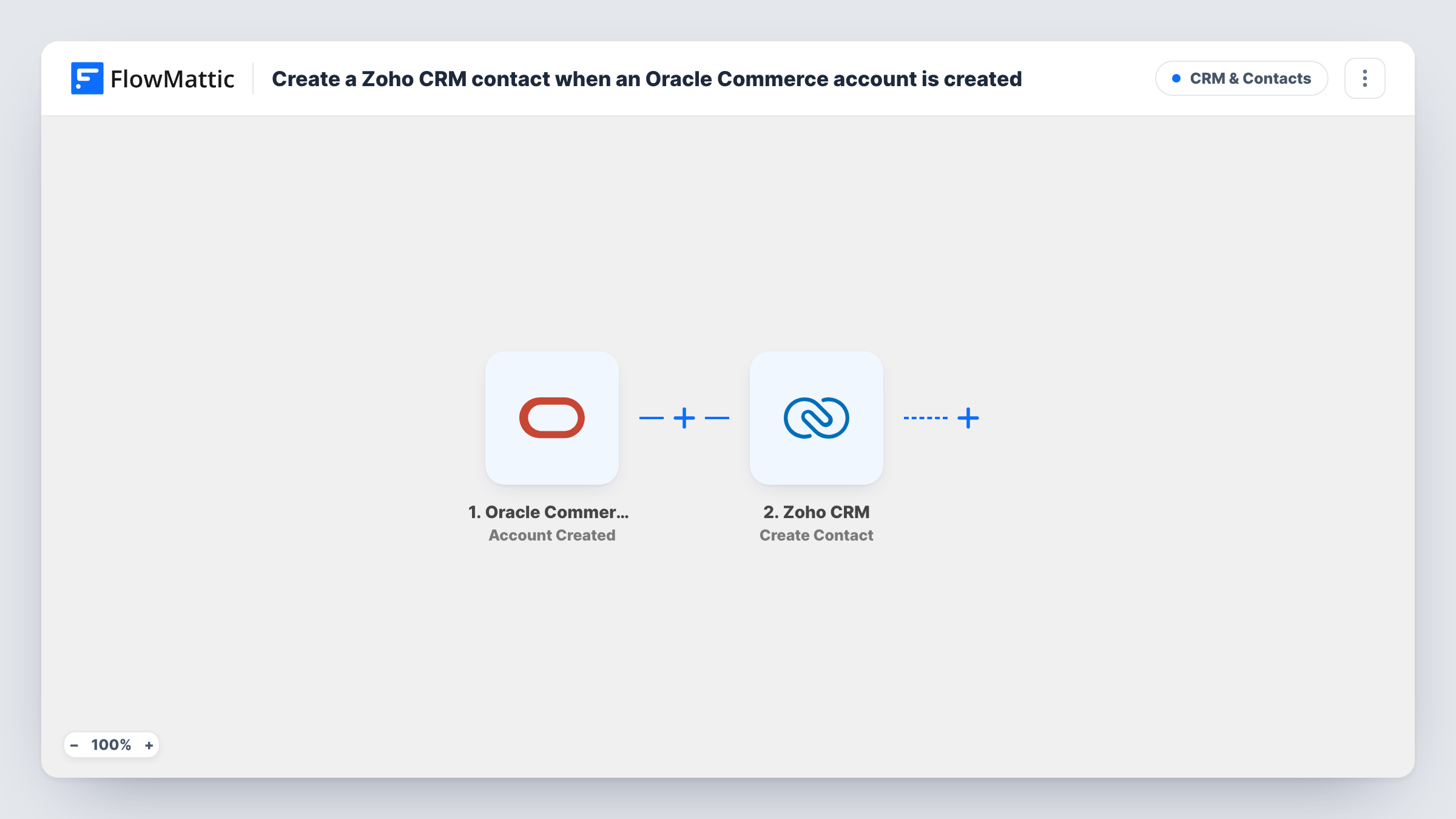
The Oracle Commerce trigger, Account Created, fires when a new account was successfully created by an administrator. FlowMattic passes the account data to Zoho CRM, where Create Contact adds a new contact. You map the name, email and any other details the account carries into the contact.
This trigger covers accounts an administrator creates. Shoppers who register on the storefront are a different event in FlowMattic, Shopper Profile Create. Every new account runs the step, since there is no Filter, and Create Contact always adds a new contact rather than looking for an existing one.
B2B customer onboarding
Your admin team sets up an account for a new trade customer in Oracle Commerce. A Zoho CRM contact appears so the account manager can plan the first call.
Sales handover after a signed deal
Once a deal closes and the account is created in the store, sales and support both find the customer in Zoho CRM without retyping it.
Keeping CRM reports complete
Every admin-created store account is also a Zoho CRM contact, so CRM reports cover customers who were set up directly in Oracle Commerce.
How this workflow runs
What happens at each step once the workflow is on, and what you need before you import it.
 Oracle Commerce Account Created
Fires when an administrator successfully creates a new account in Oracle Commerce. The account data is passed on for mapping into Zoho CRM.
- Zoho CRM Create Contact
Creates a new contact in Zoho CRM from the Oracle Commerce account. Map the name and email you want on the contact, then test with a real account to see the fields both sides offer.
What you need
- FlowMatticCore
- Oracle Commerce AccountAccount
- Zoho CRM AccountAccount
After importing, map your own data. To keep the template universal, not every step is pre-filled. Open each step in the builder and connect your accounts and fields (channels, lists, sheets, recipients) before you switch the workflow on.
Make it yours
Changes worth making after you import it.
- If you want shoppers who register on your storefront in Zoho CRM too, build a second workflow with the Oracle Commerce Shopper Profile Create trigger.
- If your Zoho CRM contacts have a field for where they came from, fill it with Oracle Commerce so your reports can separate these contacts.
- Create one test account after import and check the new Zoho CRM contact, so you know which Oracle Commerce fields filled which contact fields.
Questions about this workflow
Does a shopper registering on my Oracle Commerce store create a Zoho CRM contact?
No. Account Created fires for accounts created by an administrator. Shopper registrations use the separate Shopper Profile Create trigger, which you can add in another workflow.
What happens if the contact already exists in Zoho CRM?
Create Contact creates a new contact each time and doesn't search first, so you may get a duplicate. Task History shows Zoho CRM's response for each run.
Will updates to an Oracle Commerce account change the Zoho CRM contact?
No. This workflow only runs when an account is created. Oracle Commerce has an Account Update trigger if you want to build a separate flow for changes.
Which Oracle Commerce account details can go into Zoho CRM?
Whatever Oracle Commerce sends with the Account Created event. Create a test account, then pick from the captured fields when you map the contact.
More CRM & Contacts workflows
Other ready-to-import templates from the same category.






Import this workflow into your WordPress site
Download the JSON, import it from the Workflows screen and connect your accounts. Every run stays on your server, with no per-task fees.
30-day money-back guarantee Unlimited workflows and runs Self-hosted