

Create a HubSpot CRM contact from every new AppDirect reseller registrant
When a reseller registers on your AppDirect marketplace, this workflow creates a matching contact in HubSpot CRM, so your partner team has every new reseller ready for follow-up.
 AppDirect
 HubSpot CRM
2 steps Setup ~5 min Used on 866 sites Free to import
What this workflow does
Resellers who sign up on your AppDirect marketplace are prospective partners. Your partner or channel team probably works from HubSpot, and keying each registrant in by hand means delays and typos. This workflow creates the HubSpot contact for you at registration.
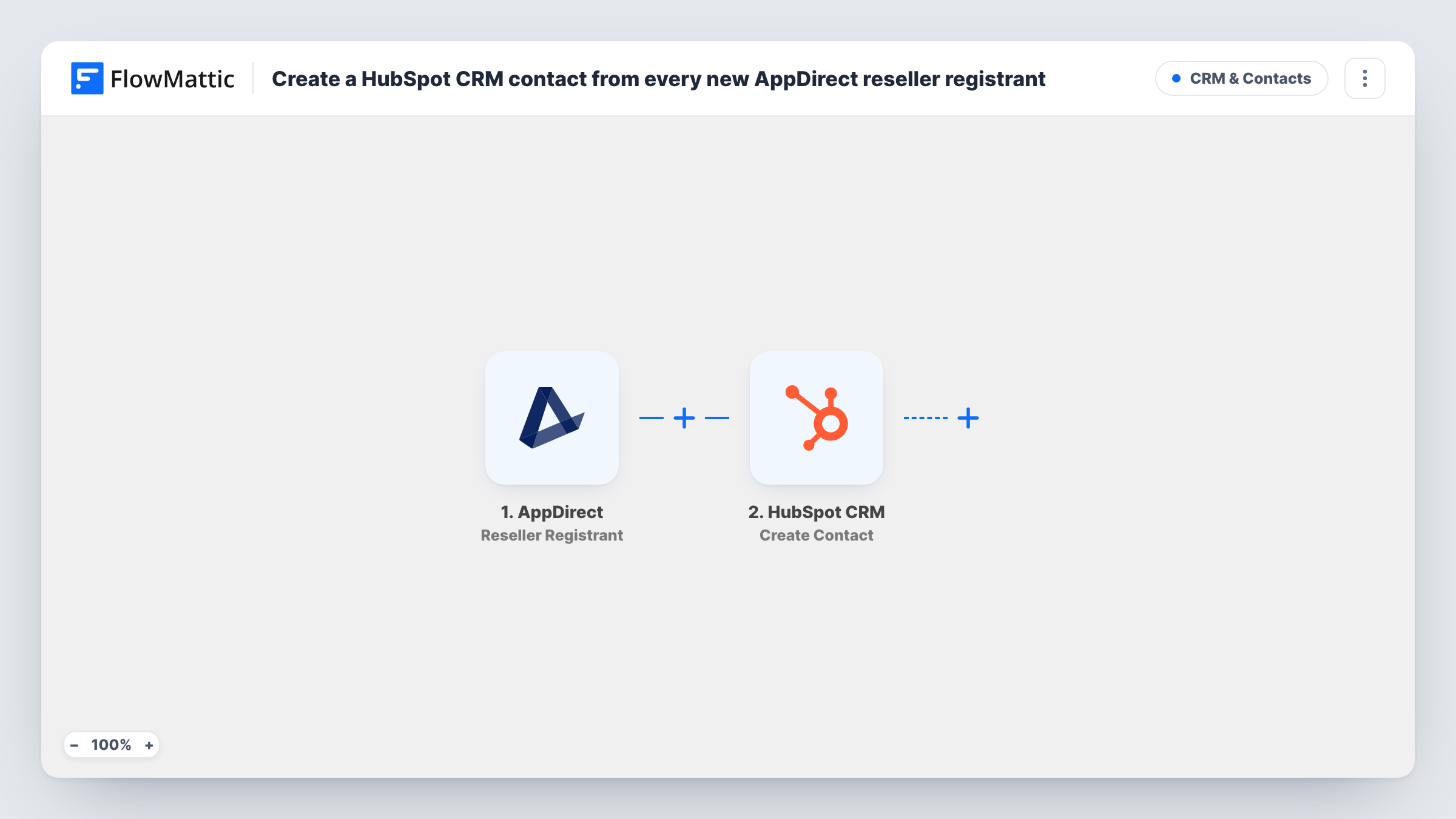
The AppDirect trigger is Reseller Registrant, which fires when a reseller is registered on the marketplace. FlowMattic passes the registration data to HubSpot CRM, where Create Contact adds a new contact. You map the registrant's email, name and company details from AppDirect into it, once a test registration shows what arrives.
Nothing in this flow updates a HubSpot record. If the reseller's email is already a HubSpot contact, HubSpot may refuse the duplicate, and Task History shows that response. Every run is recorded there.
Partner onboarding
Each new AppDirect reseller becomes a HubSpot contact, so the partner manager can start the welcome sequence from HubSpot.
Channel sales pipeline
Sales reps working resellers in HubSpot see new registrants alongside their other partner contacts.
Reporting on reseller sign-ups
With registrants stored as HubSpot contacts, you can build HubSpot lists and reports on reseller sign-ups over time.
How this workflow runs
What happens at each step once the workflow is on, and what you need before you import it.
 AppDirect Reseller Registrant
Fires when a reseller is registered on your AppDirect marketplace. The registrant's details become available to map into HubSpot. Connect AppDirect on import.
- HubSpot CRM Create Contact
Adds the AppDirect reseller to HubSpot CRM as a new contact. Map the reseller's email and any name or company details from AppDirect, then connect your HubSpot account.
What you need
- FlowMatticCore
- AppDirect AccountAccount
- HubSpot CRM AccountAccount
After importing, map your own data. To keep the template universal, not every step is pre-filled. Open each step in the builder and connect your accounts and fields (channels, lists, sheets, recipients) before you switch the workflow on.
Make it yours
Changes worth making after you import it.
- Register a test reseller after import so FlowMattic captures AppDirect's fields, then map the email and name in the HubSpot step.
- Add a Slack or email step after HubSpot to tell your partner manager a new reseller has registered.
- Add a Filter after the trigger that continues only when the email field is not empty, so HubSpot only receives registrants it can store as contacts.
Questions about this workflow
What if the AppDirect reseller is already a HubSpot contact?
This step never updates an existing HubSpot contact. HubSpot may turn down the repeated address; look at the HubSpot step in Task History to see what it answered. Update the existing contact by hand in that case.
Do other AppDirect events create HubSpot contacts?
No. This workflow listens only for Reseller Registrant. AppDirect's order, subscription and membership events are separate triggers.
Which AppDirect registration fields reach HubSpot?
The ones you map. Register a test reseller, check the captured data, and map what you want to HubSpot's contact properties.
Are resellers registered before import sent to HubSpot?
No. Only registrations after the workflow is turned on create contacts.
More CRM & Contacts workflows
Other ready-to-import templates from the same category.






Import this workflow into your WordPress site
Download the JSON, import it from the Workflows screen and connect your accounts. Every run stays on your server, with no per-task fees.
30-day money-back guarantee Unlimited workflows and runs Self-hosted