

Create a HubSpot CRM contact when a Vimeo OTT customer is created
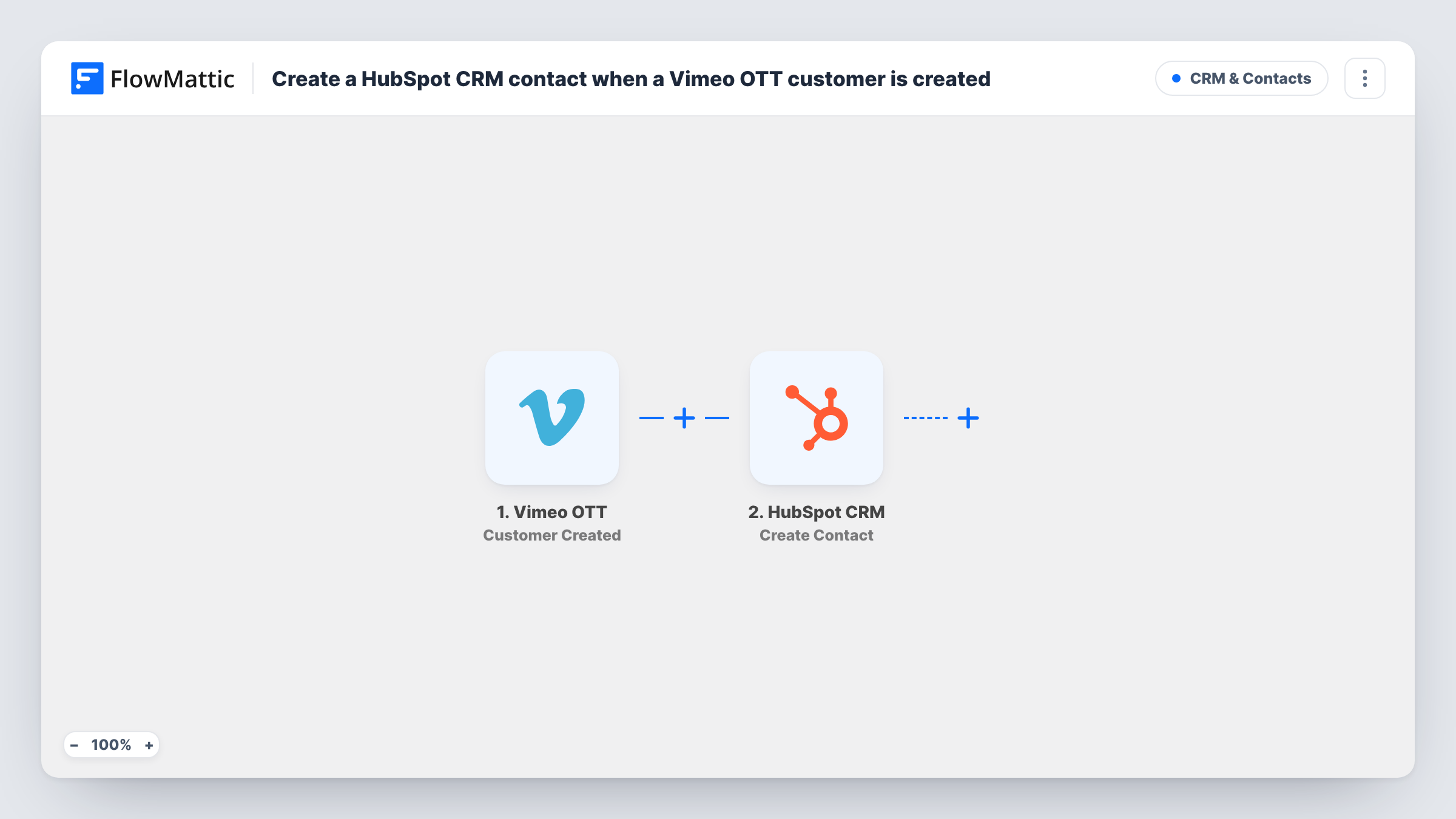
When a new customer is created in Vimeo OTT, this workflow creates a matching contact in HubSpot CRM, so subscribers to your video channel show up where your sales and marketing work happens.
 Vimeo OTT
 HubSpot CRM
2 steps Setup ~5 min Used on 3.4k sites Free to import
What this workflow does
Vimeo OTT handles subscriptions and video sales, but its customer list is not where you plan campaigns or track relationships. If HubSpot is your CRM, new subscribers have to be copied over before anyone can email them or see them in a report. This workflow does that copy for each new customer.
The Vimeo OTT trigger runs whenever a customer is created in your account. FlowMattic receives the customer data Vimeo OTT sends. The HubSpot CRM step then creates a contact, and you map the customer's email and any other details into it.
The action is Create Contact, not create-or-update. HubSpot treats email as unique for contacts, so a customer whose email is already in HubSpot is not added a second time, and Task History shows the error from HubSpot on that run. Nothing is written back to Vimeo OTT.
Onboarding new streaming subscribers
Each new subscriber to your fitness or course channel becomes a HubSpot contact, ready for the welcome emails you run from HubSpot.
Reporting on channel growth
Marketing tracks new Vimeo OTT customers in HubSpot next to leads from other sources, so channel sign-ups appear in the same dashboards.
Upselling a one-off video purchase
Someone buys a single film or class on your Vimeo OTT site. As a HubSpot contact they can be offered the full subscription later.
How this workflow runs
What happens at each step once the workflow is on, and what you need before you import it.
 Vimeo OTT Customer Created
Runs each time a new customer is created in your Vimeo OTT account. The customer data is passed to the HubSpot step for mapping.
- HubSpot CRM Create Contact
Creates a contact in HubSpot CRM from the Vimeo OTT customer. Connect your HubSpot account, map the customer's email and the other details you want, and check the result with a test.
What you need
- FlowMatticCore
- Vimeo OTT AccountAccount
- HubSpot CRM AccountAccount
After importing, map your own data. To keep the template universal, not every step is pre-filled. Open each step in the builder and connect your accounts and fields (channels, lists, sheets, recipients) before you switch the workflow on.
Make it yours
Changes worth making after you import it.
- Create a test customer in Vimeo OTT after import, so FlowMattic holds a real sample and you can see which customer fields can go into HubSpot.
- Map a fixed value such as Vimeo OTT into a HubSpot property you use for lead source, so these contacts are easy to segment.
- Add a Slack or email step after HubSpot if your team wants a heads-up for each new subscriber as well as the CRM record.
Questions about this workflow
What happens if the Vimeo OTT customer is already a HubSpot contact?
HubSpot does not create a second contact with the same email, so that run ends with an error on the HubSpot step. The existing contact is left as it is, and Task History shows what happened.
Are past Vimeo OTT customers sent to HubSpot?
No. Only customers created after you turn the workflow on start a run. Use a HubSpot import for your existing list.
Does HubSpot CRM see cancellations or renewals from Vimeo OTT?
Not with this workflow. Its trigger is Customer Created only. Changes to a subscription later do not start a run.
More CRM & Contacts workflows
Other ready-to-import templates from the same category.





Import this workflow into your WordPress site
Download the JSON, import it from the Workflows screen and connect your accounts. Every run stays on your server, with no per-task fees.
30-day money-back guarantee Unlimited workflows and runs Self-hosted