

Create a HubSpot CRM contact from a Callyzer call record
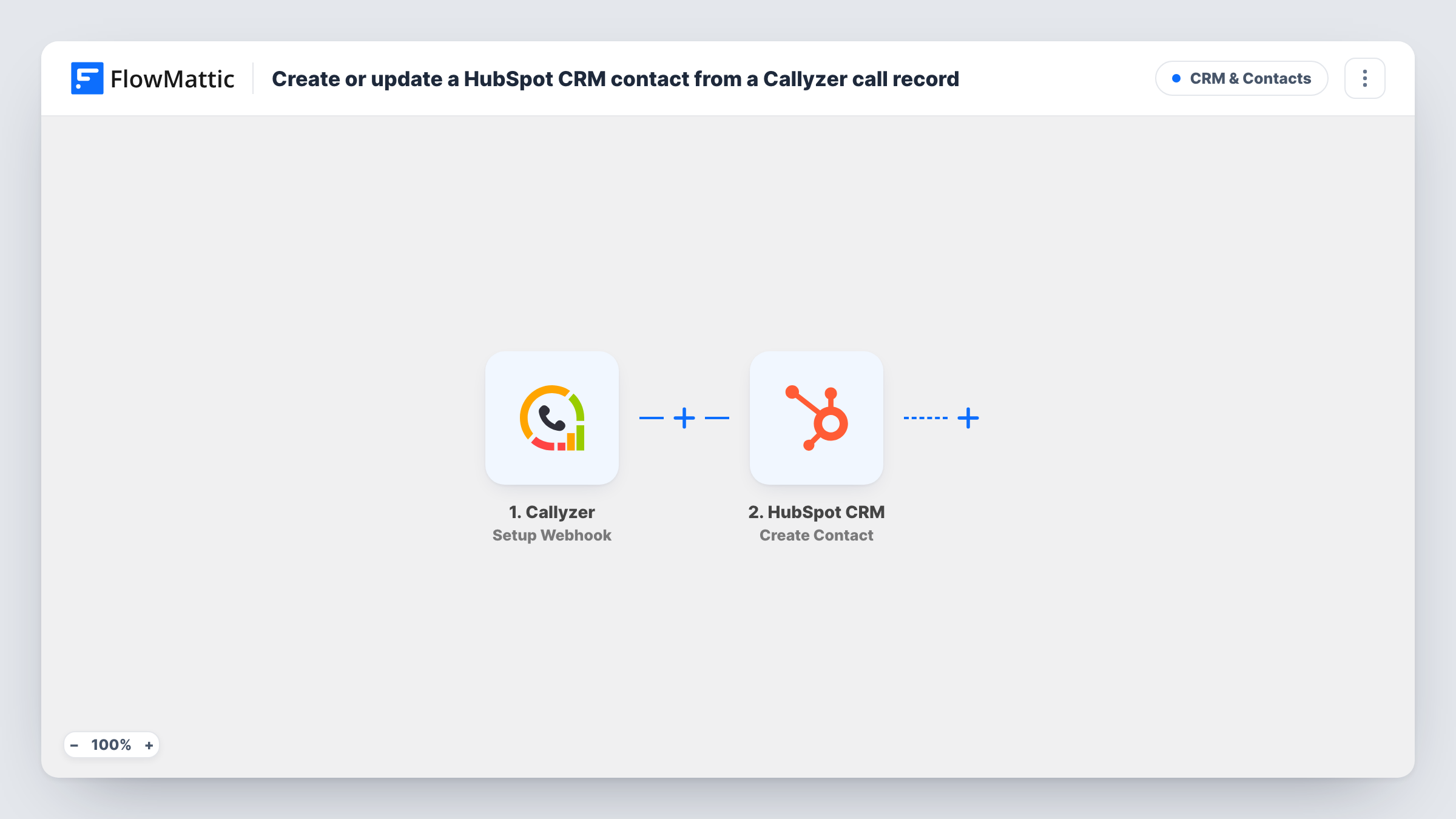
When Callyzer sends a call record to FlowMattic, the caller is added to HubSpot CRM as a new contact, so phone conversations your team logs in Callyzer leave a trace in the CRM.
 Callyzer
 HubSpot CRM
2 steps Setup ~5 min Used on 395 sites Free to import
What this workflow does
Sales and support teams that work from their phones often track calls in Callyzer, while the rest of the business runs out of HubSpot. Callers who never fill in a form then never reach the CRM. This workflow takes each call record Callyzer sends and creates a HubSpot contact from it.
The Callyzer trigger is a webhook: you add the URL FlowMattic gives you to Callyzer's webhook settings, and every record Callyzer posts there starts a run. The call data, such as the caller's number and any name saved for them, is passed on.
The HubSpot CRM step then creates a contact. It ships unmapped, so after import you map the phone number, name and anything else from the call record into HubSpot's contact properties.
Create Contact only creates, it never updates. Each call record starts its own run, so think about repeat callers: HubSpot uses email to spot duplicates, and a call record may not carry one. A number that calls three times could become three contacts. Send a test call and check Task History for what Callyzer posted and how HubSpot answered.
Field sales calls into the CRM
A team of field reps logs calls through Callyzer on their work phones. Each recorded call adds the person they spoke with to HubSpot so managers can see who was contacted.
Inbound enquiry lines
A real estate office takes buyer enquiries by phone. Callyzer's call record gives HubSpot a contact for each caller, ready for the agent to add notes.
Telecalling campaigns
An education provider runs outbound telecalling and adds every number reached to HubSpot, so the marketing team can follow up by email once the counsellor records an address.
How this workflow runs
What happens at each step once the workflow is on, and what you need before you import it.
 Callyzer Setup Webhook
Receives the call data Callyzer posts to this step's webhook URL once you add the URL in Callyzer. Every record Callyzer posts starts a run and is passed to HubSpot.
- HubSpot CRM Create Contact
Creates a contact in HubSpot CRM from the call record. The step comes without mapping: connect HubSpot and map the caller's number, name and other call details into the contact properties.
What you need
- FlowMatticCore
- Callyzer AccountAccount
- HubSpot CRM AccountAccount
After importing, map your own data. To keep the template universal, not every step is pre-filled. Open each step in the builder and connect your accounts and fields (channels, lists, sheets, recipients) before you switch the workflow on.
Make it yours
Changes worth making after you import it.
- Put a Filter between the Callyzer trigger and the HubSpot step that continues only for the call types you care about, such as answered calls, using a value you see in a test run.
- Map the call date and duration into HubSpot contact properties you create for them, so reps can see when the first call happened.
- Ask reps to save a caller's email in Callyzer when they have it and map it into the contact, so HubSpot can recognise the person when they call again.
Questions about this workflow
Will the same Callyzer caller be added to HubSpot more than once?
It can be. Every call record runs the workflow, and Create Contact doesn't update existing contacts. HubSpot spots duplicates by email, so if the call record has no email, repeat calls from one number can create separate contacts.
Which Callyzer events start this workflow?
Anything Callyzer posts to the webhook URL. If Callyzer lets you pick which events it sends, pick only the calls you want in HubSpot; if not, put a Filter between the Callyzer trigger and the HubSpot step to narrow them.
What call details can go into the HubSpot contact?
Whatever Callyzer includes in the call record. Make a test call after setting up the webhook, look at the data in Task History, and map the fields you need.
Do I need a HubSpot account and a Callyzer account?
Yes. Callyzer sends the call records and HubSpot stores the contacts, so you connect both apps to FlowMattic.
More CRM & Contacts workflows
Other ready-to-import templates from the same category.




Import this workflow into your WordPress site
Download the JSON, import it from the Workflows screen and connect your accounts. Every run stays on your server, with no per-task fees.
30-day money-back guarantee Unlimited workflows and runs Self-hosted