

When ticket is created in Fluent Support, create contact in FluentCRM
Each new Fluent Support ticket sends the requester’s details to FluentCRM, which adds them as a contact or updates the one with the same email, so everyone who asks for help is in your CRM.
 Fluent Support
 FluentCRM
2 steps Setup ~5 min Used on 2.3k sites Free to import
What this workflow does
People who open support tickets are often customers your marketing never hears about, because the helpdesk and the CRM keep separate lists. With Fluent Support and FluentCRM on the same WordPress site, this workflow joins them: every ticket puts its requester in FluentCRM.
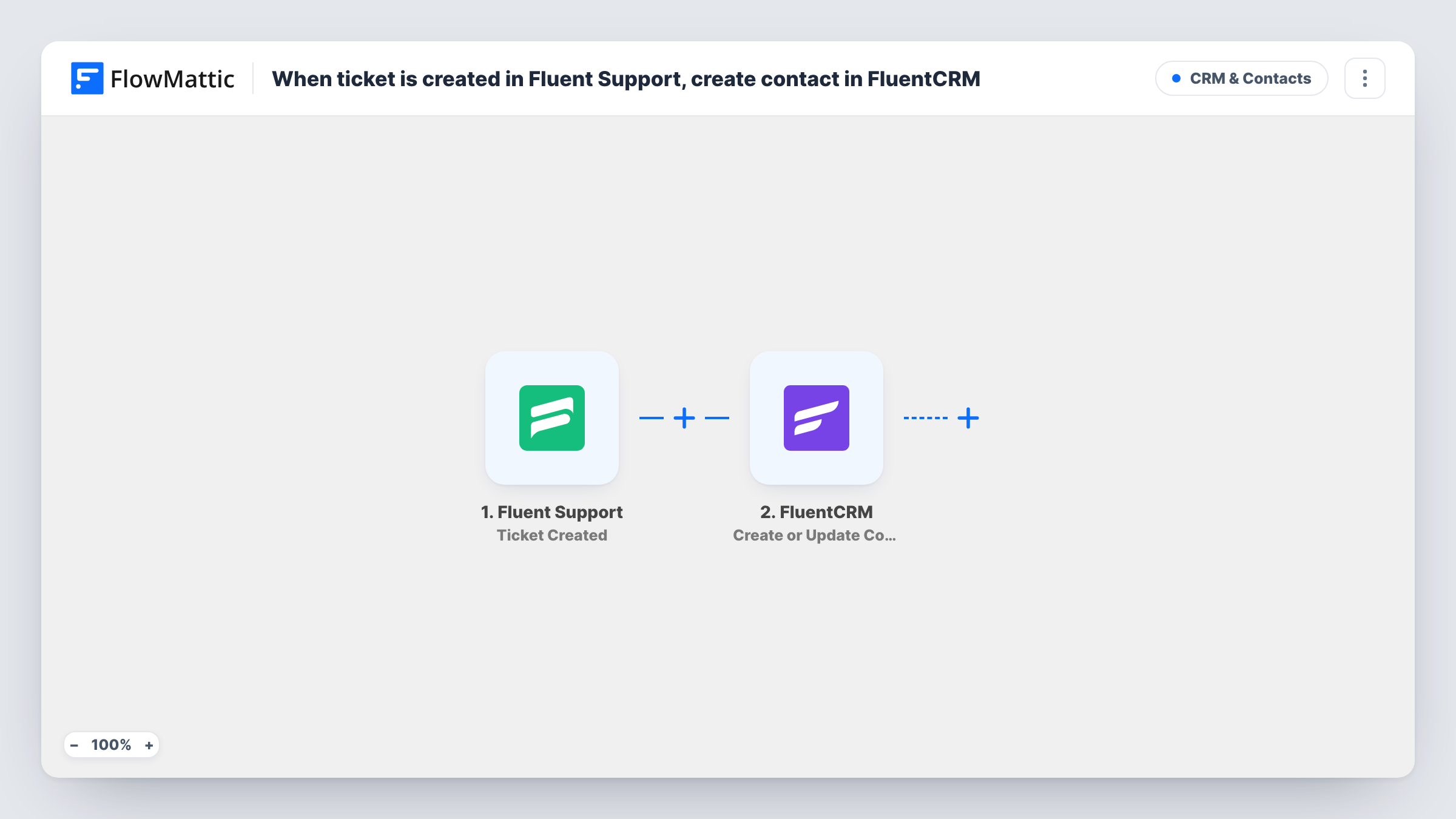
The Fluent Support trigger fires when a new ticket is created, whether a customer opens it or an agent creates it for them. FlowMattic passes the ticket data, including the customer's details, to FluentCRM. Create or Update Contact checks the email address: a new one becomes a contact, and an existing one has its contact updated.
Both plugins run on your own site, so no ticket data leaves WordPress. Someone who opens five tickets runs the workflow five times, and each run updates the same contact. A blank value in a later ticket can overwrite a stored field, so map only fields every ticket carries.
Product feedback emails to supported customers
Everyone who has opened a ticket becomes a FluentCRM contact, so your next product update email reaches the people who asked for help.
Spotting customers who aren't on your list
Visitors who only ever wrote to support appear in FluentCRM, where you can see them alongside your subscribers and decide what to send them.
Agent-logged phone requests
When an agent creates a ticket after a phone call, the caller still ends up in FluentCRM, because agent-created tickets fire the trigger too.
How this workflow runs
What happens at each step once the workflow is on, and what you need before you import it.
 Fluent Support Ticket Created
Runs when a ticket is created in Fluent Support by a customer or by an agent. The ticket and customer data are passed to FluentCRM for mapping.
- FluentCRM Create or Update Contact
Adds the ticket's customer to FluentCRM, or updates their contact if the email is already there. Map the customer's email and name from the ticket data.
What you need
- FlowMatticCore
- Fluent Support PluginPlugin
- FluentCRM PluginPlugin
After importing, map your own data. To keep the template universal, not every step is pre-filled. Open each step in the builder and connect your accounts and fields (channels, lists, sheets, recipients) before you switch the workflow on.
Make it yours
Changes worth making after you import it.
- Follow this step with FluentCRM's Add Tags to Contact and a tag such as Support, so you can segment people who have contacted your helpdesk.
- Only want certain products or mailboxes? Add a Filter after the trigger on the ticket's product or mailbox value, if the ticket data carries it.
- Open a test ticket as a customer after import, then check the new FluentCRM contact to confirm the email and name came through as mapped.
Questions about this workflow
Does every Fluent Support ticket from the same customer add a contact?
No. FluentCRM matches on email, so repeat tickets update the existing contact rather than adding another. The workflow still runs once per ticket.
Are tickets created by agents included?
Yes. The trigger fires for new tickets whether a customer or an agent creates them, so both kinds pass the customer to FluentCRM.
Will this subscribe ticket requesters to my marketing emails?
The step creates or updates a contact. Whether that person gets marketing email depends on the status and lists you set, so check your consent rules before mailing them.
More CRM & Contacts workflows
Other ready-to-import templates from the same category.




Import this workflow into your WordPress site
Download the JSON, import it from the Workflows screen and connect your accounts. Every run stays on your server, with no per-task fees.
30-day money-back guarantee Unlimited workflows and runs Self-hosted