

Create a HubSpot CRM deal when a SumoQuote quote is sent for signature
Each time a SumoQuote quote is sent out for signature, this workflow creates a deal in HubSpot CRM, so the proposal shows up in your pipeline without anyone entering it.
 SumoQuote
 HubSpot CRM
2 steps Setup ~5 min Used on 1.8k sites Free to import
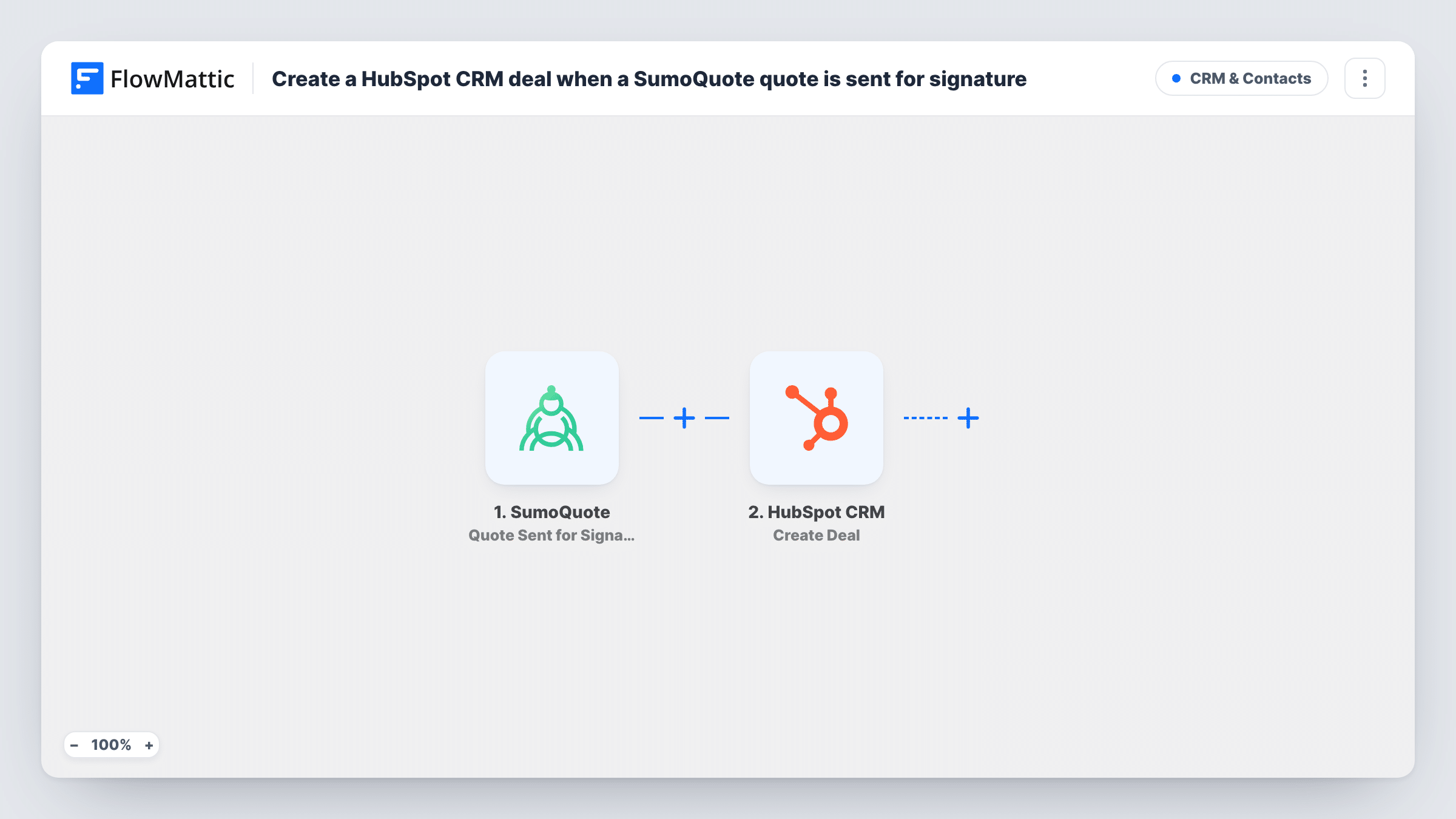
What this workflow does
A quote sent for signature is a real sales opportunity, yet it often lives only in SumoQuote until someone remembers to log it in HubSpot. Pipeline reports then miss deals that are already in front of the customer. This workflow creates the HubSpot deal at the moment the quote goes out.
The SumoQuote trigger fires when a quote is sent for signature. The quote's data is passed to the second step, which creates a deal in HubSpot CRM. You decide which quote values fill the deal, for example the customer or project name in the deal name and the quote total in the amount.
There are only two steps, so setup is short: connect both accounts, send one quote for signature as a test, and map the fields you want. Every quote sent for signature after that creates a new deal, and each run is listed in Task History.
Roofing and contracting estimates
Your estimators send quotes from SumoQuote after a site visit. Each one appears in HubSpot as a deal, so the sales manager sees open estimates in the pipeline.
Forecasting from sent proposals
Mapping the quote total to the deal amount puts every proposal awaiting signature into HubSpot's deal reports and forecasts.
Handing quotes to a follow-up team
Someone other than the estimator chases signatures. The new HubSpot deal gives them a record to work from without access to SumoQuote.
How this workflow runs
What happens at each step once the workflow is on, and what you need before you import it.
 SumoQuote Quote Sent for Signature
Fires when a quote in SumoQuote is sent for signature. The quote's details are passed on so you can map them into the HubSpot deal.
- HubSpot CRM Create Deal
Creates a new deal in HubSpot CRM. Map values from the quote, such as the customer or project name and the total, into the deal, then confirm the result with a test quote.
What you need
- FlowMatticCore
- SumoQuote AccountAccount
- HubSpot CRM AccountAccount
After importing, map your own data. To keep the template universal, not every step is pre-filled. Open each step in the builder and connect your accounts and fields (channels, lists, sheets, recipients) before you switch the workflow on.
Make it yours
Changes worth making after you import it.
- Add a Filter after the trigger if only some quotes belong in HubSpot, for example quotes above a set total. Remember that totals are compared as whole numbers.
- Include the SumoQuote quote number or name in the deal name so your team can match each HubSpot deal back to its quote.
- To link the deal to a person, add a HubSpot step before Create Deal that creates or finds the contact, then use its result in the deal step.
Questions about this workflow
Will resending a SumoQuote quote create a second HubSpot deal?
Each Quote Sent for Signature event runs the workflow, and Create Deal always creates a new deal. If a quote can be sent more than once, expect another deal for it unless you add a check.
Does the deal update when the customer signs?
No. This template only reacts to quotes being sent. Updating the deal on signature would need a separate workflow with its own trigger and a step that finds the deal.
Which HubSpot pipeline and stage does the deal go to?
That depends on how you set up the Create Deal step after import. Run a test quote and check where the deal lands in HubSpot before you rely on it.
More CRM & Contacts workflows
Other ready-to-import templates from the same category.






Import this workflow into your WordPress site
Download the JSON, import it from the Workflows screen and connect your accounts. Every run stays on your server, with no per-task fees.
30-day money-back guarantee Unlimited workflows and runs Self-hosted