

Create a HubSpot CRM contact from each new CalendarFix booking confirmation
Each time a CalendarFix booking is confirmed, this workflow creates a contact in HubSpot CRM from the booking details, so the people who book time with you are on record for follow-up.
 CalendarFix
 HubSpot CRM
2 steps Setup ~5 min Used on 1.3k sites Free to import
What this workflow does
A confirmed booking means someone has committed time to talk with you, and that makes them worth tracking. When bookings live in CalendarFix and your pipeline lives in HubSpot, you end up typing each booker in by hand. This workflow turns each confirmed booking into a HubSpot contact.
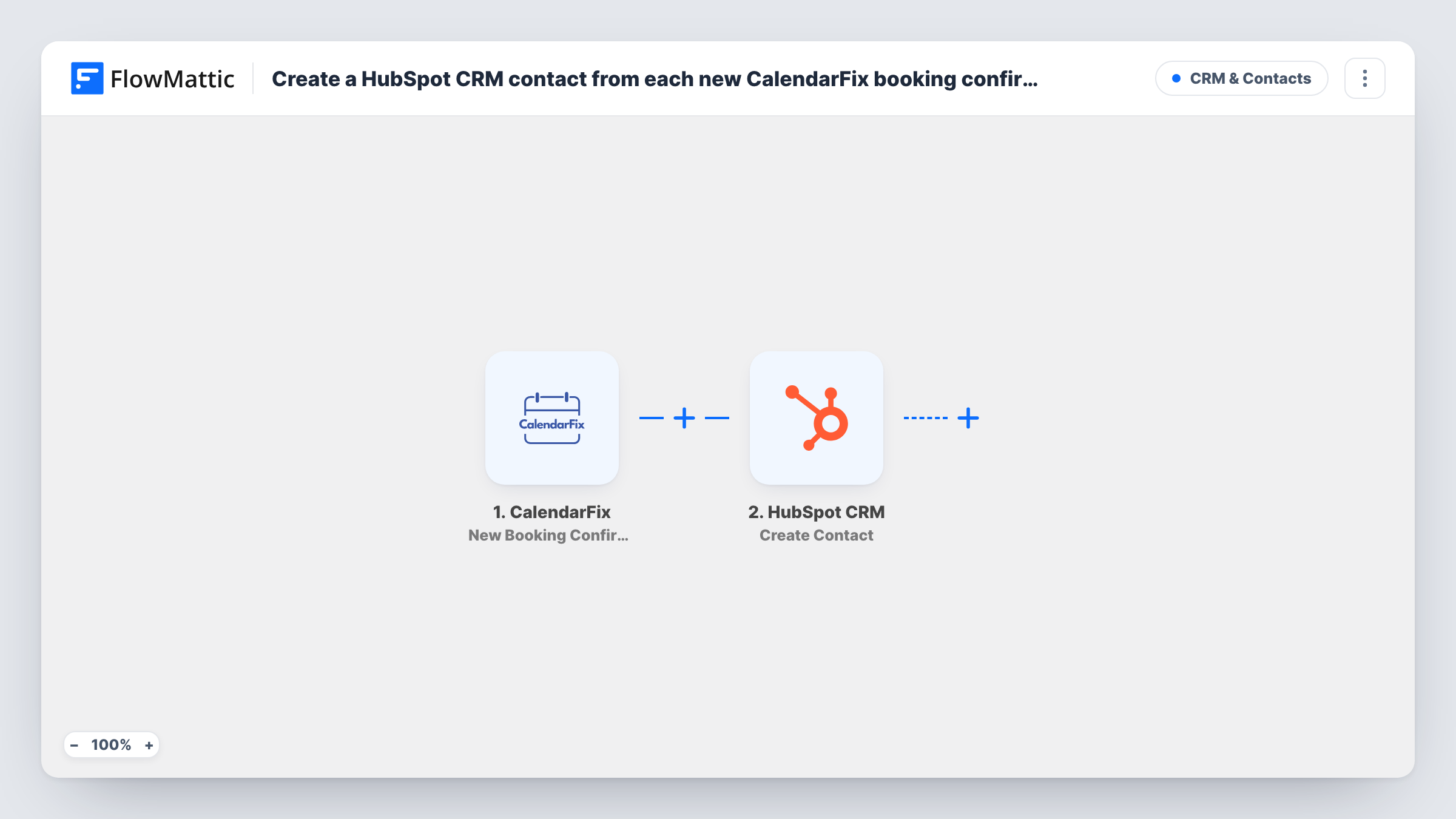
The CalendarFix trigger fires when a new booking is confirmed, and FlowMattic receives the booking details. The HubSpot CRM step then runs Create Contact, which adds a new contact using whatever booking fields you map, such as the booker's email and name when CalendarFix sends them.
The HubSpot action here never looks for an existing person. A returning client who books again is sent to HubSpot again. HubSpot may refuse a duplicate email address; when it does, Task History shows HubSpot's response on that step.
Discovery calls for an agency
Prospects book a discovery call through CalendarFix. Each confirmed call creates a HubSpot contact the account manager can work from before the meeting.
Free consultations at a law firm
A firm offers short consultations. Every confirmed booking adds the person to HubSpot, where the intake team keeps notes on each enquiry.
Demo bookings for a software product
Visitors schedule a product demo in CalendarFix. The sales team sees each confirmed booker in HubSpot without exporting the calendar.
How this workflow runs
What happens at each step once the workflow is on, and what you need before you import it.
 CalendarFix New Booking Confirmation
Runs as soon as CalendarFix confirms a booking. The booking details CalendarFix sends become available to map into HubSpot.
- HubSpot CRM Create Contact
Adds the booker to HubSpot CRM as a new contact. Map the booker's email address and name from the CalendarFix data, then run a test to confirm the contact appears as expected.
What you need
- FlowMatticCore
- CalendarFix AccountAccount
- HubSpot CRM AccountAccount
After importing, map your own data. To keep the template universal, not every step is pre-filled. Open each step in the builder and connect your accounts and fields (channels, lists, sheets, recipients) before you switch the workflow on.
Make it yours
Changes worth making after you import it.
- Confirm one test booking right after import so FlowMattic captures the CalendarFix fields, then map the booker's email into the HubSpot step before you switch the workflow on.
- Add a Filter after the trigger that continues only when the booking's email field is not empty. Bookings that arrive without an address then stop before HubSpot is asked to create a contact.
- Add a Slack or email notification after the HubSpot step so the person taking the call knows a new contact was created from the booking.
Questions about this workflow
What happens when someone who is already in HubSpot books through CalendarFix?
The workflow still tries to create a contact. HubSpot may refuse the duplicate email, and Task History shows its response. The workflow doesn't change the contact HubSpot already holds.
Are unconfirmed CalendarFix bookings sent to HubSpot?
No. The trigger fires only when a booking is confirmed, so requests that are never confirmed create nothing in HubSpot.
Does a cancelled CalendarFix booking remove the HubSpot contact?
No. Nothing in this template deletes HubSpot records. Cancellations aren't watched, so the contact stays in HubSpot until you change it.
Can I record the booking time on the HubSpot contact?
If CalendarFix sends the booking time and your HubSpot portal has a property for it, you can map it. Check a test run to see which booking fields are available.
More CRM & Contacts workflows
Other ready-to-import templates from the same category.






Import this workflow into your WordPress site
Download the JSON, import it from the Workflows screen and connect your accounts. Every run stays on your server, with no per-task fees.
30-day money-back guarantee Unlimited workflows and runs Self-hosted