

Create a HubSpot CRM lead when a Dux-Soup message is received
When Dux-Soup picks up a new LinkedIn message, FlowMattic creates a HubSpot CRM contact from it, so the people who write back to your outreach start a record in your CRM.
 Dux-Soup
 HubSpot CRM
2 steps Setup ~5 min Used on 3.1k sites Free to import
What this workflow does
Dux-Soup runs your LinkedIn outreach, but the replies you get are the start of a sales conversation, and that conversation usually belongs in a CRM. Copying each person from LinkedIn into HubSpot by hand slows you down and gets skipped on busy days. This workflow creates the HubSpot contact when the message arrives.
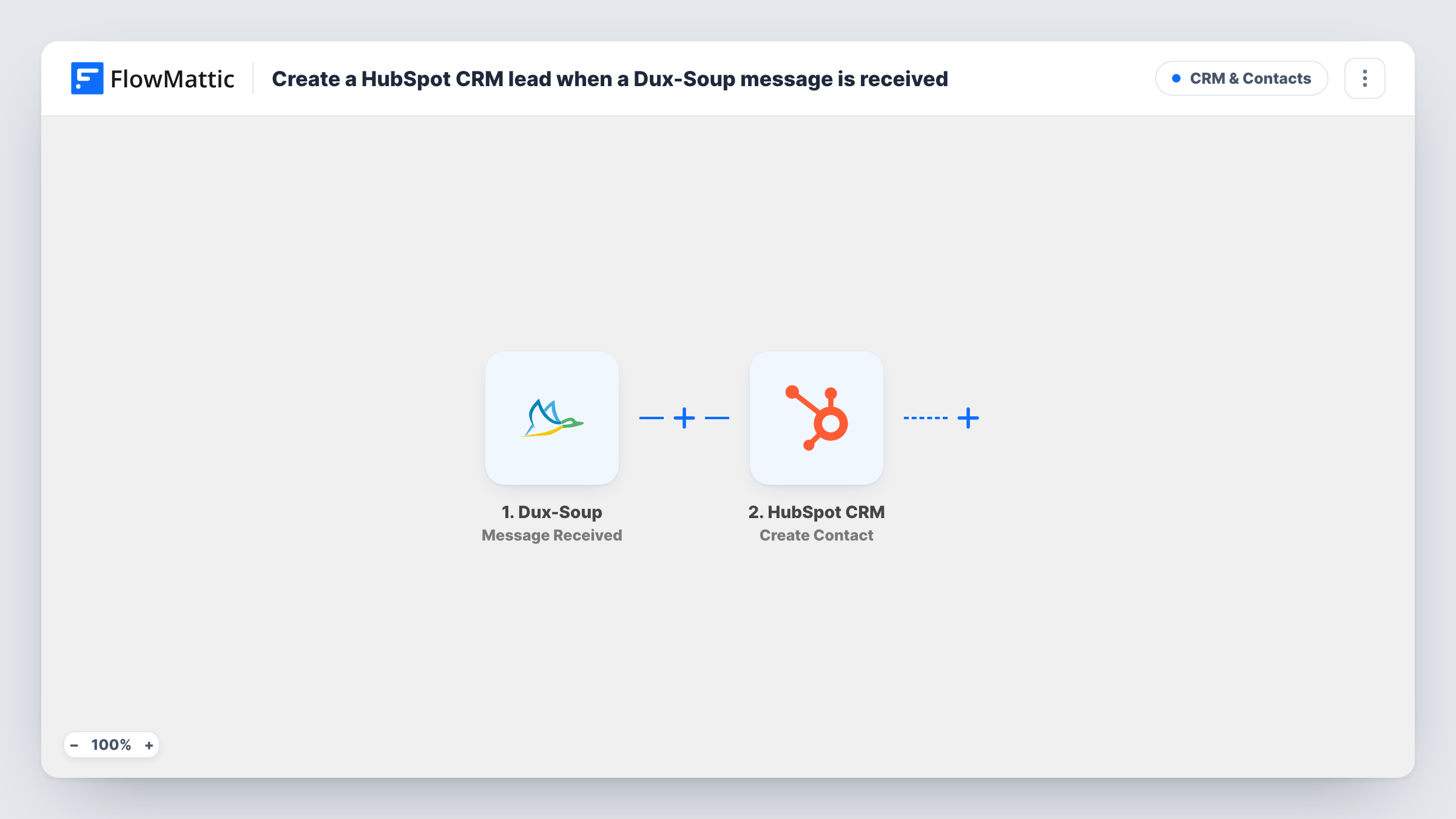
The Dux-Soup trigger, Message Received, fires when a newly received message has been read by Dux-Soup's message bridge. The data Dux-Soup sends about that message and its sender becomes available to map. The second step runs Create Contact in HubSpot CRM, filling contact properties with the values you choose.
Every received message starts a run, not just the first one from a person. When someone writes to you three times, the HubSpot step runs three times, and because Create Contact only creates, HubSpot may turn down the later ones as duplicates, with HubSpot's answer recorded on the step in Task History. LinkedIn messages don't always come with an email address, so check a test run to see what Dux-Soup sends before you map the contact.
Recruiters logging candidate replies
A recruiter's Dux-Soup campaign messages candidates on LinkedIn. Each candidate who answers is created in HubSpot, where the recruiter tracks the conversation.
B2B founders doing their own outreach
A founder prospecting on LinkedIn sees people who reply turn into HubSpot contacts, ready for deal stages and notes.
Consultants following up on event contacts
After a conference, a consultant messages new LinkedIn connections through Dux-Soup. Those who answer get a HubSpot contact for the follow-up call.
How this workflow runs
What happens at each step once the workflow is on, and what you need before you import it.
 Dux-Soup Message Received
Fires when a newly received LinkedIn message has been read by Dux-Soup's message bridge. Details about the message and the person who sent it are passed on to HubSpot.
- HubSpot CRM Create Contact
Creates a HubSpot CRM contact from the Dux-Soup message data. Connect your HubSpot account and map the sender details Dux-Soup passes to contact properties. A test run shows which ones arrive.
What you need
- FlowMatticCore
- Dux-Soup AccountAccount
- HubSpot CRM AccountAccount
After importing, map your own data. To keep the template universal, not every step is pre-filled. Open each step in the builder and connect your accounts and fields (channels, lists, sheets, recipients) before you switch the workflow on.
Make it yours
Changes worth making after you import it.
- Add a Filter after the trigger if only some messages should create contacts, for example ones from a particular campaign. Run a test message first to see which values Dux-Soup sends.
- Map the sender's LinkedIn profile URL into a HubSpot property if Dux-Soup passes it. That makes it easy to find the person again on LinkedIn from their contact record.
- Send yourself a test message through a connected LinkedIn account after import, so FlowMattic captures the trigger data before you map the HubSpot step.
Questions about this workflow
Does every Dux-Soup message create a new HubSpot contact?
Each received message runs Create Contact once. A second message from the same person tries to create them again, and HubSpot may refuse it as a duplicate. Task History shows what HubSpot answered.
Will the HubSpot contact have an email address?
Only if Dux-Soup includes one in the message data. Look at a test run in Task History to see which values arrive, and map what is there.
Does the trigger fire for messages I send in Dux-Soup?
No. Message Received is for messages that come in to you and have been read by Dux-Soup's message bridge.
Can Dux-Soup replies go into an existing HubSpot contact?
Not with this template, which only creates contacts. Updating someone already in HubSpot would need a different HubSpot step and a way to identify them.
More CRM & Contacts workflows
Other ready-to-import templates from the same category.




Import this workflow into your WordPress site
Download the JSON, import it from the Workflows screen and connect your accounts. Every run stays on your server, with no per-task fees.
30-day money-back guarantee Unlimited workflows and runs Self-hosted