

When an employee is created in Employment Hero, add a new user in WordPress
When a new employee is created in Employment Hero, this workflow adds a user account for them on your WordPress site, so new starters can log in to your intranet or training site without a separate sign-up.
 Employment Hero
 WordPress
2 steps Setup ~5 min Used on 3.4k sites Free to import
What this workflow does
Many companies run an intranet, handbook or training portal on WordPress. Each new hire needs an account there, and someone in HR or IT usually creates it by hand after the employee is set up in Employment Hero. This workflow creates that WordPress user as soon as the employee record exists.
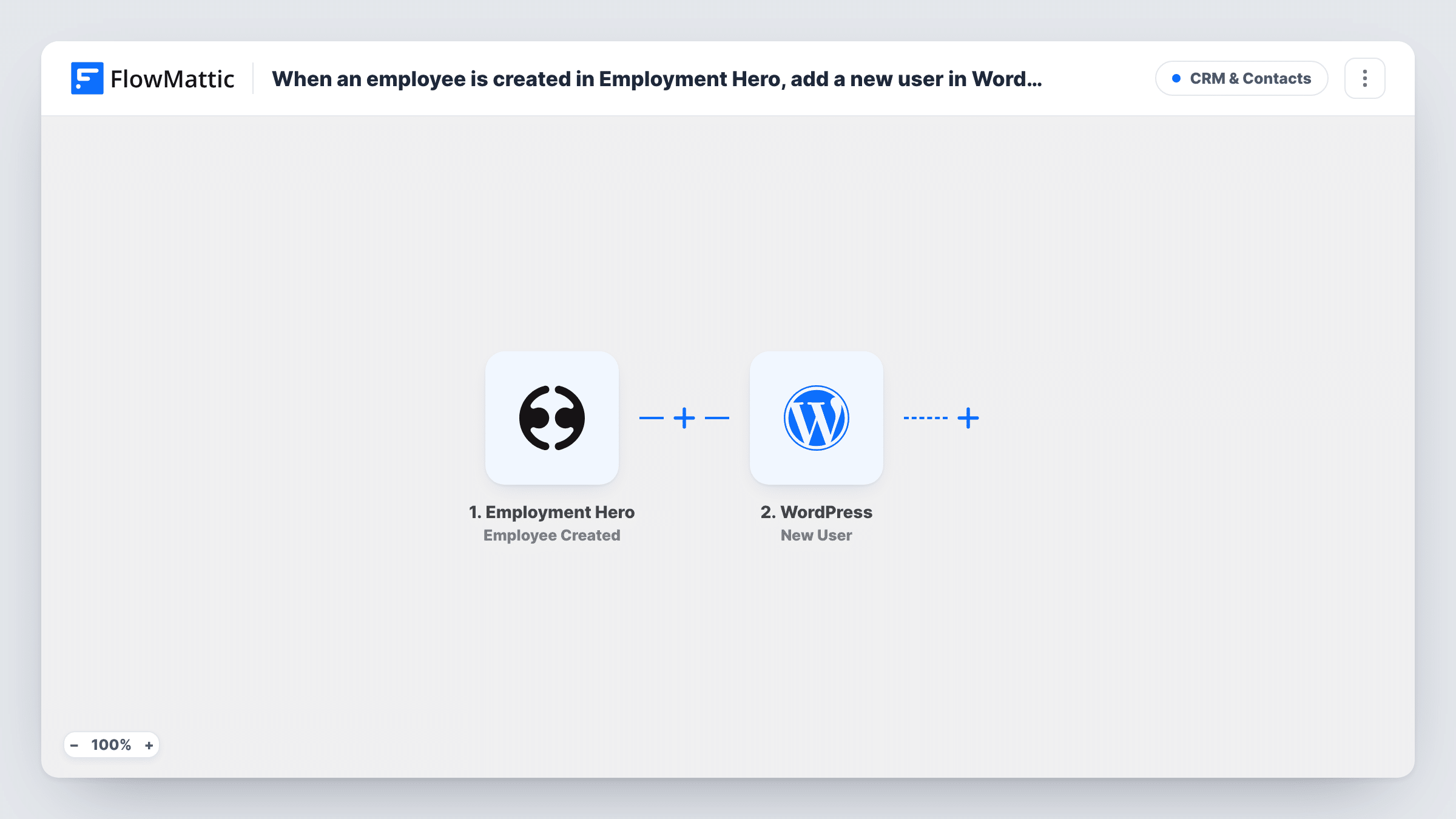
The Employment Hero trigger fires when an employee is created. The employee's details become values you can map, such as their name and work email. The WordPress step then runs New User on the site where FlowMattic is installed, creating an account with the details you map.
The user is created once, when the employee is added. Later changes in Employment Hero, or offboarding, don't change or remove the WordPress account. WordPress won't create a second account for an email or username that is already taken, and Task History shows the response for each run.
Company intranet access from day one
HR adds a new hire in Employment Hero before their start date, and the WordPress intranet account is waiting for them on their first morning.
Onboarding course site
Your onboarding lessons run on WordPress, and each new employee gets a user account there without HR filling in a second form.
Staff handbook and policies
A members-only WordPress handbook needs a login, and every employee created in Employment Hero is given one.
How this workflow runs
What happens at each step once the workflow is on, and what you need before you import it.
 Employment Hero Employee Created
Fires when an employee is created in Employment Hero. The employee's details are passed on so you can use them for the WordPress account.
- WordPress New User
Creates a new user on your WordPress site from the employee's details. Map the work email and name, then run a test to confirm the new account looks the way you expect.
What you need
- FlowMatticCore
- Employment Hero AccountAccount
After importing, map your own data. To keep the template universal, not every step is pre-filled. Open each step in the builder and connect your accounts and fields (channels, lists, sheets, recipients) before you switch the workflow on.
Make it yours
Changes worth making after you import it.
- Build a second workflow on Employment Hero's Employee Offboarded trigger that emails your site admin, so the WordPress account is dealt with when someone leaves.
- Use the employee's work email rather than a personal one, so the WordPress account matches the address your team uses internally.
- Create a test employee in Employment Hero after import and check the new WordPress user before switching the workflow on for real hires.
Questions about this workflow
Does offboarding in Employment Hero delete the WordPress user?
No. This template only reacts to Employee Created. Removing access needs a separate workflow or a manual step when someone leaves.
What if the employee's email is already a WordPress user?
WordPress doesn't allow two accounts with the same email or username, so no second account is made. Open that run in Task History to read what WordPress returned.
Do I need a WordPress account connection for this Employment Hero flow?
No. The WordPress step works on the site where FlowMattic is installed. You only connect your Employment Hero account on import.
More CRM & Contacts workflows
Other ready-to-import templates from the same category.






Import this workflow into your WordPress site
Download the JSON, import it from the Workflows screen and connect your accounts. Every run stays on your server, with no per-task fees.
30-day money-back guarantee Unlimited workflows and runs Self-hosted