

Create a new affiliate in ThriveCart whenever a new form submission is received in Bricks Form
When a visitor submits a Bricks Builder form on your site, this workflow creates a new affiliate in your ThriveCart account from their details, so partner sign-ups don’t wait for manual setup.
 Bricks Forms
 ThriveCart
2 steps Setup ~5 min Used on 1.2k sites Free to import
What this workflow does
Running an affiliate program through ThriveCart often starts with an application form on your own site. Someone then has to read each entry and add the person to ThriveCart by hand, which delays new partners getting started. This workflow creates the affiliate from the form entry.
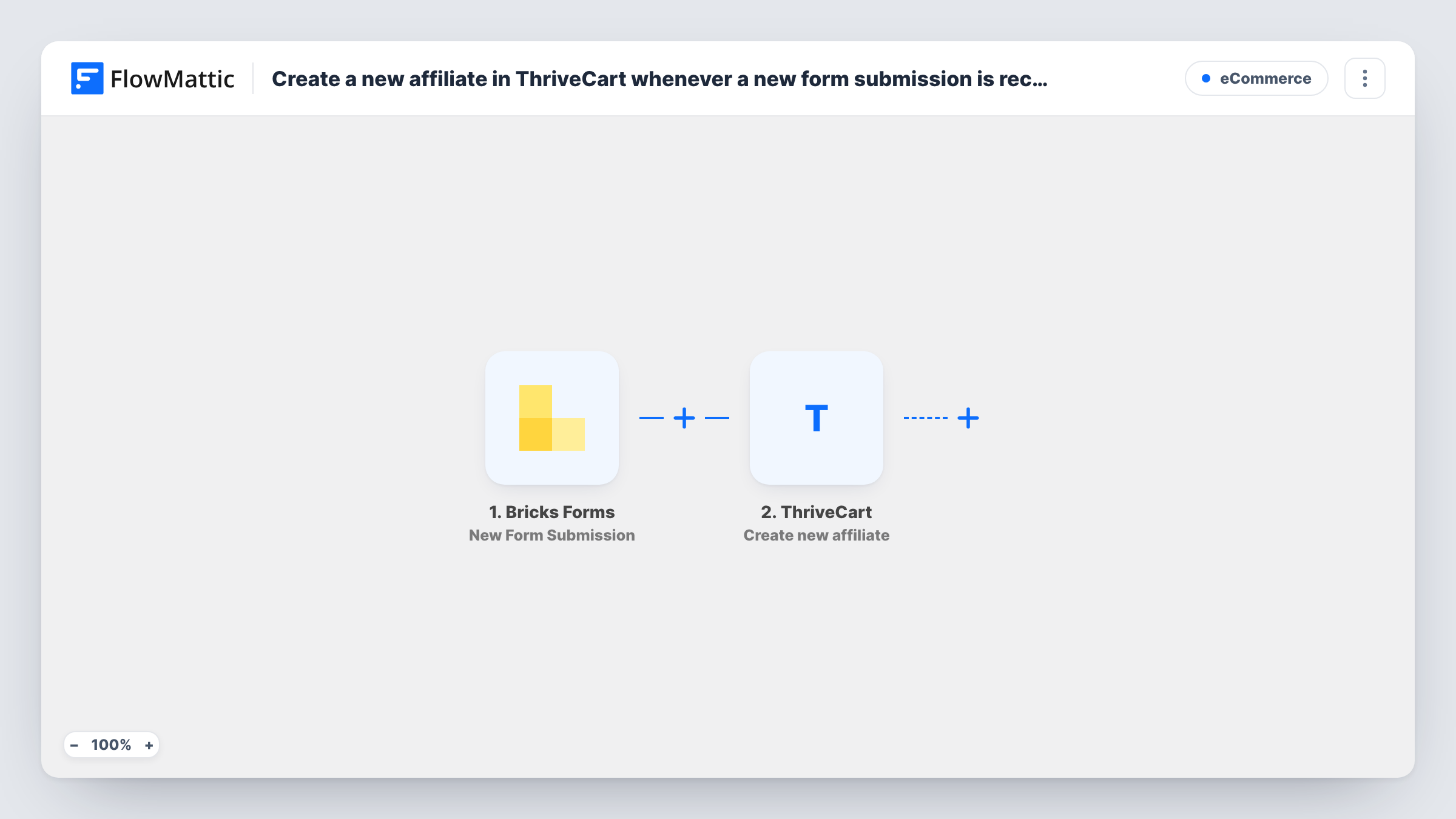
The Bricks Forms trigger fires when a new submission arrives from a form built with Bricks Builder on your WordPress site. FlowMattic passes the submitted fields to ThriveCart, where the Create new affiliate action adds an affiliate to your account. You map the form answers into the affiliate details the step asks for.
Every submission creates an affiliate, with no review in between. If you want to approve applicants first, add a step that pauses for a decision, as described in the tips. Task History shows each run and ThriveCart's response.
Course creators recruiting student affiliates
A Join our affiliate program form on your Bricks site creates the ThriveCart affiliate straight away, so students can start sharing your course.
Software sellers with a partner page
Agencies and consultants fill in a partner form built in Bricks, and each one is set up as an affiliate in ThriveCart without a support ticket.
Launch campaigns with many new partners
During a product launch, dozens of people apply through one Bricks form. Each entry becomes a ThriveCart affiliate without someone keying them in.
How this workflow runs
What happens at each step once the workflow is on, and what you need before you import it.
 Bricks Forms New Form Submission
Fires when a new submission is received from a Bricks Builder form on your WordPress site. The submitted fields are passed on for mapping in the ThriveCart step.
- ThriveCart Create new affiliate
Creates a new affiliate in your ThriveCart account from the form data. Map the Bricks fields into the affiliate details the step shows after import, and connect your ThriveCart account.
What you need
- FlowMatticCore
- Bricks Forms PluginPlugin
- ThriveCart AccountAccount
After importing, map your own data. To keep the template universal, not every step is pre-filled. Open each step in the builder and connect your accounts and fields (channels, lists, sheets, recipients) before you switch the workflow on.
Make it yours
Changes worth making after you import it.
- Add a Human in the Loop step before ThriveCart if you want to approve each applicant first. Set its timeout action to End Workflow, so no affiliate is created when nobody responds in time.
- If your site has several Bricks forms, add a Filter after the trigger that continues only for your affiliate application form.
- Submit the form once with your own details after import, so FlowMattic captures the field names you need to map into ThriveCart.
Questions about this workflow
What happens if the Bricks form is submitted by someone who is already a ThriveCart affiliate?
The step always tries to create a new affiliate. ThriveCart may refuse a duplicate, and Task History shows its response on that step. Test with a known affiliate to see how your account handles it.
Does the workflow check applicants before creating the ThriveCart affiliate?
Not as imported. Every submission creates an affiliate. Add a Filter for a fixed rule, or a Human in the Loop step for a manual decision.
Do other Bricks Builder forms on my site trigger this?
Possibly. Check the trigger's settings after import to see whether you can pick one form. If not, add a Filter so only the affiliate form continues.
More E-Commerce workflows
Other ready-to-import templates from the same category.






Import this workflow into your WordPress site
Download the JSON, import it from the Workflows screen and connect your accounts. Every run stays on your server, with no per-task fees.
30-day money-back guarantee Unlimited workflows and runs Self-hosted