

Create a new G2 Crowd lead as a contact in Zoho CRM
Each new lead G2 Crowd captures for your product is created as a contact in Zoho CRM, so buyers who showed interest on G2 are in front of your sales team without manual entry.
 G2 Crowd
 Zoho CRM
2 steps Setup ~5 min Used on 2.0k sites Free to import
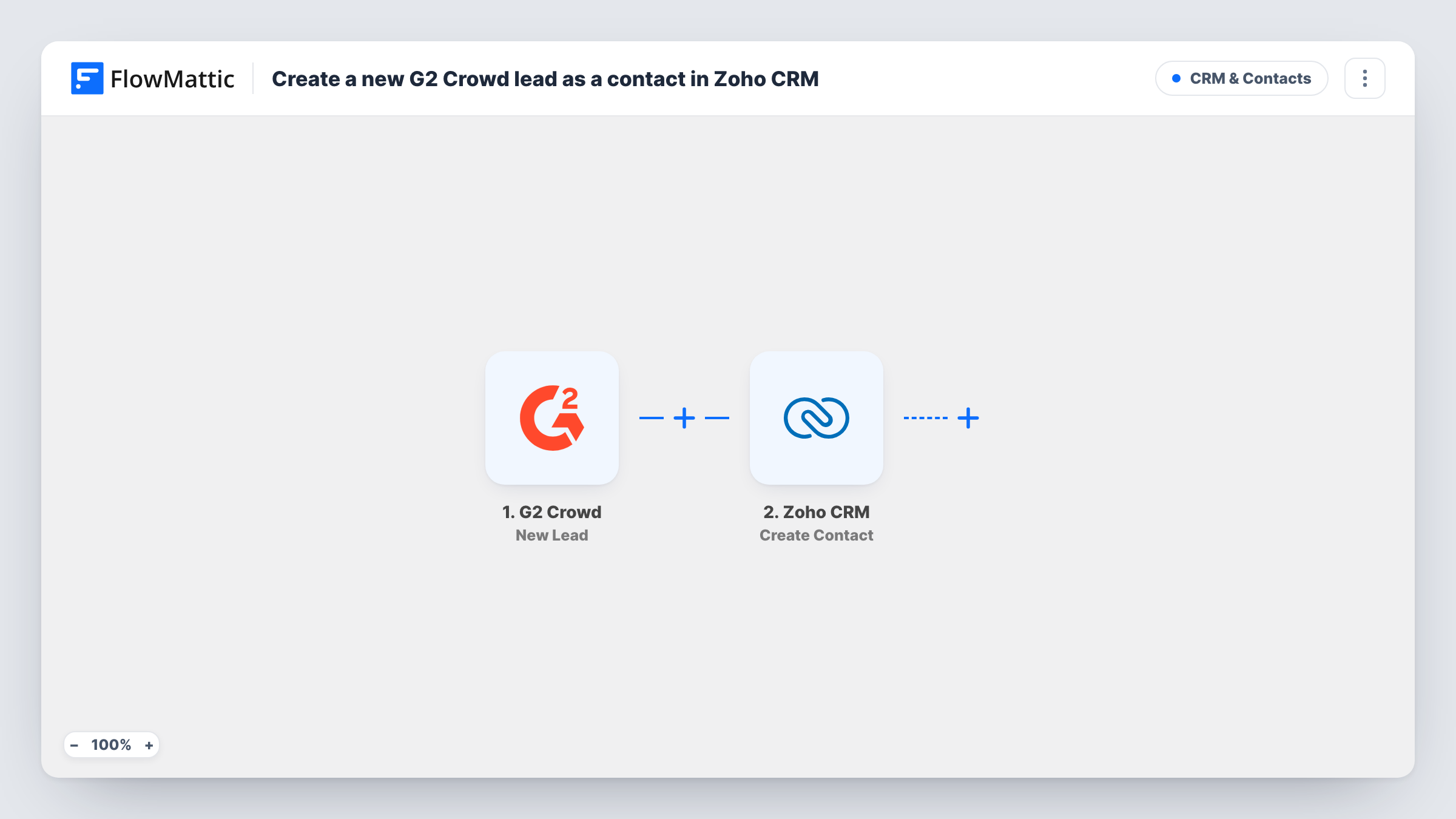
What this workflow does
G2 collects leads from buyers who look at your product listing, but those leads sit in G2 until someone exports them. If your sales team works in Zoho CRM, that gap means slow follow-up. This workflow puts each new G2 lead into Zoho CRM as a contact.
The G2 Crowd trigger runs each time G2 records a new lead on your listing. FlowMattic takes the lead's details from that event. The Zoho CRM step then creates a new contact from the fields you map, such as name, email and company.
The template creates a contact, not a Zoho lead. If your team qualifies people in the Leads module first, swap the action after import. Task History logs each run, so you can compare what G2 sent with what Zoho CRM saved.
Routing G2 interest to account executives
A B2B software team assigns new Zoho CRM contacts to reps, and G2 leads now arrive there alongside other sources.
Tracking review-site buyers
Marketing marks contacts from G2 with a source value in Zoho CRM to see how many deals start on the review site.
Outreach to buyers comparing products
A sales development rep works through new Zoho contacts from G2 each morning while their research is recent.
How this workflow runs
What happens at each step once the workflow is on, and what you need before you import it.
 G2 Crowd New Lead
Fires when the G2 Crowd platform captures a new lead for you. The lead's details are passed on for mapping into Zoho CRM.
- Zoho CRM Create Contact
Creates a new contact in Zoho CRM from the G2 lead. Map the last name, email and any company or source fields, and connect your Zoho account on import.
What you need
- FlowMatticCore
- G2 Crowd AccountAccount
- Zoho CRM AccountAccount
After importing, map your own data. To keep the template universal, not every step is pre-filled. Open each step in the builder and connect your accounts and fields (channels, lists, sheets, recipients) before you switch the workflow on.
Make it yours
Changes worth making after you import it.
- Zoho CRM requires a last name on contacts, so make sure the G2 name data reaches that field, splitting a full name with a Text Formatter step if needed.
- If your process starts people in the Zoho Leads module, replace this action with Zoho CRM Create Lead after import.
- Add a Filter after the trigger to skip leads without an email address, if your team only follows up by email.
Questions about this workflow
Does this create a Zoho CRM lead or a contact?
A contact. The step is Zoho CRM Create Contact. Change the action after import if you want G2 leads in the Leads module.
What happens if the G2 lead is already in Zoho CRM?
The step creates a new contact each time it runs, so Zoho CRM may end up with a second record unless its duplicate rules stop it. Check Task History for the reply.
Which G2 lead fields can I send to Zoho CRM?
Whatever the G2 lead event carries. Let one lead come through after import and review its data in Task History before you map.
Are leads G2 captured earlier imported into Zoho?
No. Only leads captured after the workflow is active reach Zoho CRM.
More CRM & Contacts workflows
Other ready-to-import templates from the same category.








Import this workflow into your WordPress site
Download the JSON, import it from the Workflows screen and connect your accounts. Every run stays on your server, with no per-task fees.
30-day money-back guarantee Unlimited workflows and runs Self-hosted