

When a new form submission is received in WPForms, create a new customer in Pabbly Subscriptions
Every new WPForms entry on your site becomes a customer in Pabbly Subscriptions, using the name, email and other details you map from the form.
 WPForms
 Pabbly Subscriptions
2 steps Setup ~5 min Used on 1.5k sites Free to import
What this workflow does
WPForms is often the first contact a client has with a service business: a booking request, an onboarding questionnaire, an order form. When billing lives in Pabbly Subscriptions, each of those people eventually needs a customer record there. This workflow creates it from the form entry, so you don't retype details.
The WPForms trigger runs each time the form you select receives an entry and makes all its field values available. Then Pabbly Subscriptions adds a new customer built from those values.
After import, choose the WPForms form, send a test entry, connect Pabbly and pick which form fields fill the customer's name, email and any other details you keep. Nothing is mapped until you do this.
The workflow doesn't check for duplicates or spam entries. Each entry produces a Create Customer request, so someone who submits twice reaches Pabbly twice; Task History shows how Pabbly responded for each run.
Retainer clients from an onboarding form
A bookkeeping firm's WPForms onboarding questionnaire sets up each new client in Pabbly Subscriptions, ready for their monthly retainer.
Gym membership enquiries
A gym collects membership sign-ups through WPForms at the front desk tablet and has each member in Pabbly before the first direct debit.
Software trial requests
A small software vendor uses a WPForms trial request form and keeps every requester on file in Pabbly for the moment they convert.
How this workflow runs
What happens at each step once the workflow is on, and what you need before you import it.
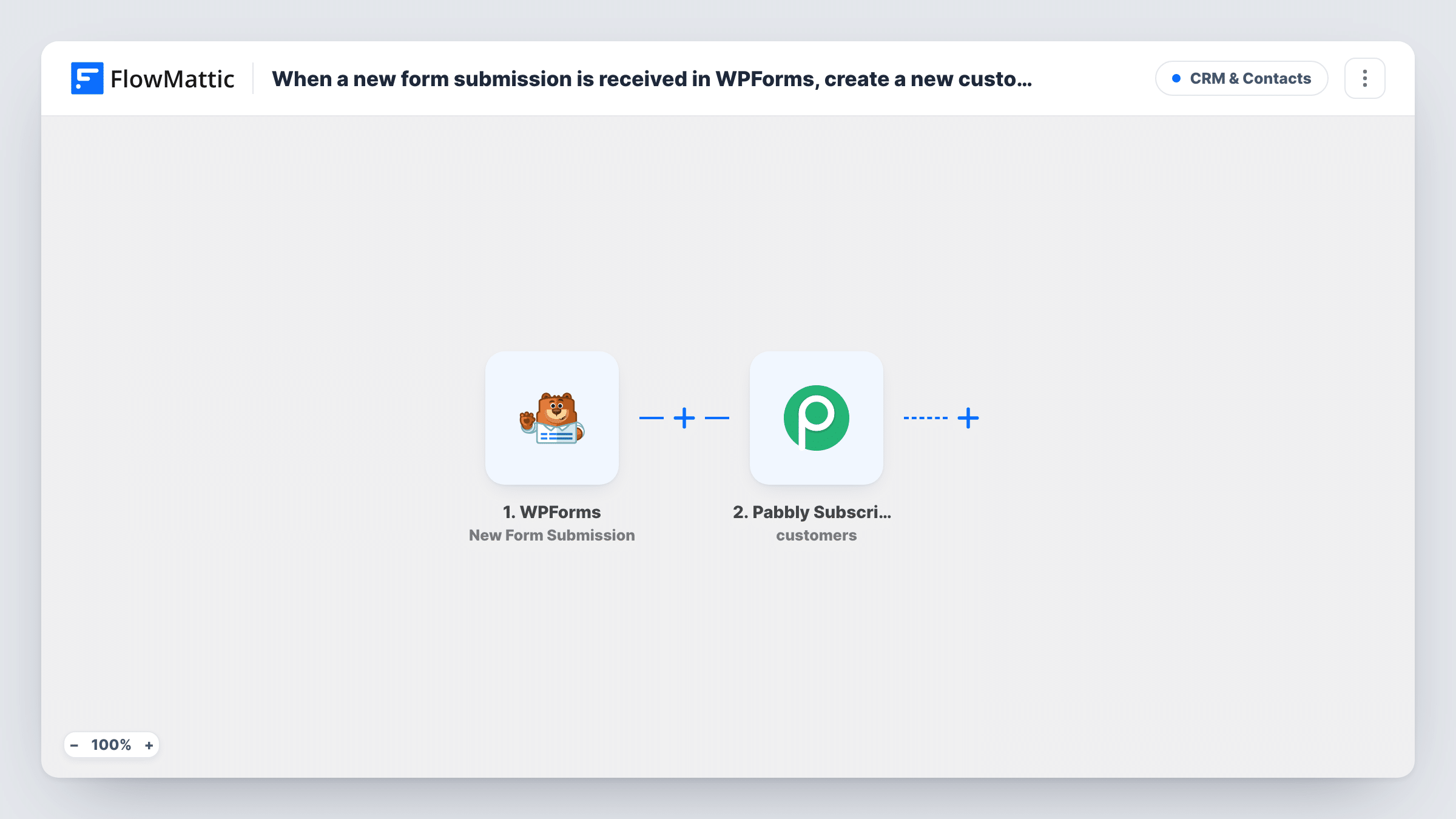
 WPForms New Form Submission
Runs the workflow whenever your chosen WPForms form receives a new entry. Select the form after import and submit a test so its field values can be mapped into Pabbly.
- Pabbly Subscriptions Create Customer
Adds the person from the WPForms entry to Pabbly Subscriptions as a new customer. Connect your Pabbly account and match the name and email fields from the form during setup.
What you need
- FlowMatticCore
- WPForms PluginPlugin
- Pabbly Subscriptions AccountAccount
After importing, map your own data. To keep the template universal, not every step is pre-filled. Open each step in the builder and connect your accounts and fields (channels, lists, sheets, recipients) before you switch the workflow on.
Make it yours
Changes worth making after you import it.
- If the same form handles general questions too, put a Filter between the WPForms trigger and the Pabbly step on a dropdown such as "I want to sign up". The field is only an example; choose one from your own form.
- Use WPForms' required setting on the email field, so no entry reaches Pabbly without an address.
- Add a Pabbly Create Subscription step after Create Customer, with the new customer mapped in, if every sign-up should start a subscription straight away.
Questions about this workflow
Can I send entries from more than one WPForms form to Pabbly?
Duplicate the workflow for each form and set each copy's trigger to a different form. Each copy then creates Pabbly customers from its own form.
Which WPForms fields reach the Pabbly customer?
Only the fields you map. Name and email are the usual minimum; any other field from the form can be mapped too if Pabbly's customer record has a place for it.
Does the WPForms entry start a Pabbly subscription?
No, a customer record is all it creates. Add Pabbly's Create Subscription action after the customer step to start one.
Are old WPForms entries sent to Pabbly when I activate the workflow?
No. Entries saved before activation don't start runs. Add those earlier people to Pabbly separately if you need them there.
More CRM & Contacts workflows
Other ready-to-import templates from the same category.







Import this workflow into your WordPress site
Download the JSON, import it from the Workflows screen and connect your accounts. Every run stays on your server, with no per-task fees.
30-day money-back guarantee Unlimited workflows and runs Self-hosted