

Capture Facebook leads in Zoho Creator and add them to FluentCRM
Each new Facebook Lead Ads lead is saved as a record in a Zoho Creator form and then created or updated as a FluentCRM contact, so the lead is stored in your app and ready for your emails.
 Facebook Lead Ads
 Zoho Creator
 FluentCRM
3 steps Setup ~5 min Used on 2.0k sites Free to import
What this workflow does
Lead ad sign-ups stay inside Meta unless something moves them out. If your team tracks leads in a Zoho Creator app and emails them from FluentCRM, both places need the lead. This workflow puts it in each, one after the other.
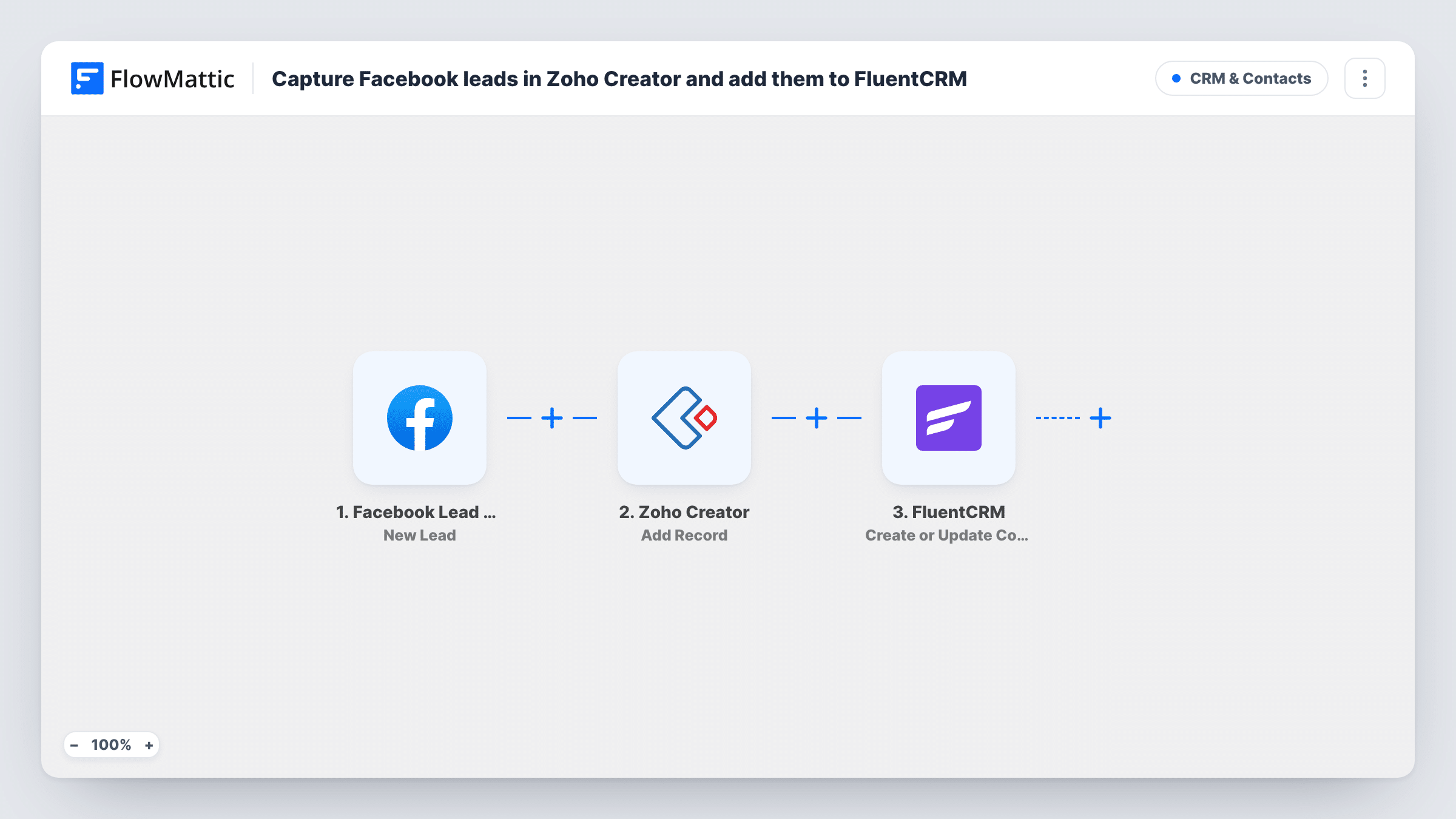
Each run opens with a fresh lead from your Facebook Lead Ads form. The Zoho Creator step then runs Add Record, which adds a new record to the Creator form you pick, with the lead's answers mapped to its fields. Last, the FluentCRM step runs Create or Update Contact, which matches by email address.
That means a lead who is already in FluentCRM is updated rather than duplicated. Zoho Creator always gets a new record, so a repeat lead adds another one there. Task History lists each lead's run with what Zoho Creator and FluentCRM returned.
Real estate enquiry tracking
An agency runs Facebook lead ads for listings. Each enquiry becomes a record in its Zoho Creator property app and a FluentCRM contact for viewing reminders.
Course or class sign-ups
A training provider captures interest through lead ads, logs each lead in a Creator app the admissions team uses, and emails them from FluentCRM.
Service quote requests
A home services company stores ad leads in a Zoho Creator job app for scheduling, while FluentCRM handles the follow-up emails.
How this workflow runs
What happens at each step once the workflow is on, and what you need before you import it.
 Facebook Lead Ads New Lead
Starts a run when a new lead comes in on your Facebook lead form. The lead's answers, such as name and email, are passed to the next two steps.
- Zoho Creator Add Record
Adds a new record to the Zoho Creator form you choose. Connect Zoho Creator and map the Facebook lead's answers to the form's fields.
- FluentCRM Create or Update Contact
Creates a FluentCRM contact from the lead, or updates the contact with the same email. Map the lead's email and name fields, then check the result in FluentCRM after a test lead.
What you need
- FlowMatticCore
- Facebook Lead Ads AccountAccount
- Zoho Creator AccountAccount
- FluentCRM PluginPlugin
After importing, map your own data. To keep the template universal, not every step is pre-filled. Open each step in the builder and connect your accounts and fields (channels, lists, sheets, recipients) before you switch the workflow on.
Make it yours
Changes worth making after you import it.
- Use Meta's lead ads testing tool, or submit a real test lead, after import so FlowMattic captures the form fields before you map them.
- Map the Facebook form or ad name into a Zoho Creator field, if the trigger sends it, so you can see which ad brought in each lead.
- Want new leads to start an email series? Add FluentCRM's Add Subscriber to Sequence step after the contact step, mapping the same email.
Questions about this workflow
What if the Facebook lead is already a FluentCRM contact?
Create or Update Contact matches by email, so the existing contact is updated. Blank answers in the new lead can replace stored values for fields you map.
Does a repeat Facebook lead create a second Zoho Creator record?
Yes. Add Record always adds a new record, so a person who submits twice appears twice in your Creator form.
Which Zoho Creator form receives the Facebook lead?
The one you pick in the Add Record step after import. Build the form and its fields in Zoho Creator first, then map the lead's answers, such as name and email, to them.
Do Facebook leads from before import reach Zoho Creator and FluentCRM?
No. Only leads created after you switch the workflow on start a run. Download older leads from Meta and import them separately.
More CRM & Contacts workflows
Other ready-to-import templates from the same category.






Import this workflow into your WordPress site
Download the JSON, import it from the Workflows screen and connect your accounts. Every run stays on your server, with no per-task fees.
30-day money-back guarantee Unlimited workflows and runs Self-hosted