

Save new Nutshell companies as Airtable records for account research
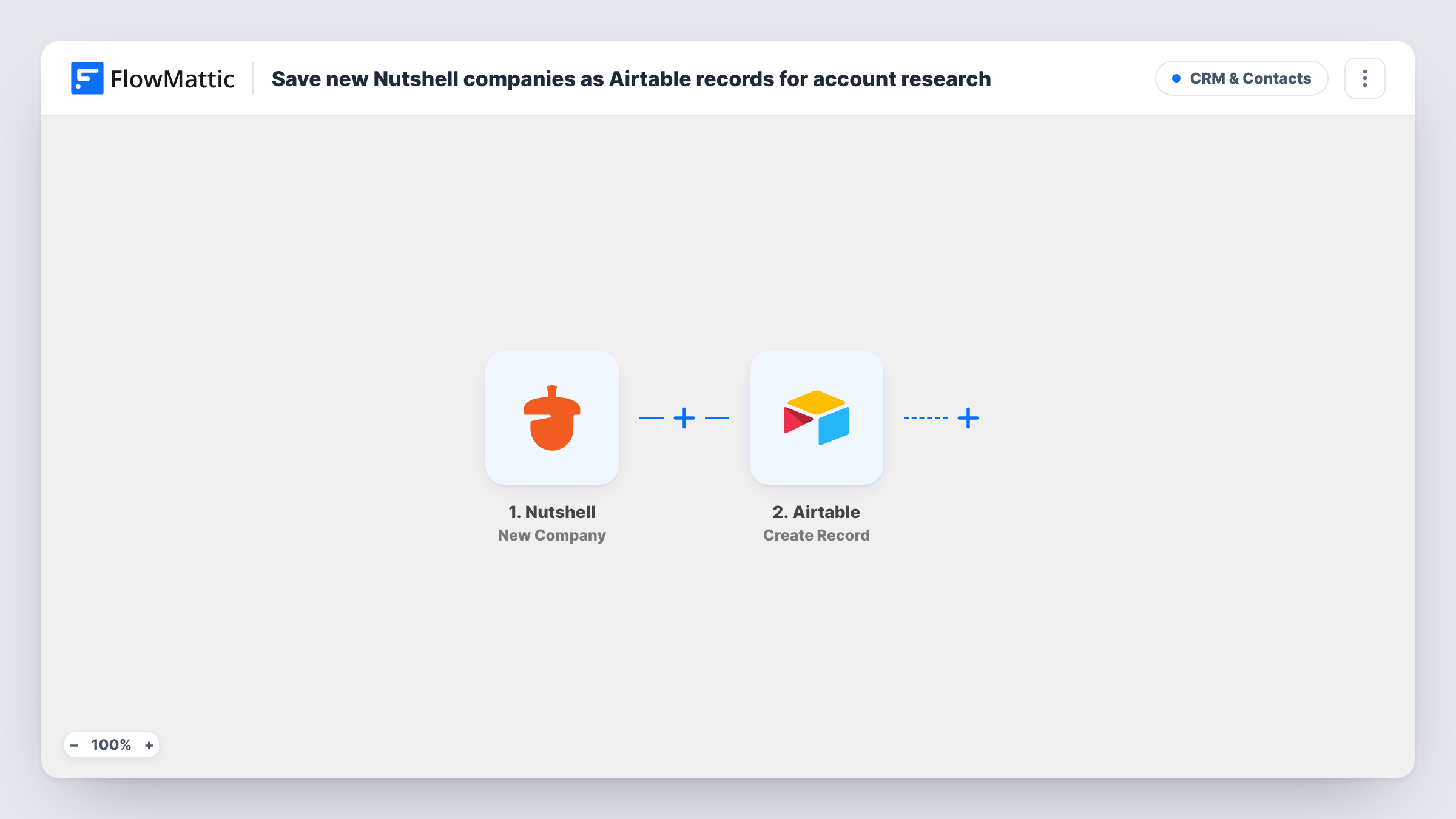
Each company created in Nutshell is copied into Airtable as a new record, giving your team a base of accounts to research, tag and add notes to outside the CRM.
 Nutshell
 Airtable
2 steps Setup ~5 min Used on 2.4k sites Free to import
What this workflow does
Nutshell holds your companies for sales work, but account research often happens somewhere more flexible. Teams like Airtable for adding their own columns, views and notes without changing CRM fields. This workflow starts that research base for you by copying each new company as it is created.
The Nutshell trigger fires when a new company is created in your account. FlowMattic takes the company data Nutshell sends and passes it to the Airtable step. That step creates a new record in the base and table you pick, with each Nutshell value mapped to the Airtable field you choose.
The copy happens once, at creation. Later changes to the company in Nutshell don't reach Airtable, and edits in Airtable don't go back to Nutshell. The research fields you add in Airtable are yours to fill in by hand or with more steps. Task History lists each company that was sent and what Airtable returned.
Account research board for sales
Each new Nutshell company appears in an Airtable grid where reps add columns for industry, size and key contacts as they research the account.
Planning outreach for target accounts
A marketing lead groups the Airtable records by region or segment and plans campaigns from that view, while the sales team keeps working in Nutshell.
Sharing new accounts with a partner
An agency partner who has no Nutshell seat gets a shared Airtable view of new companies to prepare briefs for.
How this workflow runs
What happens at each step once the workflow is on, and what you need before you import it.
 Nutshell New Company
Fires when a new company is created in Nutshell. The company's data from Nutshell is passed on so you can map it into Airtable.
- Airtable Create Record
Adds one Airtable record per Nutshell company to the base and table you pick. Map Nutshell company values to your Airtable fields and connect your Airtable account on import.
What you need
- FlowMatticCore
- Nutshell AccountAccount
- Airtable AccountAccount
After importing, map your own data. To keep the template universal, not every step is pre-filled. Open each step in the builder and connect your accounts and fields (channels, lists, sheets, recipients) before you switch the workflow on.
Make it yours
Changes worth making after you import it.
- Add an Airtable field that holds the Nutshell company ID and map it in this step. If you later build an update flow, it gives you a reliable way to match records.
- Add research columns in Airtable, such as a status field or notes, and leave them unmapped. The workflow fills the Nutshell data and your team fills the rest.
- Create a test company in Nutshell after import so FlowMattic captures the trigger data, then map each field and check the new record in Airtable.
Questions about this workflow
Do Nutshell companies created before import go to Airtable?
No. Only companies created after the workflow is on start a run. Older companies need to be imported into Airtable another way, such as a CSV export.
Will edits to a Nutshell company update its Airtable record?
No. The trigger fires on new companies only and the Airtable step creates records, so later changes in Nutshell are not copied over.
What if the Airtable base already has that company?
The workflow doesn't check. Create Record adds a new record each time, so a company you entered in Airtable by hand would appear twice.
Which Airtable fields can I fill from Nutshell?
Any field in your chosen table that you map a value into. Run a test after import to see which company details Nutshell sends, then match them to your columns.
More CRM & Contacts workflows
Other ready-to-import templates from the same category.






Import this workflow into your WordPress site
Download the JSON, import it from the Workflows screen and connect your accounts. Every run stays on your server, with no per-task fees.
30-day money-back guarantee Unlimited workflows and runs Self-hosted