

Create a Notion database entry for each new Form.io submission
Each new Form.io submission becomes an item in the Notion database you choose, so form responses sit in your workspace where your team can sort, assign and discuss them.
 Form.io
 Notion
2 steps Setup ~5 min Used on 2.0k sites Free to import
What this workflow does
Form.io is good at collecting structured answers, but many teams plan their work in Notion. Copying responses into a Notion database by hand is tedious and easy to fall behind on. This workflow writes each submission into Notion for you.
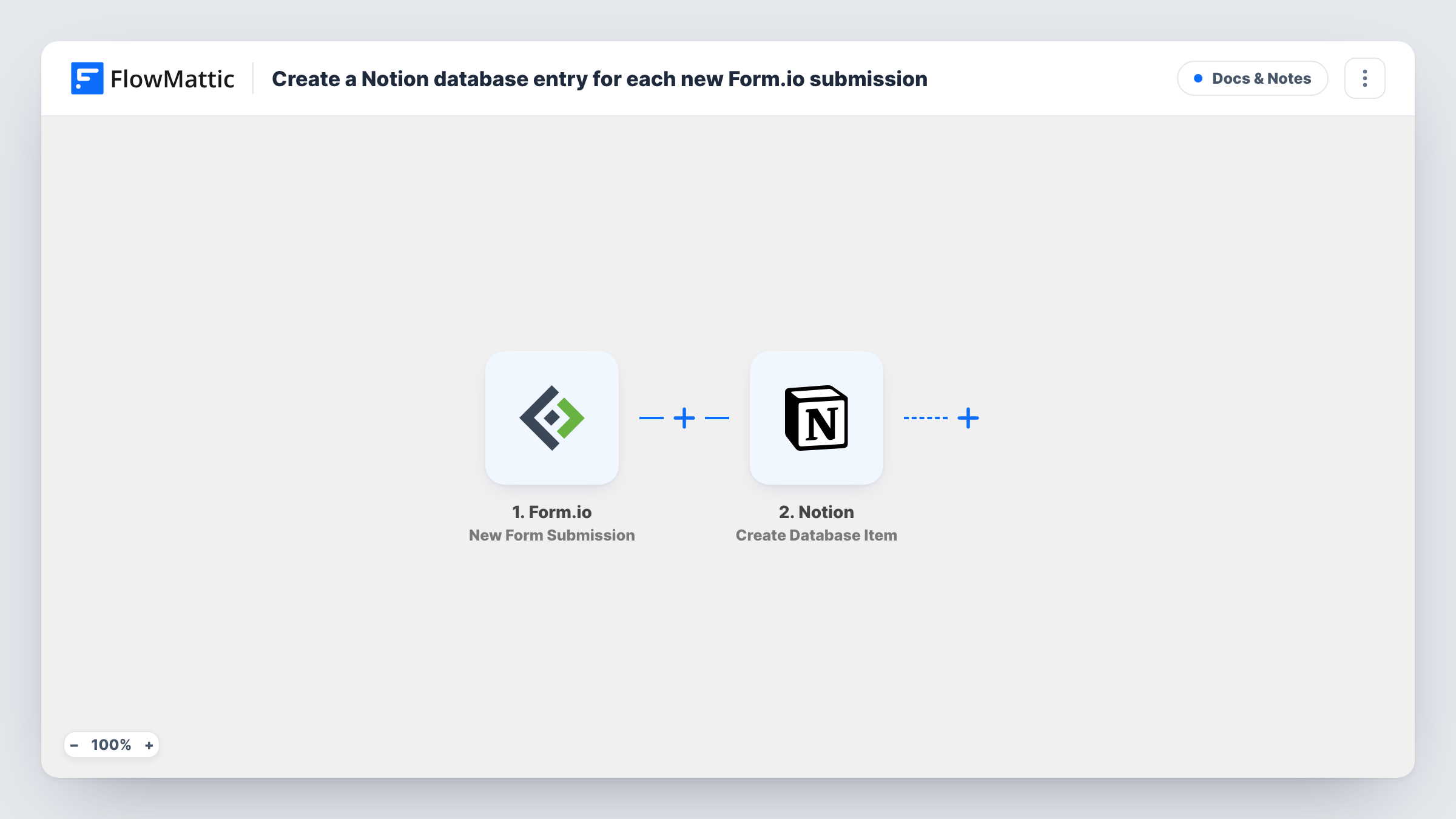
The Form.io trigger fires when a new submission arrives on your form. FlowMattic passes the answers to Notion, where Create Database Item adds an item to the database you select. You map each Form.io answer to a property in that database.
Every submission creates its own item, and nothing is merged or skipped as imported. Once the response is in Notion, your team can use views, status properties and comments as they would on any other item. Task History records each run so you can trace an entry from the form to Notion.
Content request intake
A marketing team takes article requests through a Form.io form. Each request lands in a Notion content board where an editor picks it up.
Bug reports from a customer portal
Customers report problems through a Form.io form embedded in your portal. Each report becomes an item in the Notion database the product team reviews weekly.
Event speaker applications
Speaker proposals collected in Form.io go straight into a Notion database, where the programme committee rates and comments on each one.
How this workflow runs
What happens at each step once the workflow is on, and what you need before you import it.
 Form.io New Form Submission
Fires whenever your linked Form.io form records a fresh response for Notion. Each answer is passed on so you can map it into a Notion property.
- Notion Create Database Item
Adds the Form.io response as a fresh item in your chosen Notion database. Map Form.io answers to its properties, and give FlowMattic access to that database when you connect Notion.
What you need
- FlowMatticCore
- Form.io AccountAccount
- Notion AccountAccount
After importing, map your own data. To keep the template universal, not every step is pre-filled. Open each step in the builder and connect your accounts and fields (channels, lists, sheets, recipients) before you switch the workflow on.
Make it yours
Changes worth making after you import it.
- Set up your Notion database properties before import, matching each Form.io question, so the mapping step has a place for every answer.
- Add a Filter after the trigger if only some submissions belong in Notion, for example those where a request type field equals Content.
- Make one test submission after import so FlowMattic captures the Form.io fields, then finish mapping them in the Notion step.
Questions about this workflow
Does every Form.io response create a new Notion item?
Yes. The step uses Create Database Item, so each submission adds its own item, even if the same person submits twice.
Can the Form.io submission go to a Notion page instead of a database?
Not with this step. Create Database Item needs a Notion database, so set one up and share it with the FlowMattic connection.
Are earlier Form.io responses copied to Notion?
No. Only submissions made after you switch the workflow on start a run.
What if a Notion property doesn't match the answer's format?
Notion may reject the value. Task History shows the response from Notion on that run, so you can adjust the mapping or the property type.
More Docs & Notes workflows
Other ready-to-import templates from the same category.






Import this workflow into your WordPress site
Download the JSON, import it from the Workflows screen and connect your accounts. Every run stays on your server, with no per-task fees.
30-day money-back guarantee Unlimited workflows and runs Self-hosted