

Save new items in RSS feeds as database items in Notion
Each new item published in an RSS feed you follow is saved as an item in a Notion database, so articles, releases or podcast episodes collect in one place where you can tag, sort and annotate them.
 RSS Feed
 Notion
2 steps Setup ~5 min Used on 2.2k sites Free to import
What this workflow does
Feed readers are good for skimming, but poor for keeping. If you collect articles for research, a newsletter or a content plan, you want them somewhere you can add notes and status. This workflow saves each new feed item into a Notion database.
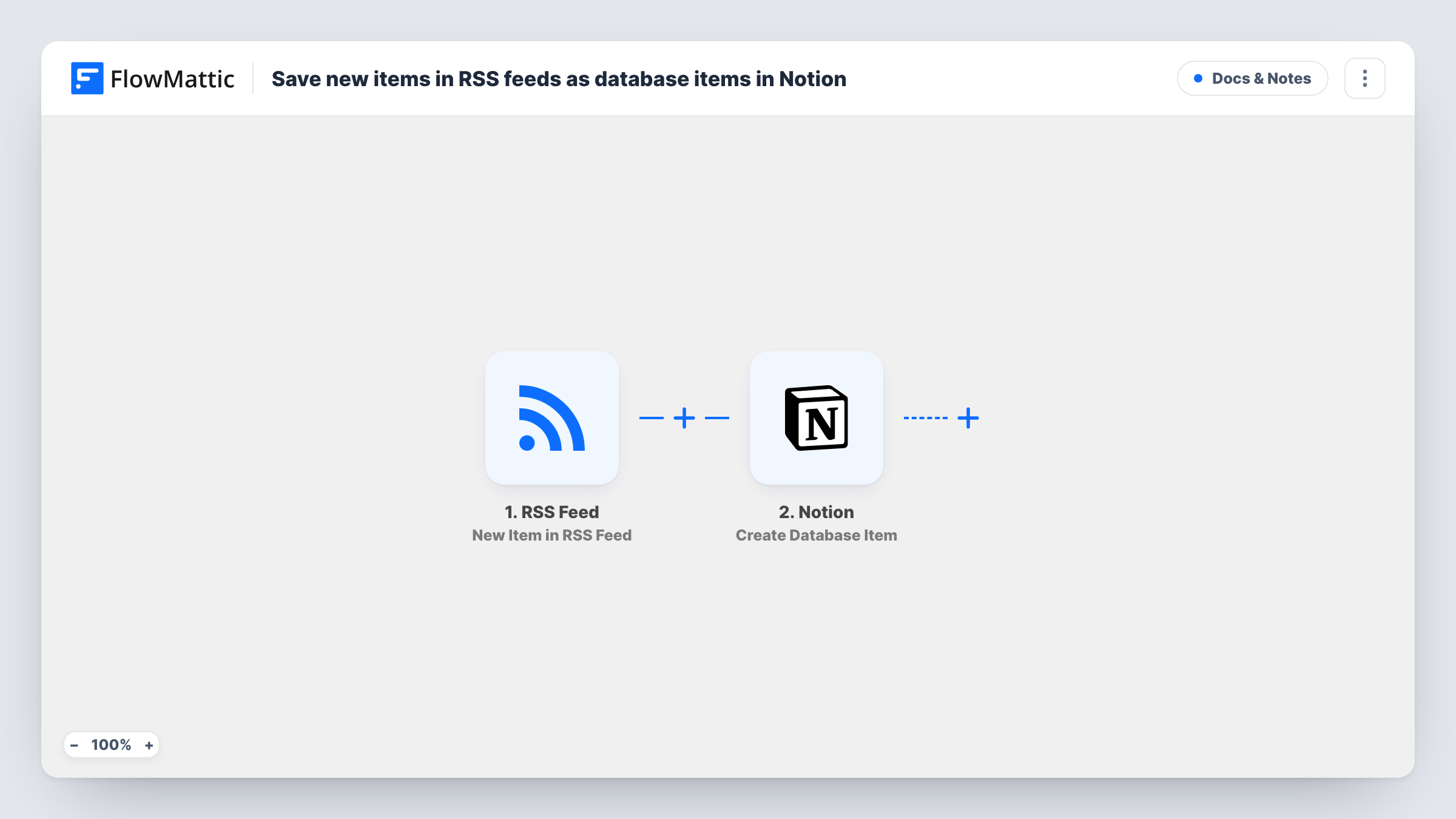
The RSS Feed trigger watches the feed URL you set and fires on each new item, passing along what the feed provides, such as the title and link. The Notion step then runs Create Database Item, adding an entry to the database you choose with those details mapped to its properties.
As imported, the trigger follows one feed. To cover several, switch to the New Item in Multiple RSS Feeds trigger or duplicate the workflow per feed. Every new item creates an entry; existing entries are left alone. Task History lists each item received and the Notion entry made from it.
Research reading list
Follow an industry blog's feed, and every new post lands in a Notion reading list where you mark it read and jot down takeaways.
Newsletter curation
Items from a news site's feed collect in a Notion database. Before each issue, you pick the best links by adding a checkbox or tag in Notion.
Competitor release tracking
A competitor's changelog or press feed fills a Notion table your product team reviews in its weekly meeting.
How this workflow runs
What happens at each step once the workflow is on, and what you need before you import it.
 RSS Feed New Item in RSS Feed
Fires when a new item appears in the RSS feed you point it at. The item's details, as the feed supplies them, become fields to map into Notion.
- Notion Create Database Item
Adds an entry for the feed item to whichever Notion database you select. Connect Notion, give the connection access to that database, and map the item's details to its properties.
What you need
- FlowMatticCore
- Notion AccountAccount
After importing, map your own data. To keep the template universal, not every step is pre-filled. Open each step in the builder and connect your accounts and fields (channels, lists, sheets, recipients) before you switch the workflow on.
Make it yours
Changes worth making after you import it.
- Set up the Notion database first with properties for the details you want, such as a title, a URL property for the link and a date, then map the feed fields to them.
- Add a Filter after the trigger that continues only when the item's title contains a keyword, so the database holds only the topics you follow.
- Swap the trigger for New Item in Multiple RSS Feeds if you want several sources feeding the same Notion database from one workflow.
Questions about this workflow
Does the workflow save items already in the RSS feed?
It is built for new items. Check a test run after import to see how the trigger treats the feed's current items before you rely on the database being complete.
Can one workflow save items from several RSS feeds to Notion?
Not as imported, since the trigger watches one feed. FlowMattic also has a New Item in Multiple RSS Feeds trigger you can switch to.
Why doesn't my Notion database appear in the RSS workflow's Notion step?
The FlowMattic connection can only see what you granted it in Notion. Give it access to the database there, then reload the step and select it.
Is the full article copied into Notion?
Only what the feed provides and you map. Many feeds include a title, link and summary rather than the whole text; check a test item to see what yours sends.
More Docs & Notes workflows
Other ready-to-import templates from the same category.





Import this workflow into your WordPress site
Download the JSON, import it from the Workflows screen and connect your accounts. Every run stays on your server, with no per-task fees.
30-day money-back guarantee Unlimited workflows and runs Self-hosted