

Create a Todoist task from a triggered Pushcut action
When an action is executed in Pushcut, this workflow creates a task in Todoist, so a tap on a phone notification or shortcut turns into a to-do on your list.
 Pushcut
 Todoist
2 steps Setup ~5 min Used on 689 sites Productivity Free to import
What this workflow does
Pushcut lets you act on notifications and shortcuts from your iPhone with a tap. Often the thing you tapped for still needs doing later, and it belongs on your to-do list rather than in your head. This workflow writes it there.
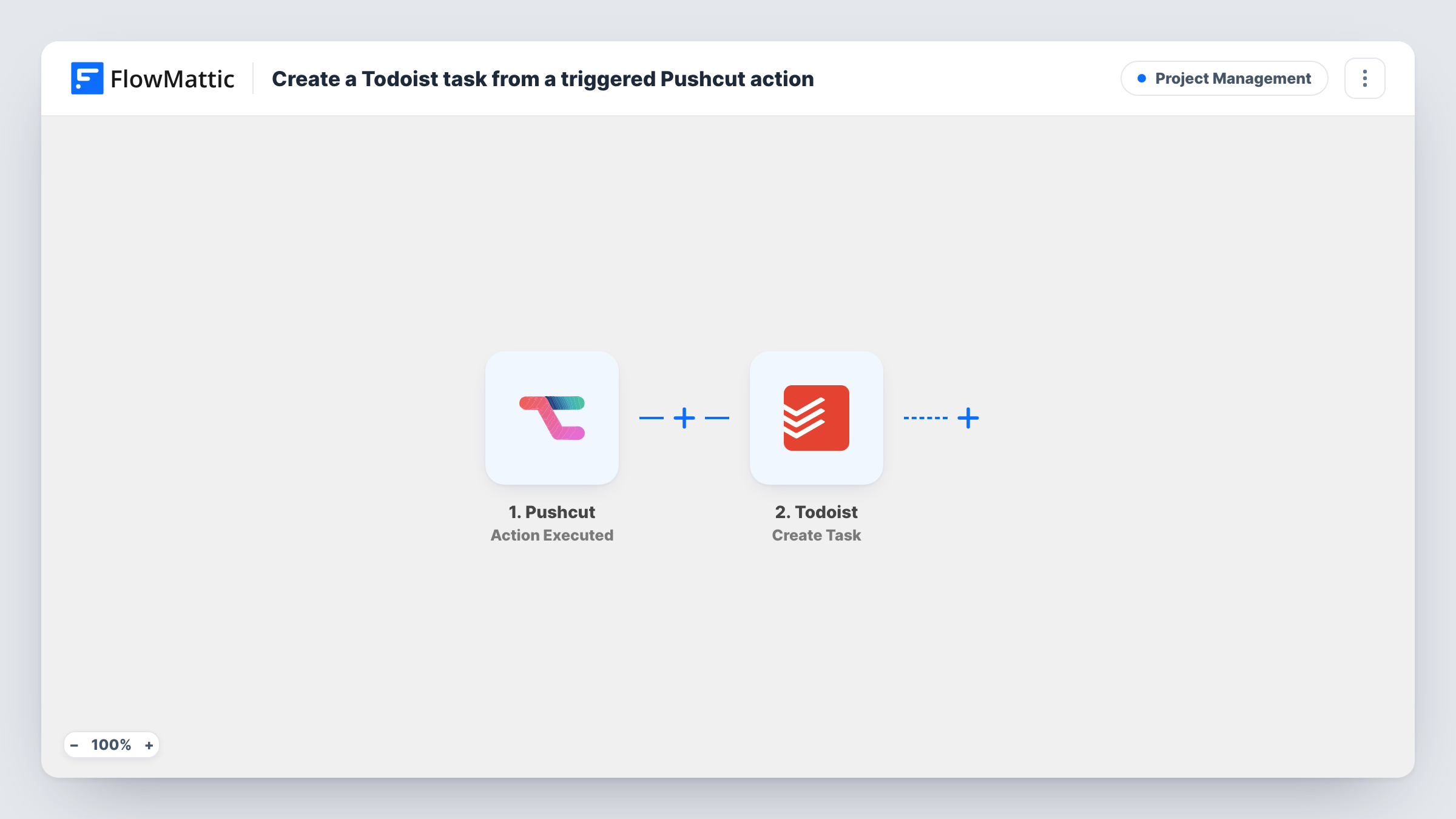
The Pushcut trigger fires when an action is executed and passes along the data Pushcut sends for it. FlowMattic then adds a to-do for it in Todoist. You choose where it goes and write the task content, either as fixed text or with values from the Pushcut action mapped in.
Every executed action starts one run and adds one task. If you have several Pushcut actions and only some should become tasks, add a Filter after the trigger. Task History lists each run, so you can see what Pushcut sent and what Todoist created.
Follow up on a delivery notification
A Pushcut notification tells you a parcel arrived. Tapping its action adds a Todoist task to check the order and file the receipt.
Capture a reminder away from your desk
Run a Pushcut action from a shortcut on your phone, and a task such as calling a client back is waiting in Todoist when you get back to work.
Turn a server alert into work
An alert reaches your phone through Pushcut. Tapping the action creates a task so the fix gets scheduled and is not forgotten.
How this workflow runs
What happens at each step once the workflow is on, and what you need before you import it.
 Pushcut Action Executed
Runs when an action is executed in your Pushcut account. Whatever data Pushcut sends with that action becomes available to map into Todoist.
- Todoist Create Task
Adds the Pushcut action to your Todoist list as a fresh task. Connect your Todoist account, choose where the task lands, and write its content using fixed text or values from the Pushcut action.
What you need
- FlowMatticCore
- Pushcut AccountAccount
- Todoist AccountAccount
After importing, map your own data. To keep the template universal, not every step is pre-filled. Open each step in the builder and connect your accounts and fields (channels, lists, sheets, recipients) before you switch the workflow on.
Make it yours
Changes worth making after you import it.
- Execute one Pushcut action after import so FlowMattic captures what it sends, then use those values in the Todoist task text.
- Add a Filter after the trigger that checks which Pushcut action ran, so only the actions you pick create Todoist tasks.
- Use a Router with a Todoist step on each route to send tasks from different Pushcut actions to different projects.
Questions about this workflow
Which Pushcut actions start this workflow?
The trigger fires when an action is executed in your connected Pushcut account. Add a Filter if you want to limit it to particular actions.
Can the Todoist task include details from the Pushcut notification?
Yes, if Pushcut includes them in the data it sends. Run a test to see which fields arrive, then map them into the task.
Will tapping the same Pushcut action twice create two Todoist tasks?
Yes. Each executed action is a separate run, and the Todoist step creates a new task every time.
More Project Management workflows
Other ready-to-import templates from the same category.








Import this workflow into your WordPress site
Download the JSON, import it from the Workflows screen and connect your accounts. Every run stays on your server, with no per-task fees.
30-day money-back guarantee Unlimited workflows and runs Self-hosted