

Create a Todoist task to follow up on every new Basin submission
Each new Basin form submission creates a Todoist task, so every enquiry from your site turns into a follow-up item on your list instead of waiting in an inbox until someone remembers it.
 Basin
Basin
 Todoist
2 steps Setup ~5 min Used on 1.3k sites Productivity Free to import
What this workflow does
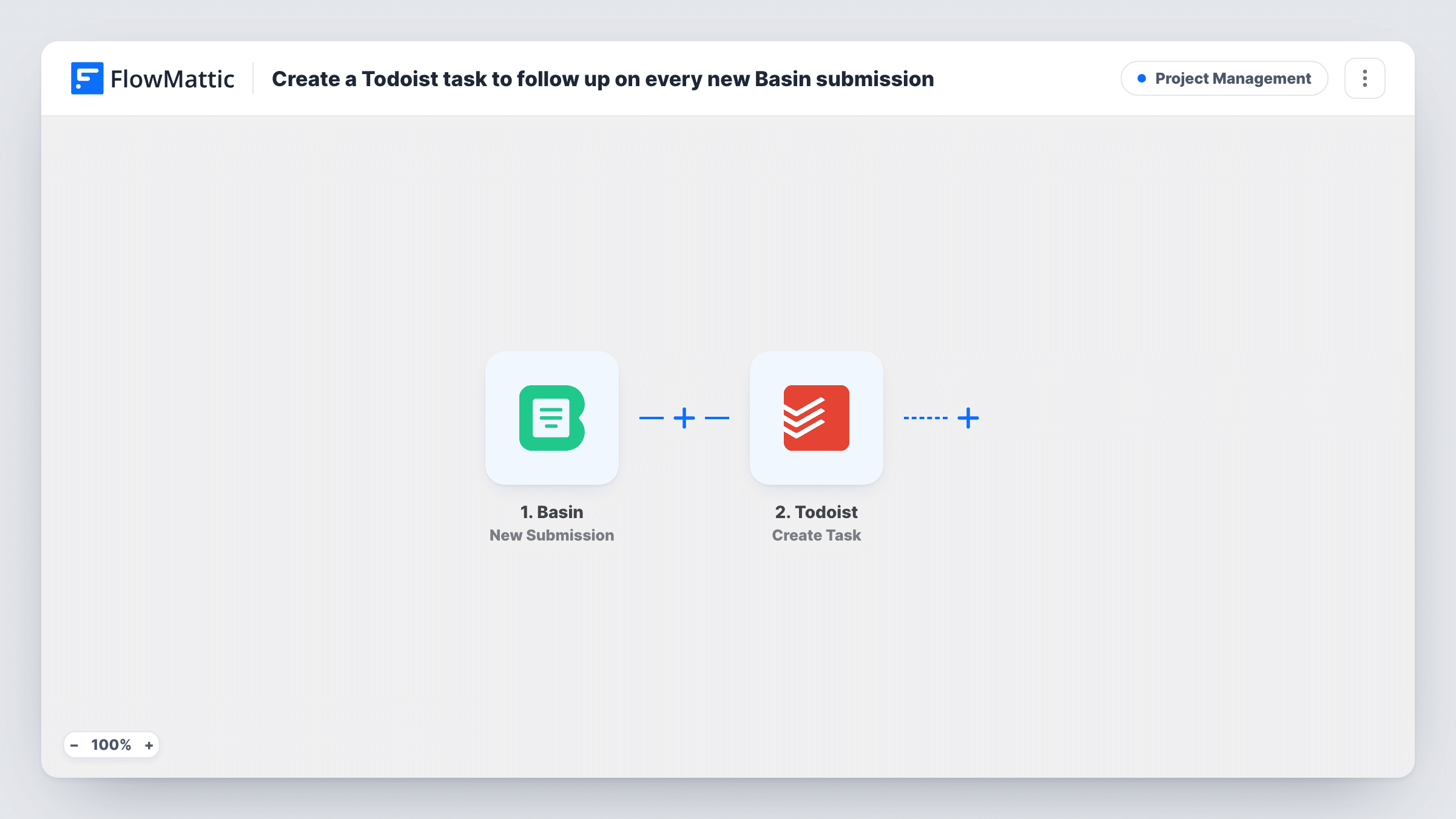
Basin collects your site's form submissions, but a submission is not the same as a reply. If the follow-up depends on someone noticing a notification email, enquiries slip. This workflow puts a task in Todoist for every new submission, so following up becomes part of your to-do list.
The Basin trigger, New Submission, starts a run when one of your forms receives a submission. Each answer from the form, such as name, email and message, can be mapped in the next step.
The Todoist step runs Create Task. You build the task text from the submission, for example "Reply to" followed by the person's name, and put the rest of their answers where they help you act. Each submission makes one task, with no checks for repeats, so two messages from the same person give two tasks. Task History shows every run and Todoist's response.
Freelancer handling project enquiries
A designer's portfolio site posts its enquiry form to Basin, and each message becomes a Todoist task to reply within the day.
Callback requests on a landing page
A Basin form asking for a callback adds a task with the caller's name and number, so the person making calls works from Todoist.
Small team sharing a Todoist project
Submissions land as tasks in a shared Todoist project, and whoever picks one up completes it after replying.
How this workflow runs
What happens at each step once the workflow is on, and what you need before you import it.
 Basin New Submission
Starts a run each time your Basin form receives a new submission. The submitted answers are passed to the Todoist step, ready to use in the task text.
- Todoist Create Task
Creates a task in Todoist from the Basin submission. Connect Todoist and map the person's name and message into the task, with any other answers you need to follow up.
What you need
- FlowMatticCore
- Basin AccountAccount
- Todoist AccountAccount
After importing, map your own data. To keep the template universal, not every step is pre-filled. Open each step in the builder and connect your accounts and fields (channels, lists, sheets, recipients) before you switch the workflow on.
Make it yours
Changes worth making after you import it.
- Put the person's email or phone in the Todoist task text, so you can reply straight from the task without opening Basin.
- Add a Filter after the trigger to create tasks only for some submissions, for example when a subject dropdown equals Sales.
- Submit a test entry to the Basin form after import so FlowMattic captures each field, then map them in Todoist before you go live.
Questions about this workflow
Which Todoist project does the task go to?
Check the Todoist step after import. If it lets you choose a project, pick one there; otherwise the task lands wherever Todoist puts new tasks by default.
Does the task close when I reply to the Basin submission?
No. Basin and Todoist aren't linked after the task is made. You complete it in Todoist once you've followed up.
Will the same person get two Todoist tasks?
Yes, if they submit twice. Every Basin submission is its own run and creates its own task.
Do older Basin submissions become tasks?
No. Only submissions received after you turn the workflow on create a task.
More Project Management workflows
Other ready-to-import templates from the same category.





Import this workflow into your WordPress site
Download the JSON, import it from the Workflows screen and connect your accounts. Every run stays on your server, with no per-task fees.
30-day money-back guarantee Unlimited workflows and runs Self-hosted