

Create a Todoist follow-up task when a GMass email is clicked
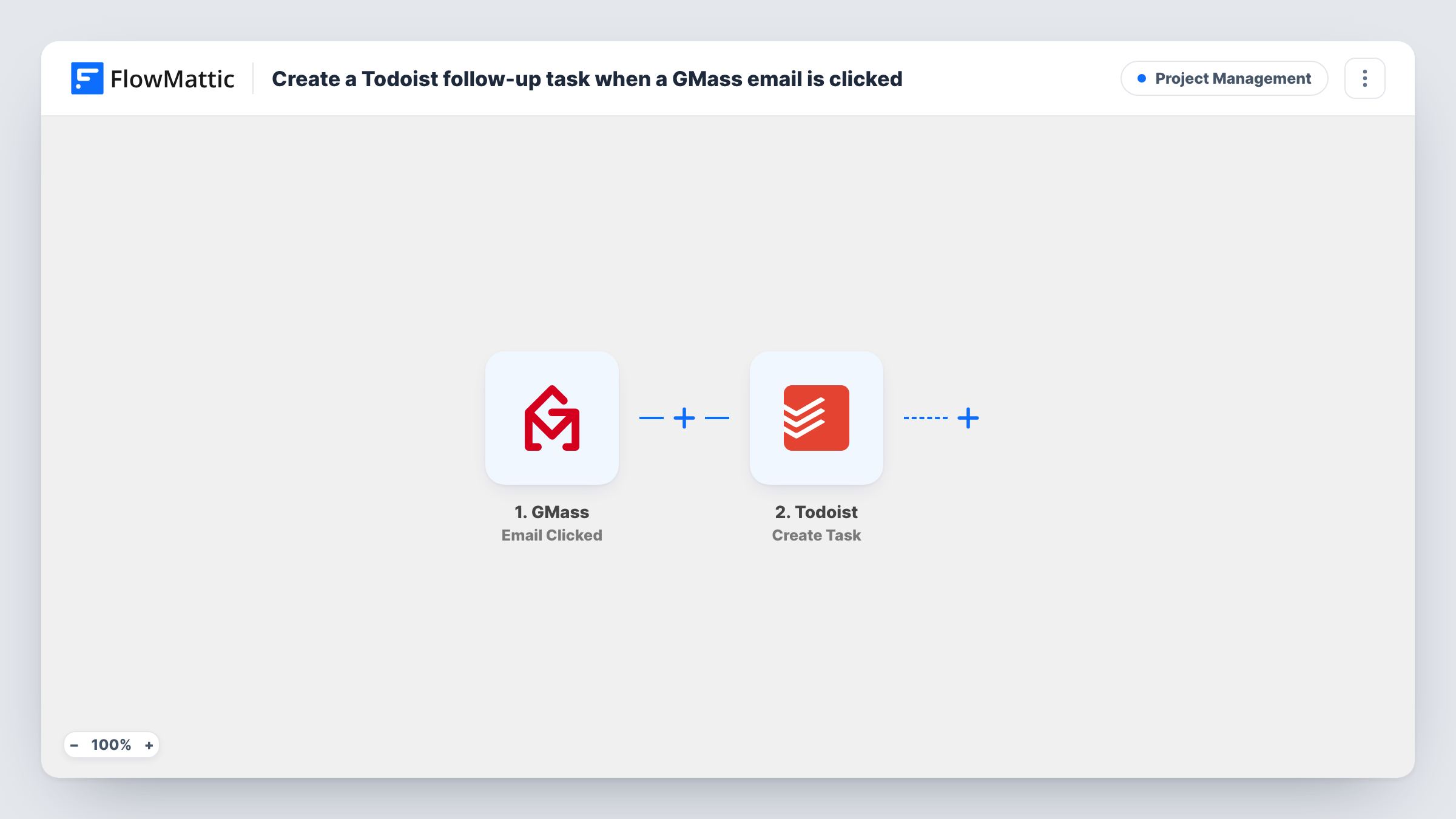
When a recipient clicks a link in one of your GMass emails, this workflow adds a task to Todoist with the click details you map, so following up with interested contacts sits in your to-do list.
 GMass
GMass
 Todoist
2 steps Setup ~5 min Used on 882 sites Productivity Free to import
What this workflow does
A click in a campaign email is a sign that someone looked at your offer. Spotting those clicks in GMass reports and remembering to follow up is easy to miss on a busy day. This workflow puts a follow-up task in Todoist each time a link is clicked.
The GMass trigger is Email Clicked, which fires when a link in one of your emails is clicked. FlowMattic receives the details GMass sends about that click. The next step runs Create Task in Todoist, and you map those details into the task so it says who clicked and what they were sent.
Each click starts its own run. If one person clicks two links, or the same link twice, you may get more than one task for them, since the template has no Filter or duplicate check. Run a test campaign to yourself after import to see which values GMass passes. Task History lists every run and what was sent to Todoist.
Sales follow-up on a pricing link
You send a GMass campaign that links to your pricing page. Each click becomes a Todoist task reminding you to contact that prospect.
Freelancer pitching to editors
A writer pitches story ideas by GMass. When an editor clicks the portfolio link, a Todoist task prompts a polite follow-up email.
Event invitations
Clicks on the registration link in your invite produce tasks, so you can check who clicked and send a reminder to anyone who did not sign up.
How this workflow runs
What happens at each step once the workflow is on, and what you need before you import it.
 GMass Email Clicked
Fires when a recipient clicks a link in an email sent with GMass. The click details GMass provides are passed to the Todoist step for mapping.
- Todoist Create Task
Creates a new task in your Todoist account for the click. Connect Todoist and map GMass details into the task, such as the recipient's email. A test run shows which task details the step accepts.
What you need
- FlowMatticCore
- GMass AccountAccount
- Todoist AccountAccount
After importing, map your own data. To keep the template universal, not every step is pre-filled. Open each step in the builder and connect your accounts and fields (channels, lists, sheets, recipients) before you switch the workflow on.
Make it yours
Changes worth making after you import it.
- Add a Filter after the trigger so only clicks on one link create tasks, for example when the clicked URL contains your pricing page path. Check the trigger data for the value to compare.
- Put the recipient's email address at the start of the task text, so you can see at a glance who to contact without opening each task.
- Add a Delay before the Todoist step if you would rather the task appear a day after the click, giving the contact time to reply on their own first.
Questions about this workflow
Will one GMass recipient who clicks several times create several Todoist tasks?
It can. Each click event starts a run, and the template does not check for an existing task. Add a Filter on the link if you only care about one.
Do opens in GMass also create Todoist tasks?
No. This workflow uses the Email Clicked trigger only. Opens and replies have their own GMass triggers that you could use in a separate workflow.
Will clicks from GMass campaigns sent before the import create Todoist tasks?
Only clicks made while the workflow is turned on start a run, even on an email from an older campaign. Clicks from before you switched it on are not picked up.
Can the follow-up task land in a specific Todoist project?
Open the Todoist step once you have imported the workflow and look for a project option. If one is offered, pick your follow-up project; if not, the task lands wherever Todoist places new tasks by default.
More Project Management workflows
Other ready-to-import templates from the same category.






Import this workflow into your WordPress site
Download the JSON, import it from the Workflows screen and connect your accounts. Every run stays on your server, with no per-task fees.
30-day money-back guarantee Unlimited workflows and runs Self-hosted