

Create a Zoho Billing invoice when a new Stripe payment succeeds
Each successful Stripe charge creates a customer in Zoho Billing and then a one-time invoice for that customer, so your billing records carry a document for payments taken in Stripe.
 Stripe
 Zoho Billing
3 steps Setup ~5 min Used on 1.3k sites Free to import
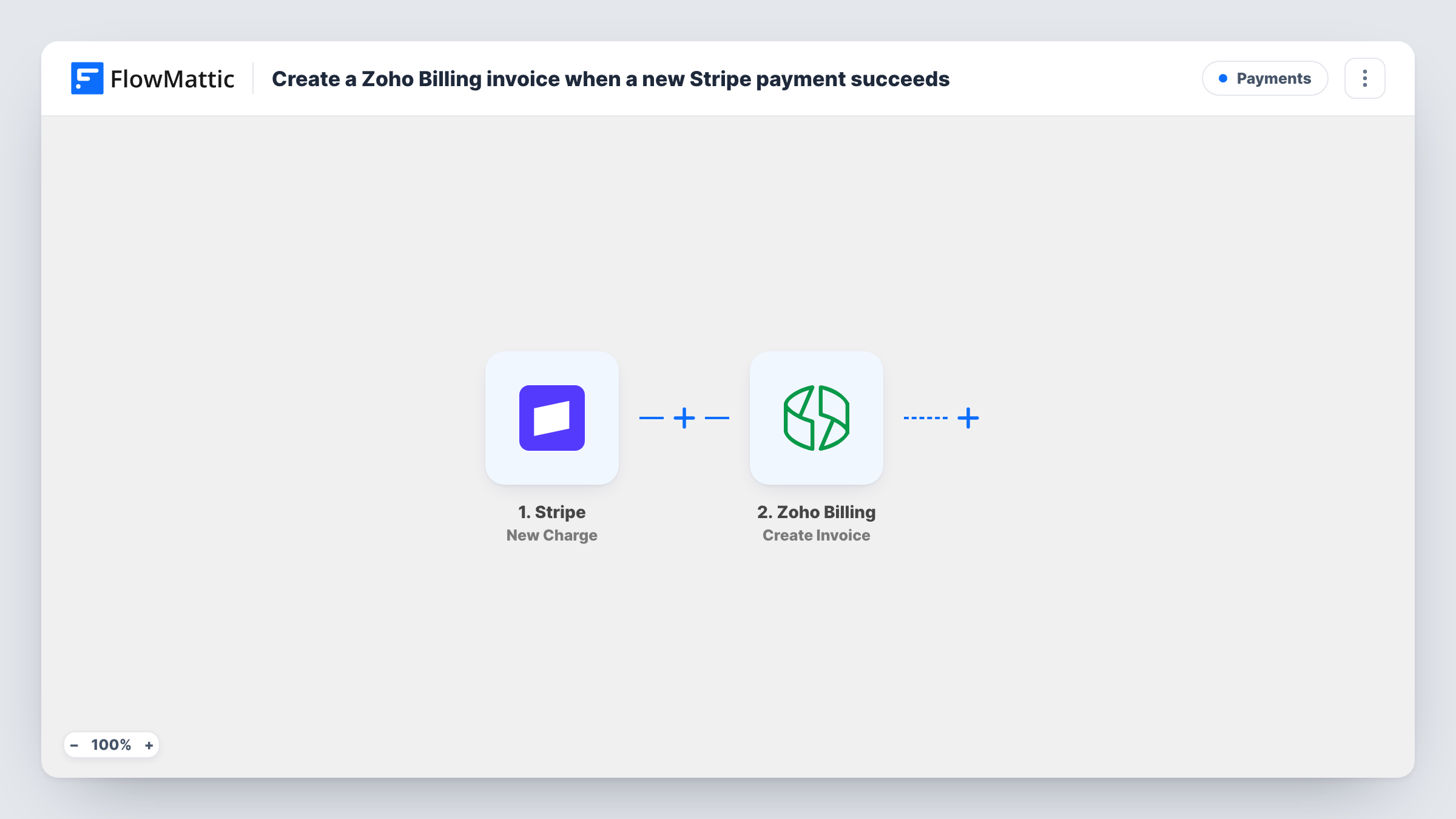
What this workflow does
If you take payments through Stripe but keep accounts and customer documents in Zoho Billing, each charge has to be keyed in twice. This workflow does the entry for you: a successful Stripe charge becomes a Zoho Billing customer and an invoice in that customer's name.
The Stripe New Charge trigger fires whenever a new charge is created and is successful, and passes the charge data on, including the amount and currency. The first Zoho Billing step creates a customer from the payer's details. The second creates a one-time invoice for that customer, using the customer ID from the step before.
Both Zoho Billing steps ship unmapped. After import you map the payer's name and email into Create Customer, then map the new customer's ID, a line item and the charge amount into Create Invoice. Charges don't always carry an email or name, so look at a test charge first. If they are missing, Stripe's Find Customer by ID can fetch them from the charge's customer.
Two things to plan for. Create Customer runs on every charge, so a returning payer reaches it again and Zoho Billing may refuse or duplicate the record. And the invoice records what was sold, not the Stripe payment itself. Task History shows Zoho Billing's reply for every step.
Invoices for payments taken by link
A consultant sells workshops through Stripe Payment Links and wants each sale to appear as a Zoho Billing invoice for the accountant.
One-off services next to subscriptions
A SaaS company already runs plans in Zoho Billing and uses this workflow to document the one-time setup fees it charges in Stripe.
Customer records for new buyers
A small studio's first-time Stripe buyers become Zoho Billing customers, so later quotes and invoices can be raised to the same record.
How this workflow runs
What happens at each step once the workflow is on, and what you need before you import it.
 Stripe New Charge
Fires when a new Stripe charge is created and succeeds. The charge's amount, currency and billing details are passed on; check a test charge for the payer's name and email.
- Zoho Billing Create Customer
Creates a new customer in Zoho Billing from the Stripe payer's details. The step ships unmapped: map the name and email after import, and test with a payer who isn't in Zoho Billing yet.
- Zoho Billing Create Invoice
Creates a one-time invoice for the customer the previous step made. Map that customer's ID, then map a line item and the charge amount from Stripe into the invoice.
What you need
- FlowMatticCore
- Stripe AccountAccount
- Zoho Billing AccountAccount
After importing, map your own data. To keep the template universal, not every step is pre-filled. Open each step in the builder and connect your accounts and fields (channels, lists, sheets, recipients) before you switch the workflow on.
Make it yours
Changes worth making after you import it.
- Add Zoho Billing's Record Payment action after Create Invoice and map the charge amount, so the invoice shows as paid by the Stripe payment.
- Put a Filter between the Stripe trigger and Create Customer on the charge description or amount if only some payments should be invoiced, and pick the condition from a test charge.
- Stripe amounts arrive in the smallest currency unit, such as cents. Divide by 100 with a Maths by FlowMattic step between the trigger and Create Invoice before mapping the price.
Questions about this workflow
What happens when a returning Stripe customer pays again?
Create Customer runs again with the same details, and Zoho Billing may refuse it or create a second record. Task History shows which happened. Test with an address already in Zoho Billing before going live.
Is the Zoho Billing invoice marked as paid?
Not by this template. It only creates the invoice. Add Zoho Billing's Record Payment step after it to record the Stripe charge against the invoice.
Do Stripe subscription renewals create invoices too?
Any successful charge fires New Charge, including those Stripe makes for subscriptions. If you only want one-off payments invoiced, put a Filter between the Stripe trigger and Create Customer on a charge field that tells them apart.
Does Zoho Billing email the invoice to the customer?
This workflow doesn't send it. FlowMattic's Zoho Billing integration has an Email Invoice action you can add after Create Invoice if the customer should receive it.
More Payments workflows
Other ready-to-import templates from the same category.







Import this workflow into your WordPress site
Download the JSON, import it from the Workflows screen and connect your accounts. Every run stays on your server, with no per-task fees.
30-day money-back guarantee Unlimited workflows and runs Self-hosted